Instagram filter used: Lo-fi
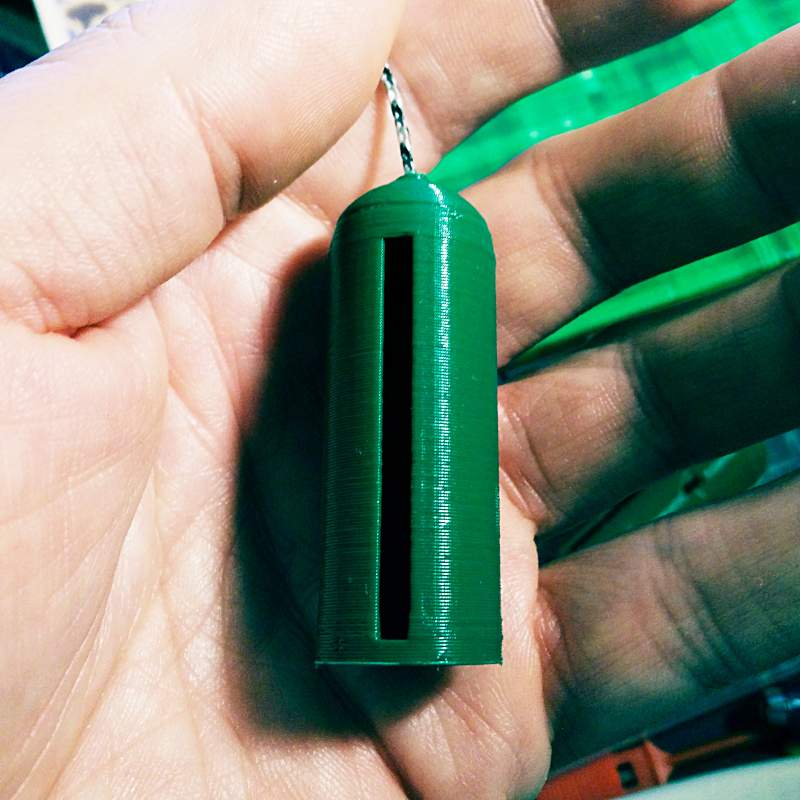
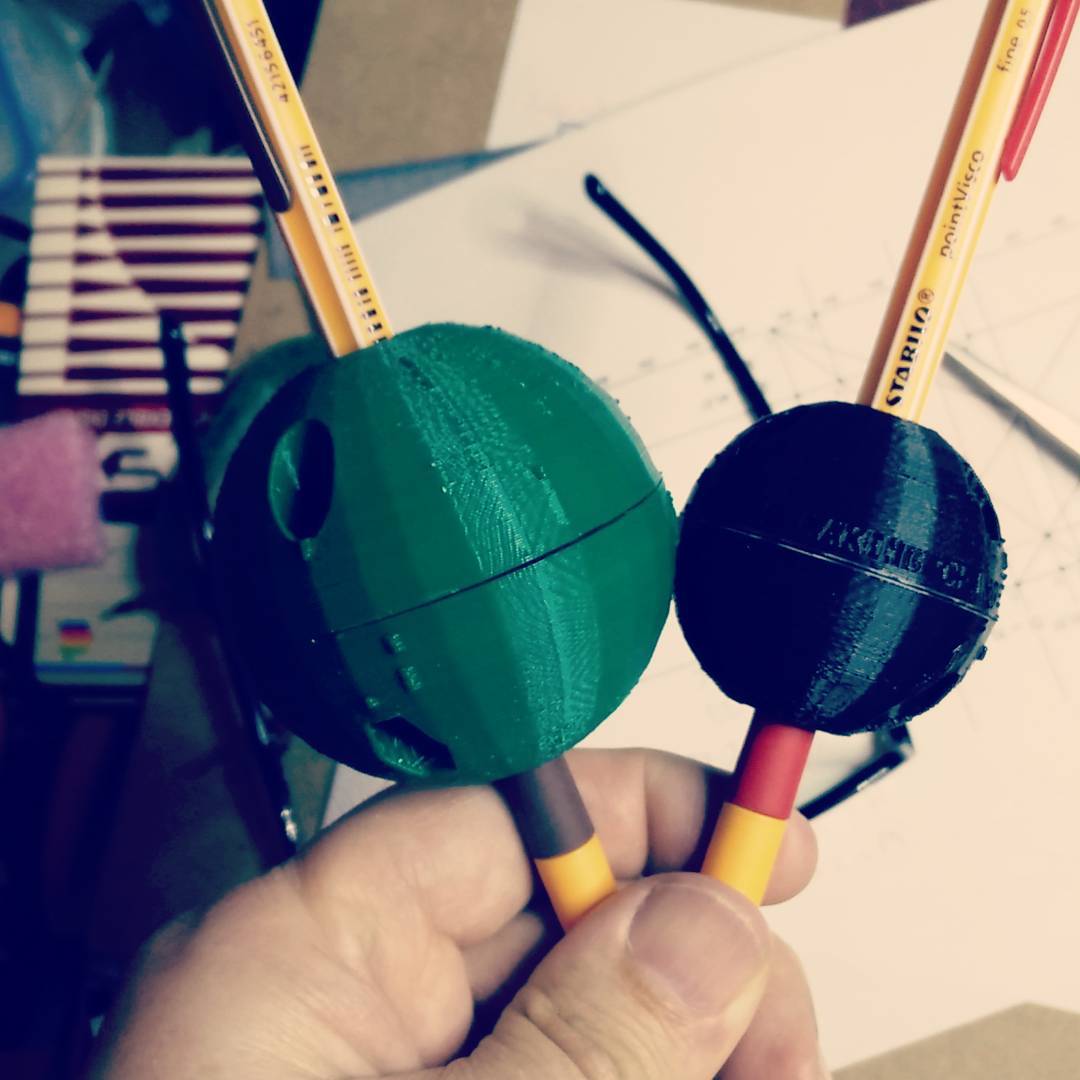
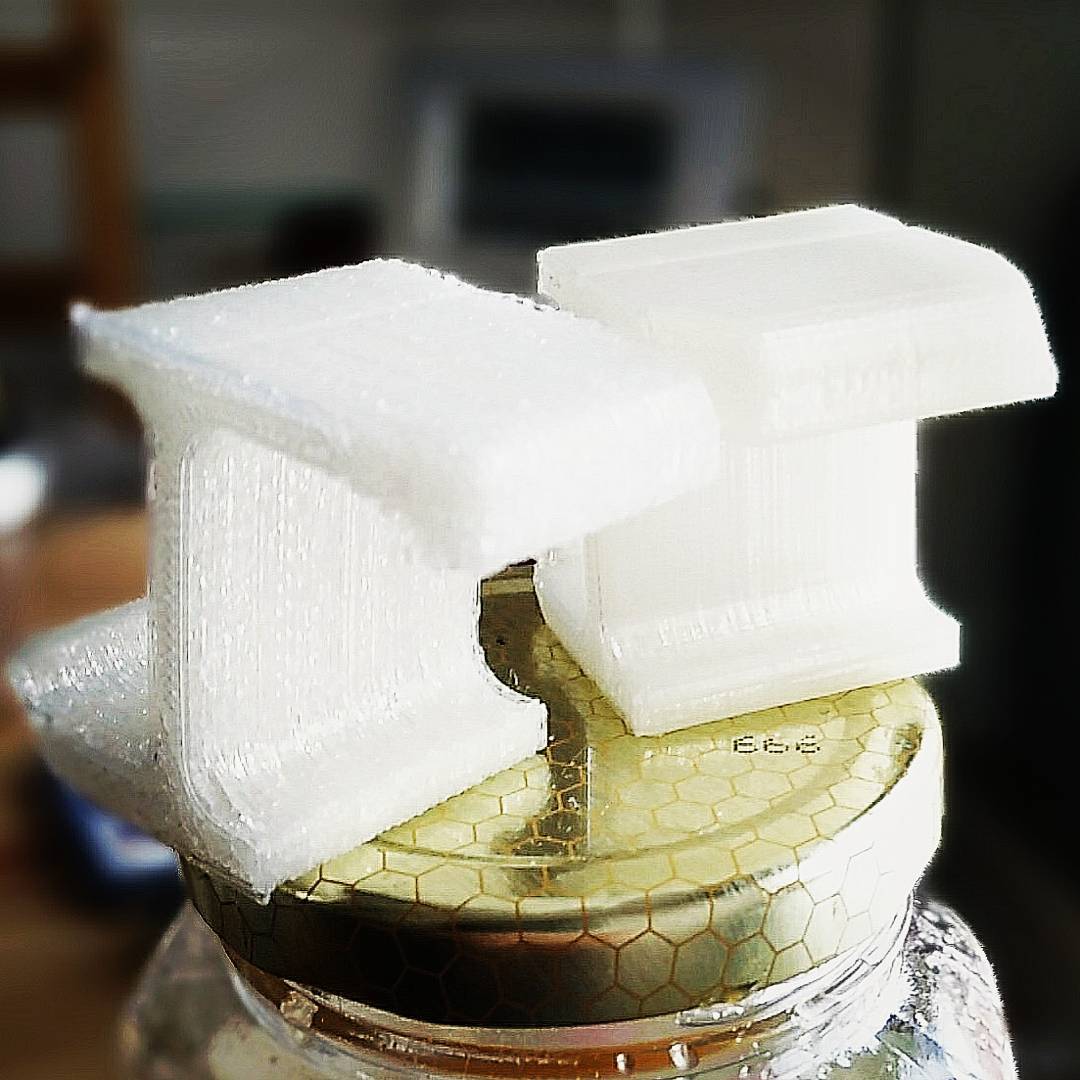
This is one of those toys that you whirl around on a piece of string and it makes a chirping sound like a flock of sparrows. I have no idea what they’re called, so I called it birb_chirper.
Printer: Reach 3D
Rafts: Doesn’t Matter
Supports: Doesn’t Matter
Resolution: 0.3 mm
Infill: 0%
Notes: This is a thin-walled model, so use at least two shells and no infill for smooth walls.
Take a piece of thin string about 1 metre long (I used micro-cord, very fine paracord), pass it through the hole in the tip, then tie off a jam knot that’s big enough to stop in the hole in the top but still pass back through the slot in the side. Now whirl the thing around fast by the string, and it should start to chirp.
This is intended for the amusement of small children and the annoyance of adults.
The tip of this thing is an ogee curve. I’ve included my library for creating simple ogee and ogive profiles in OpenSCAD.
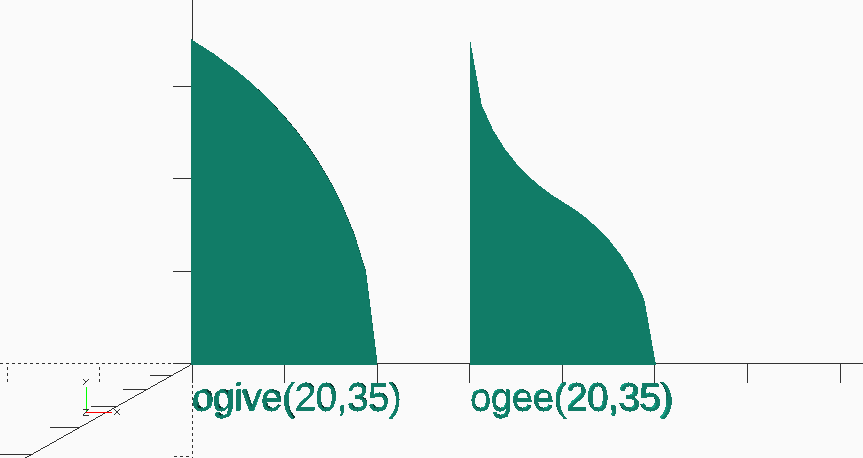
// ogive-ogee example
// scruss, 2018
use <ogive_and_ogee.scad>;
ogive(20, 35);
translate([0, -5])text("ogive(20,35)", size=3);
translate([30, 0])ogee(20, 35);
translate([30, -5])text("ogee(20,35)", size=3);
Download: Thingiverse —birb_chirper by scruss. Local copy: birb_chirper.zip

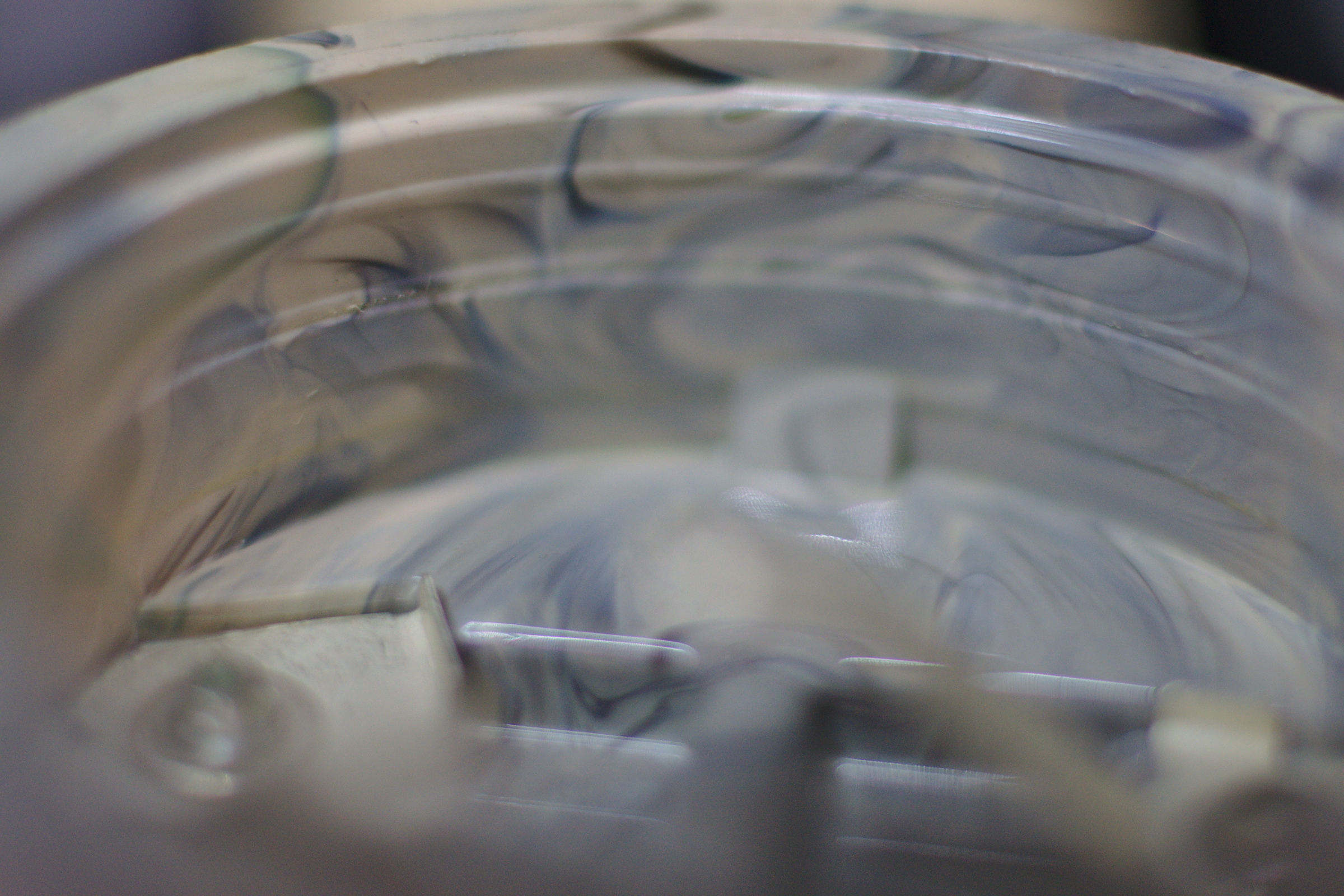


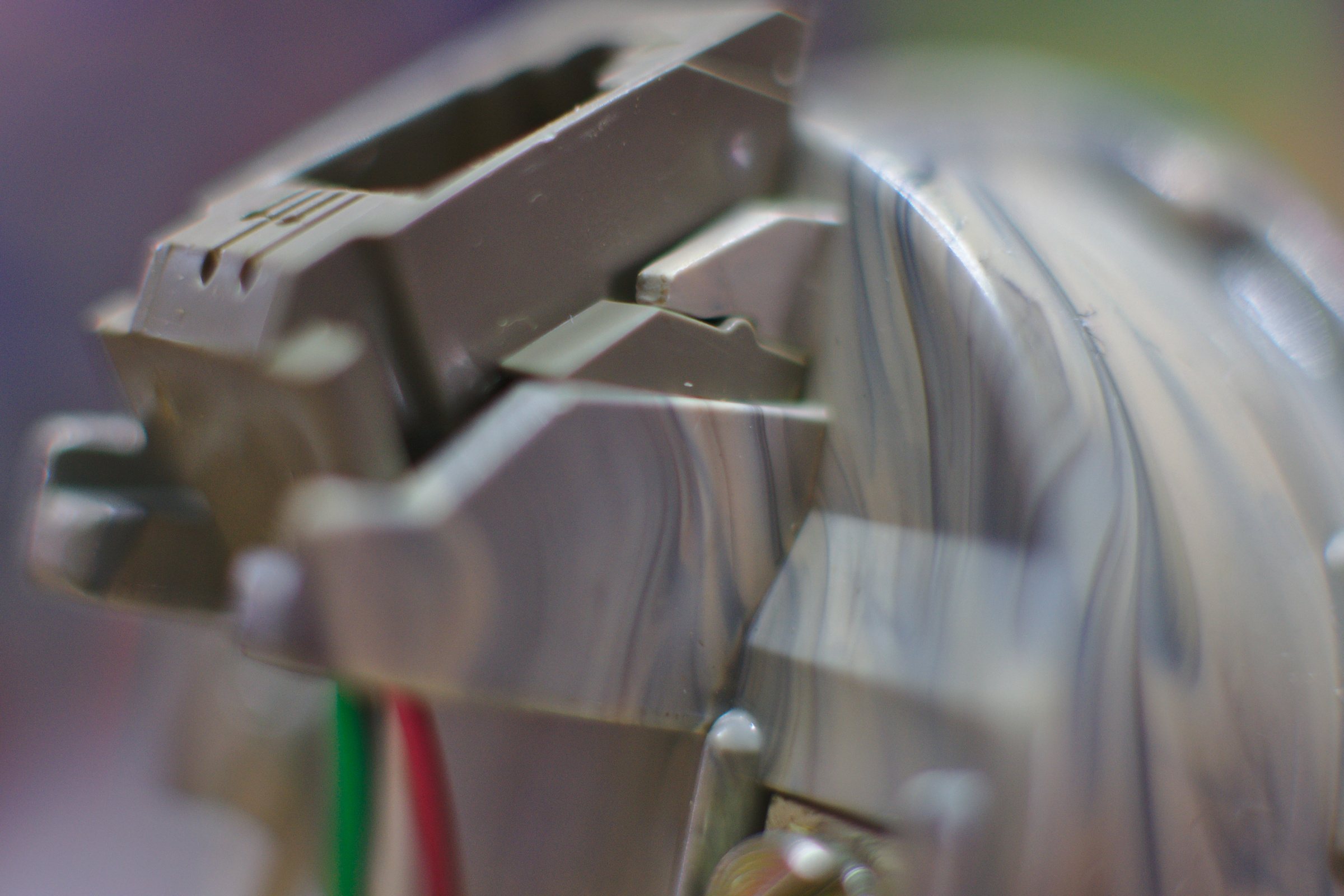
accidental marbling found in injection-moulded recycled plastic microphone cup in a 1984 Western Electric 2702 (Princess) telephone handset
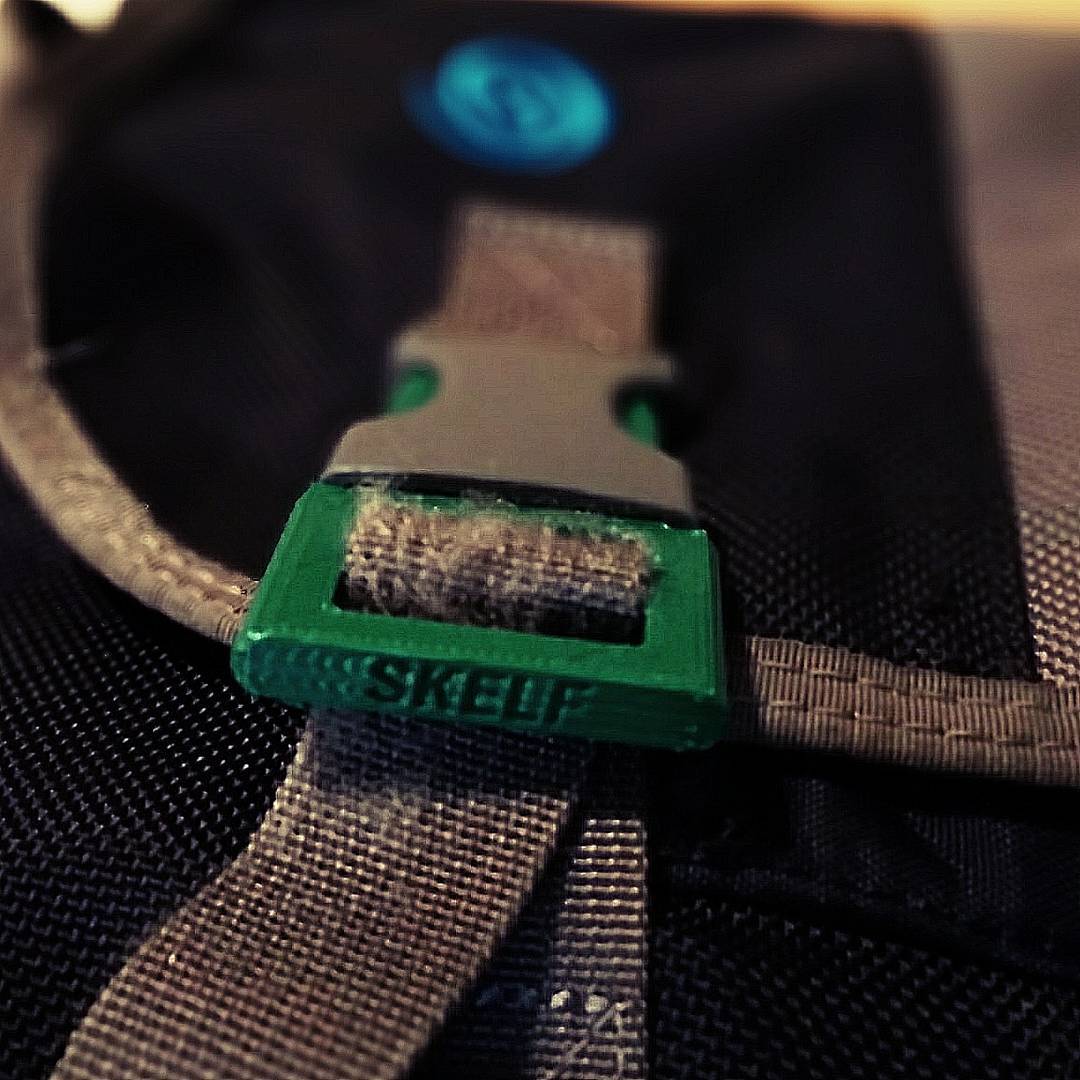
When both clips broke within a week on my Timbuk2 messenger bag, I knew I had to do something. This coincided with me fixing my 3d printer (it was the extruder feed: it was too loose all along!), so I was able to prototype a new clip.

The files are on Thingiverse: Messenger Bag Replacement 25 mm Webbing Clip, or there’s a local copy here: Messenger_Bag_Replacement_25_mm_Webbing_Clip.zip.
I might not have Amiberry — an optimized Amiga emulator for Raspberry Pi — running quite yet, but the build instructions at midwan/amiberry are a bit lacking. If you want to compile it under Raspbian Stretch, you’ll need the following packages:
sudo apt install libsdl2-dev libxml2-dev libxml2-utils libsdl2-ttf-dev libsdl2-image-dev
This will at least allow you to get it to build correctly with:
make -j2 PLATFORM=rpi3-sdl2-dispmanx
More later when/if I get it working.
The Unofficial CP/M Web site uses some very old file formats. As almost no-one can easily run Amà 3 to read the manuals these days, here are the CP/M 3.1 manuals from that site converted to PDF: