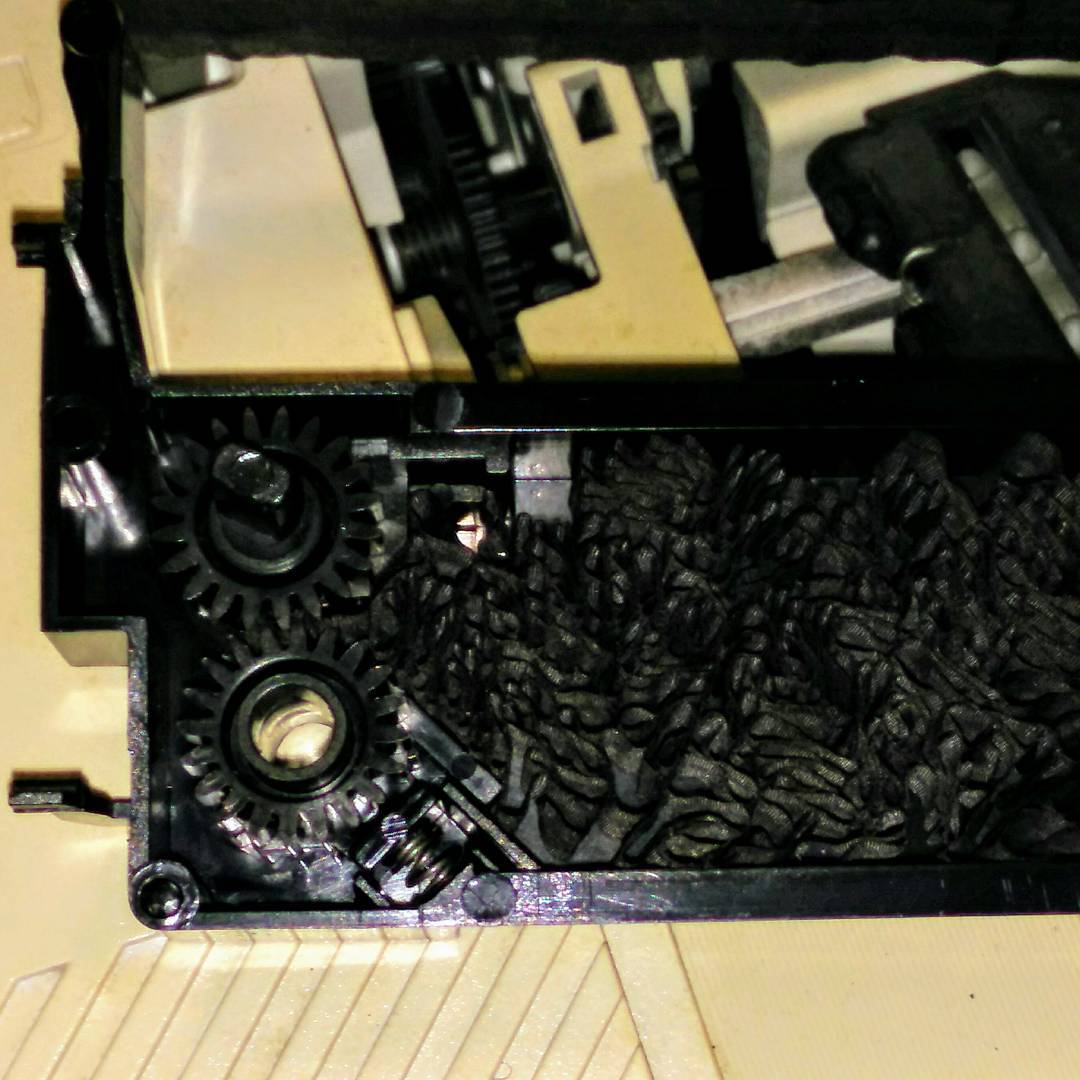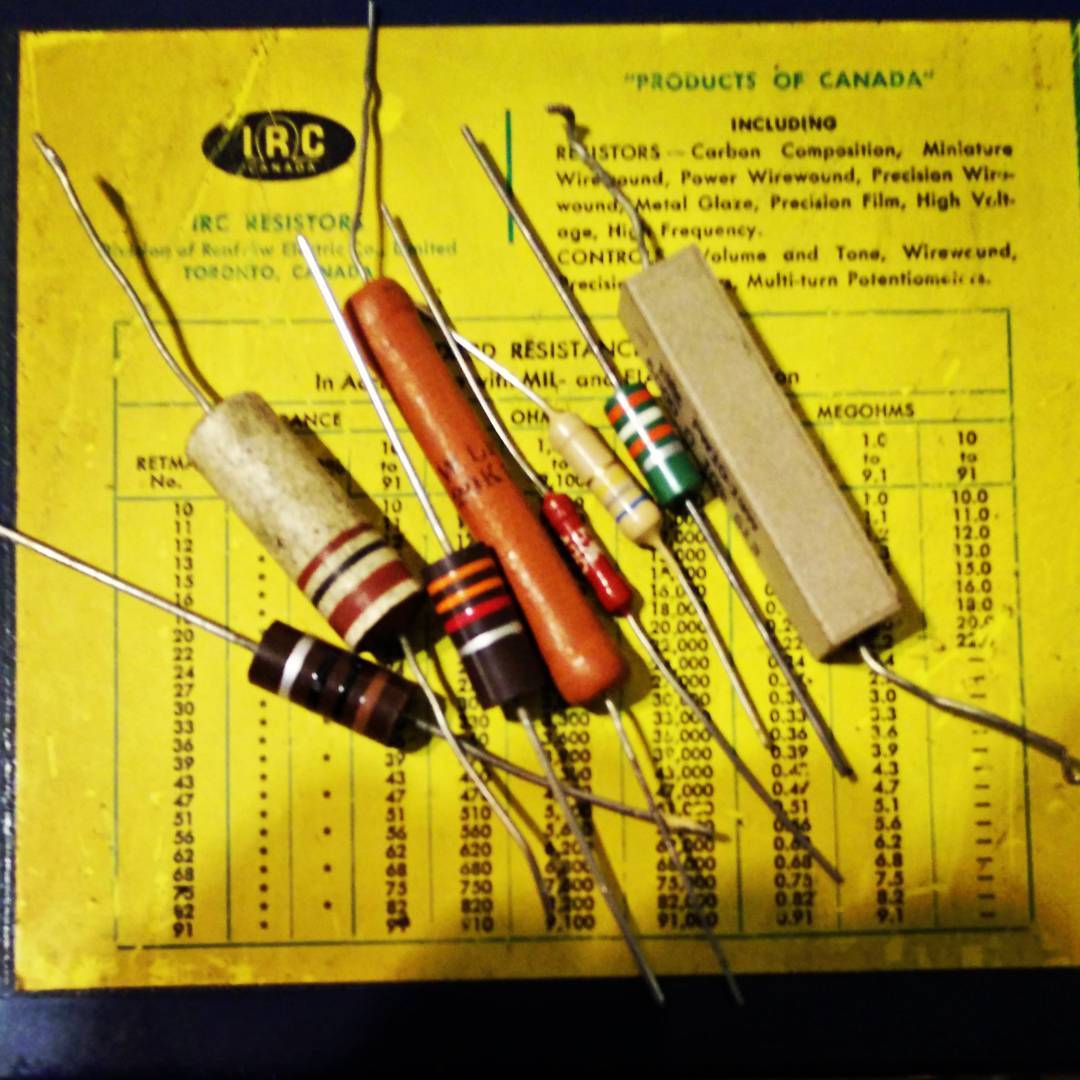
Instagram filter used: Lo-fi

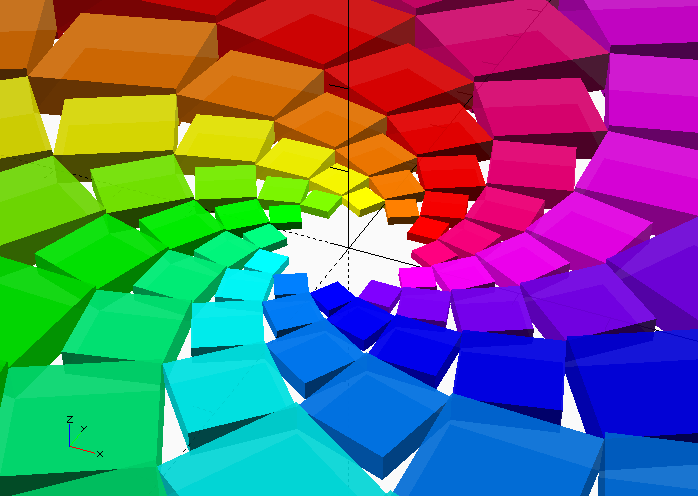
… except I just made it in OpenSCAD:
// 12-sided box flower - scruss, 2017

// uses HSV library
//  from https://www.thingiverse.com/thing:279951
//   function hsvToRGB(h, s, v, a)
use <hsvtorgb.scad>;

r = 10;
ulx = r * cos(60);
uly = r * sin(60);
lrx = r * cos(30);
lry = r * sin(30);
side = lrx - ulx;

for(j = [0:11]) {
    for(i = [0:11]) {
        color(hsvToRGB(i / 12, 1, (24 - j) / 24, (48 - j) / 48)) {
            rotate(j * 15) {
                scale(pow(sqrt(2), j)) {
                    rotate(i * 30) {
                        translate([ulx, lry]) {
                            square(side);
                        }
                    }
                }
            }       // a simple  joy that
        }           // python programmers
    }               // will  never   know
}
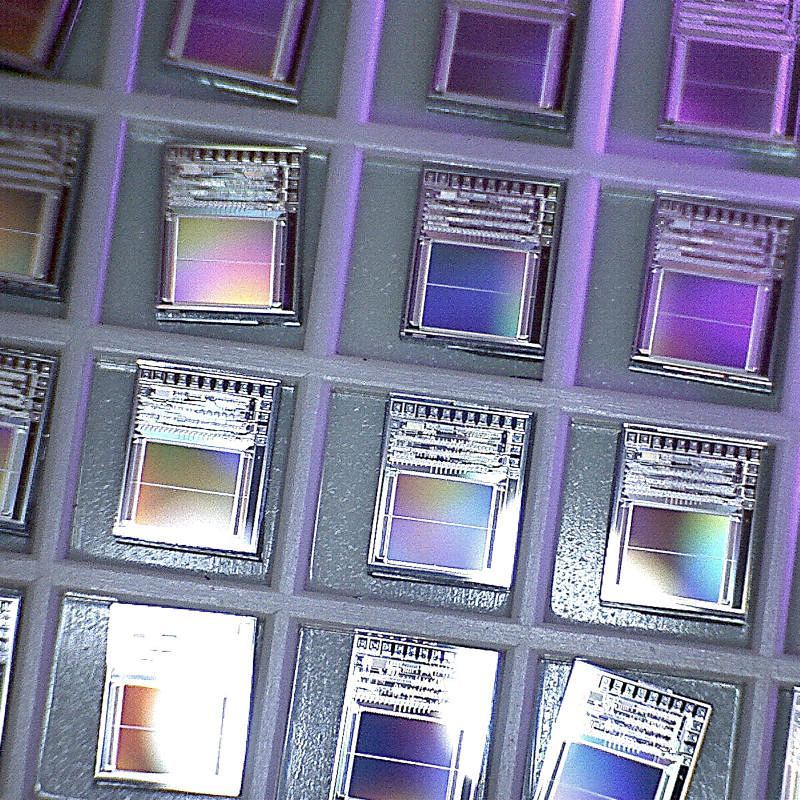
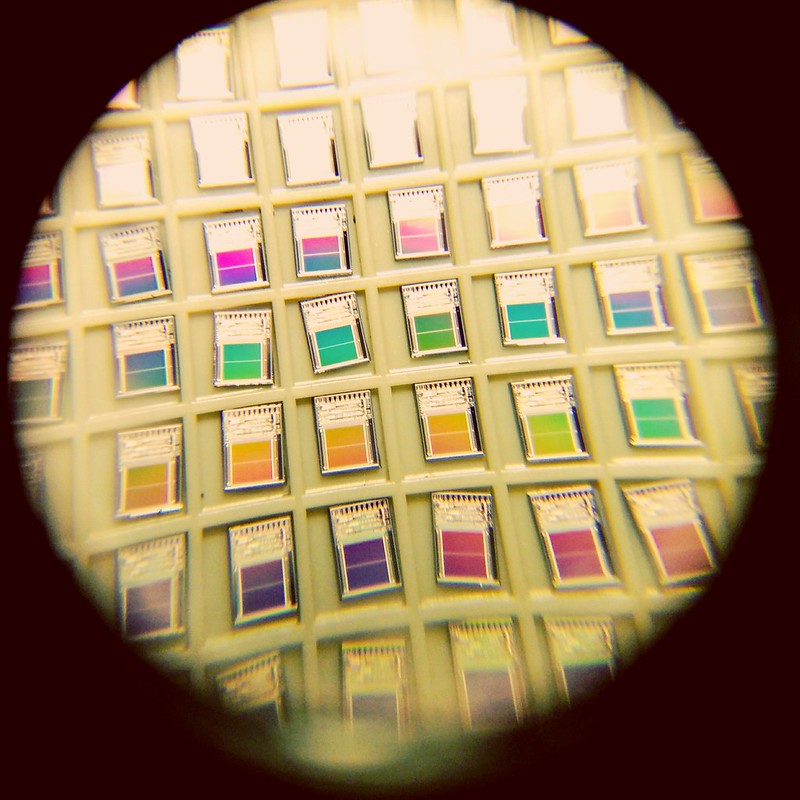
Picked up at Junk Independence Day, these are unencapsulated silicon chips. You can make out the solder pads around the top edges, and I think the two solid blocks are PROM storage. The chips are supposedly Mosel MSS1002-14T speech generator ROMs from 1991.
To give an idea of scale, the outside walls of each cell are 3.8 mm / 0.15ʺ.
Here’s another photo, taken through a very cheap 8× loupe with a cellphone camera:
I don’t know how many times I’ve written bad Arduino code to call a function every few milliseconds. Sometimes this bad code works well enough for my sketch to actually work. Often, it either doesn’t work at all or does something I really didn’t expect.
So on Arduino Day 2017, I’m glad I found out about bhagman/MillisTimer: A Wiring and Arduino library for working with millis(). It couldn’t be simpler to use: include the library, write the function you want to call every N milliseconds, set up the timer to run every N millis, and put timer.run() in a loop that’s called frequently. The library handles the timing and resetting all by itself.
As an example, here’s the eternal “Hello, World!†of the embedded world, Blink, rewritten to use MillisTimer:
// MillisTimerBlink - blink LED every second
//  using Brett Hagman's MillisTimer library
//  https://github.com/bhagman/MillisTimer
//  (or use Sketch → Include Library → Manage Libraries … to install)
// scruss - 2017-04-01

#include <MillisTimer.h>
MillisTimer timer1;               // new empty timer object
const int led_pin = LED_BUILTIN;  // use the built-in LED

void flash() {                    // function called by timer
  static boolean output = HIGH;
  digitalWrite(led_pin, output);  // set LED on or off
  output = !output;               // toggle variable state High/Low
}

void setup() {
  pinMode(led_pin, OUTPUT);       // use built-in LED for output
  timer1.setInterval(1000);       // set timer to trigger every 1000 millis
  timer1.expiredHandler(flash);   // call flash() function when timer runs out
  timer1.setRepeats(0);           // repeat forever if set to 0
  timer1.start();                 // start the timer when the sketch starts
}

void loop() {
  timer1.run();                   // trigger the timer only if it has run out
  // note that run() has to be called more frequently than the timer interval
  //  or timings will not be accurate
}
Note that MillisTimer only triggers when timer.run() is called. Sticking a delay(2000) in the main loop will cause it to fire far less frequently than the interval you set. So it’s not technically a true periodic timer, but is good enough for most of my purposes. If you want a true interrupt-driven timer, use the MsTimer2 library. It relies on the timer interrupts built into the Arduino hardware, and isn’t quite as easy to use as MillisTimer.