Instagram filter used: Normal
gpiozero (‘A simple interface to GPIO devices with Raspberry Pi’) continues to impress me. One of its newer features is a pinout guide, accessed by the pinout command:
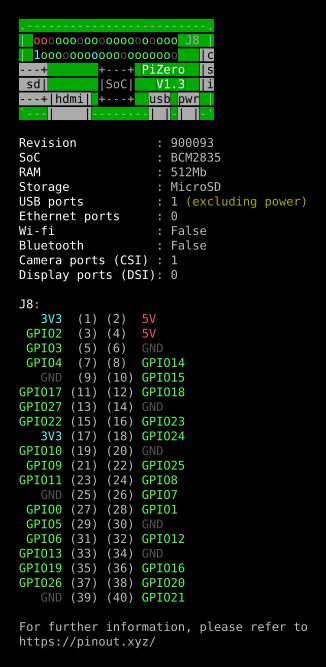
I’m trying to resist running it on every generation of Raspberry Pi that I have (B, A, 2B, 3B, Zero, Zero W) just for these pretty displays.
(ANSI console colours captured using script, then fed through ansi2html [from the Ubuntu colorized-logs package], printed to PDF from Firefox then mucked about a bit with in Inkscape)
A bit dusty, and no sound, but worked out pretty well. (YouTube link if embed doesn’t work — inky phat draws a design)


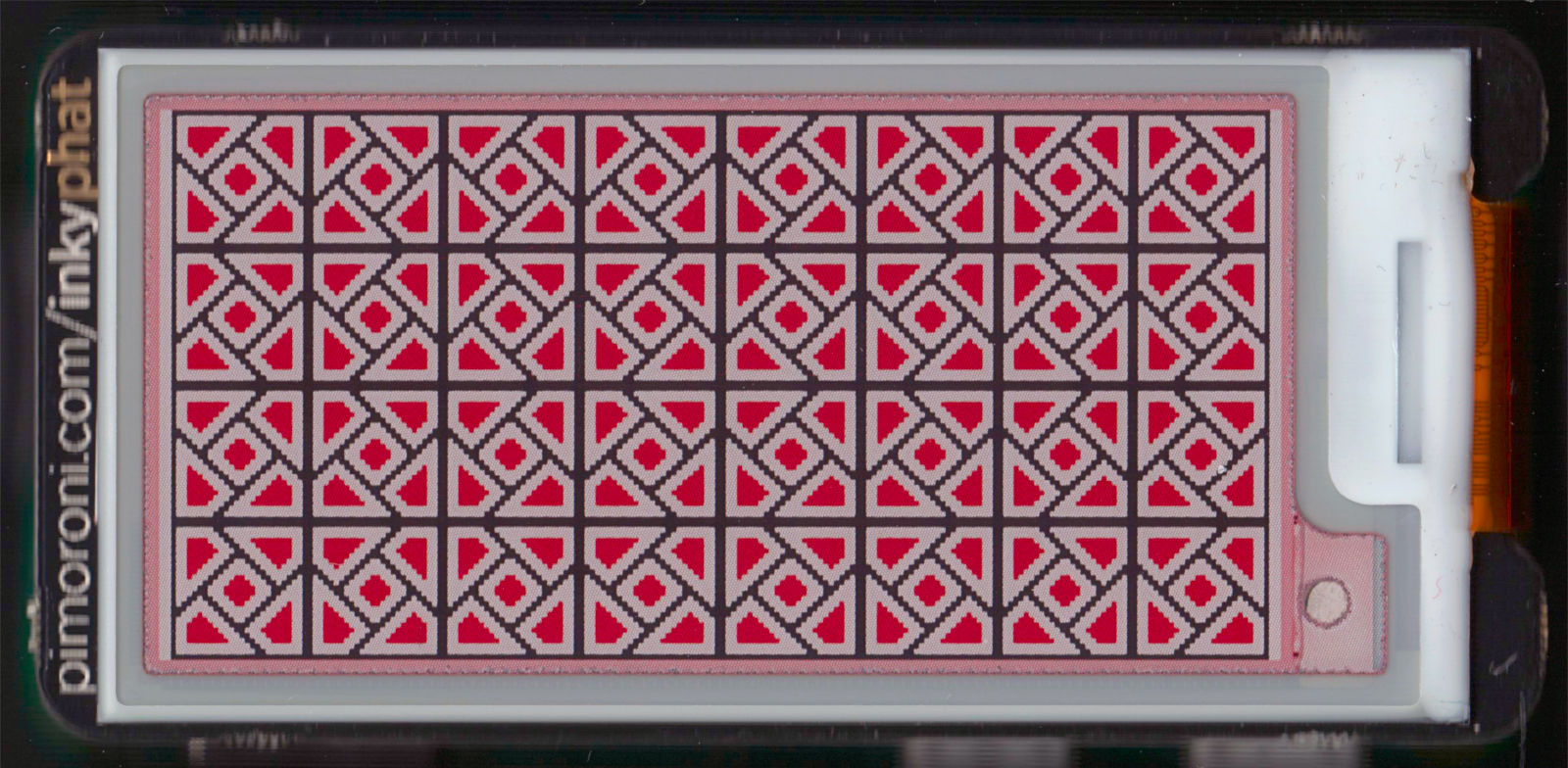
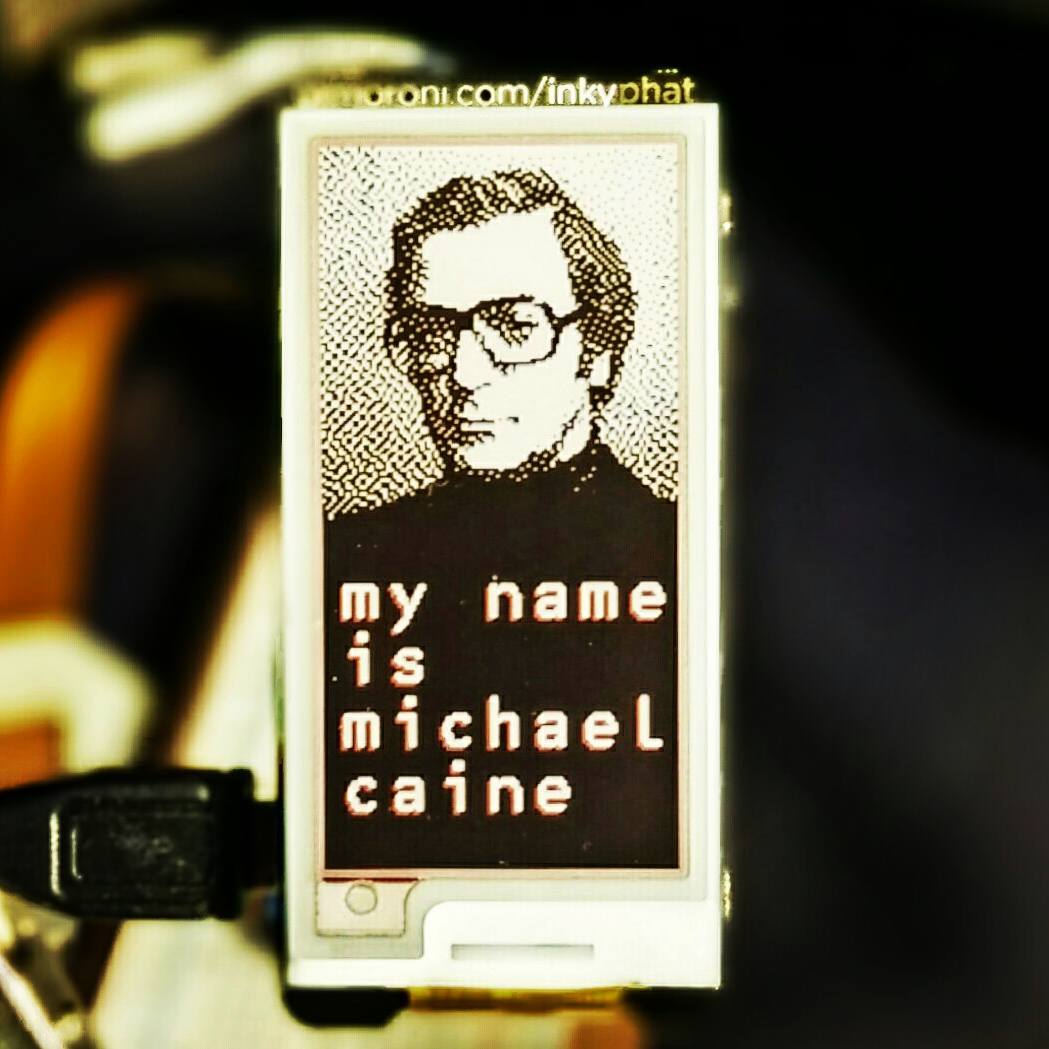
This is a 600 dpi scan of a Pimoroni Inky pHAT EPD display. EPDs — electrophoretic displays, aka ‘e-ink’ or ‘e-paper’ — retain their image when turned off, so this Raspberry Pi had no power when I scanned it.
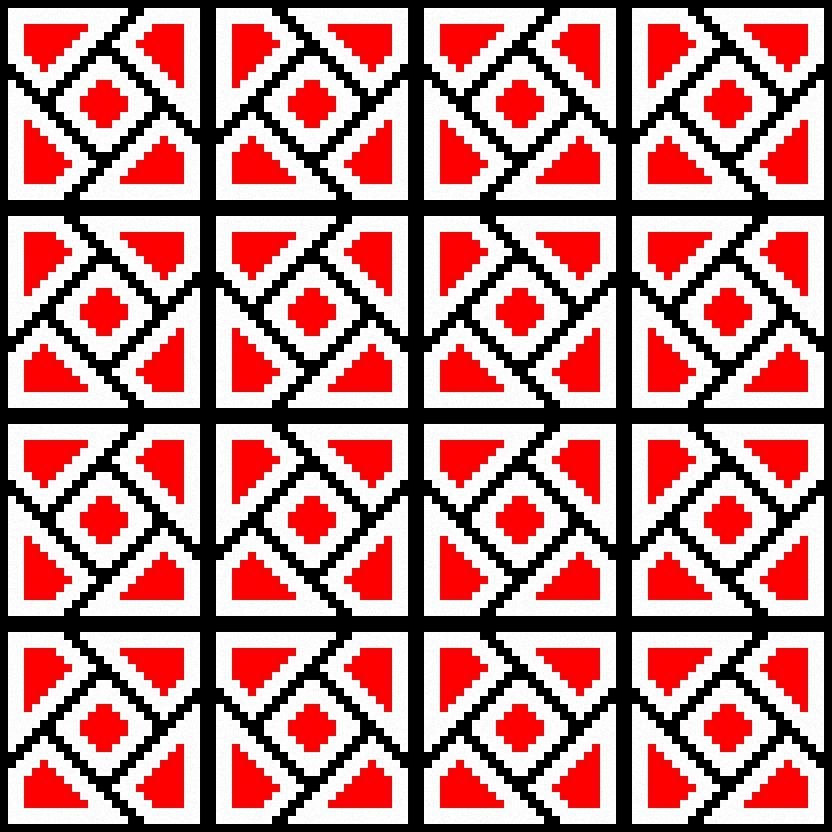
The image I made to fit the display is really small —
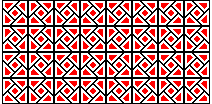 It’s a bit of a process making the images with just the right palette in GIMP, but I’m pleased how it turned out. I’d like to be able to write the vector images directly to the screen from SVG, but that might take some time.
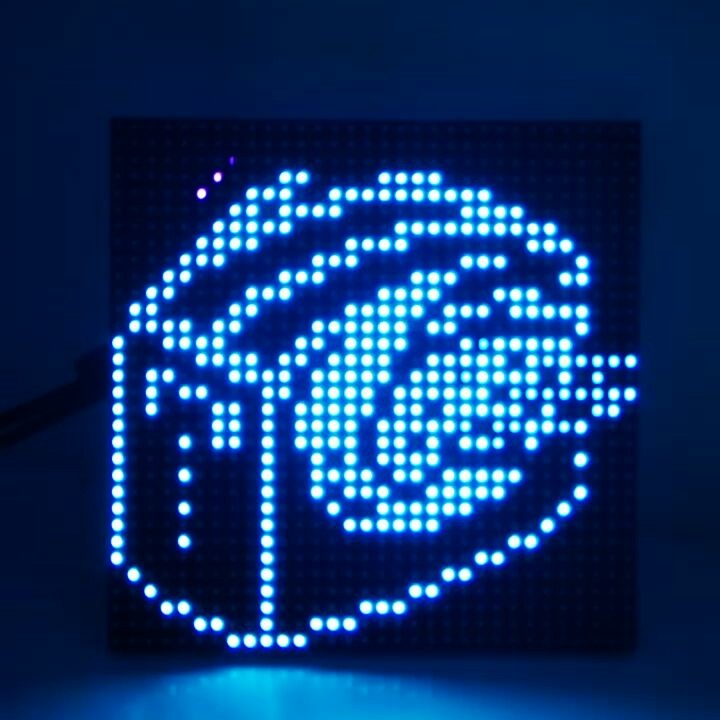
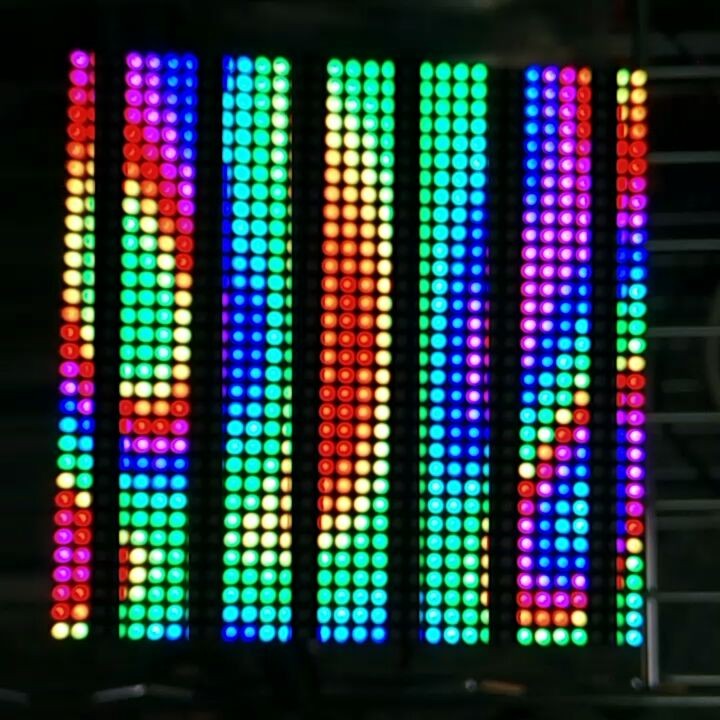
(All explained somewhat better here: Maker Festival Projects: Flying Toaster LED Panel – Elmwood Electronics)
You may just see this running at Elmwood Electronics‘ stand at the Maker Extravaganza this weekend. Built from:
Code: Toaster32x32-170705a.zip
Instagram filter used: Lo-fi
I just picked up a micro:bit, the little educational microprocessor board originally from the BBC. It’s a nice little unit, though like all educational resources, it’s sometimes hard to access resources as a non-edu type.
I landed upon MicroPython, a Python language subset that runs directly on the micro:bit’s ARM chip. I rather like the Mu editor:
 To give the old microcontroller grumps something real to complain about, MicroPython includes a bunch of very high-level functions, such as a powerful music and sound module. Getting the sound out is easy: just croc-clip a speaker onto the output pads:
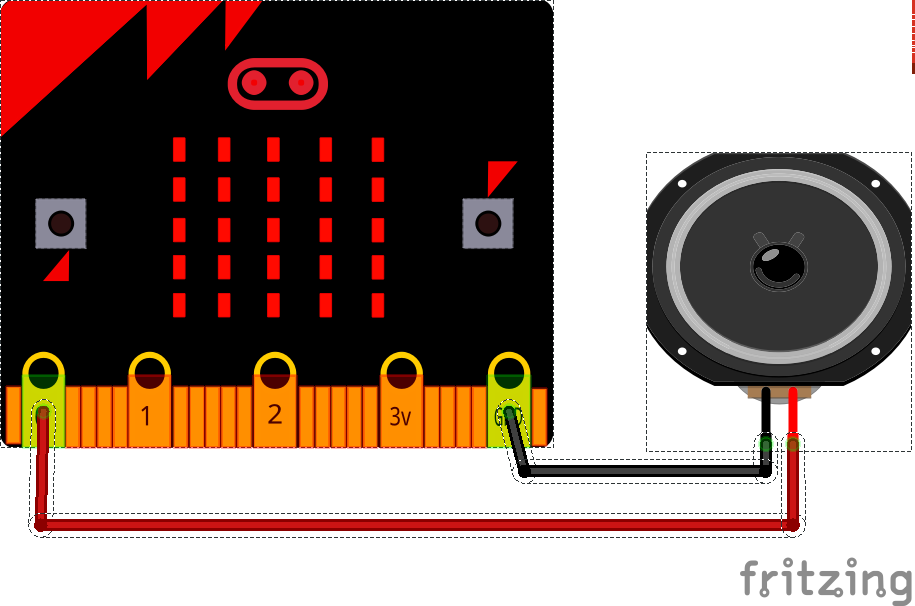 (MicroPython warns against using a piezo buzzer as a speaker, but mine worked fine — loudly and supremely annoyingly — with a large piezo element. Some piezos have a fixed-frequency oscillator attached, but this simple one was great.)
This trivial example plays the Nyan Cat theme forever, but every time it loops it gets faster. The beats variable starts at the default 120 bpm, but is increased by one every time:
# nyan but it gets faster
import music
beats = 120
while True:
    music.set_tempo(bpm=beats)
    music.play(music.NYAN)
    beats = beats + 1
This starts out as merely irritating, but quite quickly becomes deeply annoying, and in mere hours become vastly vexing. I’m sure you’d only use this power for good …