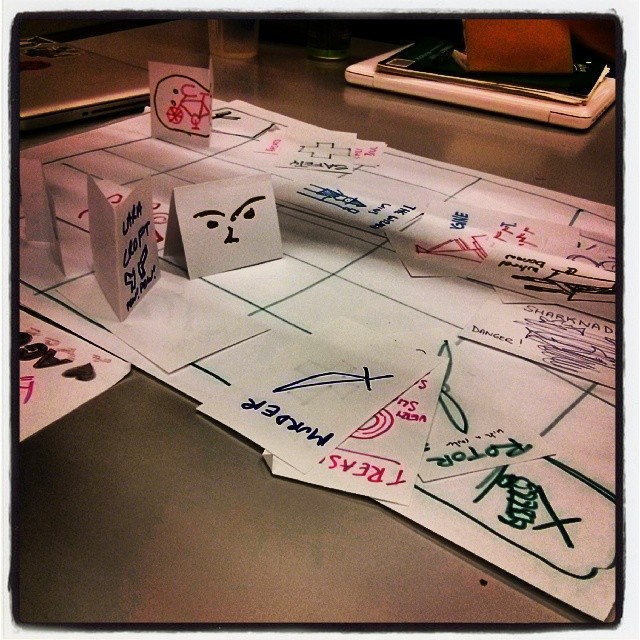
Instagram filter used: Willow
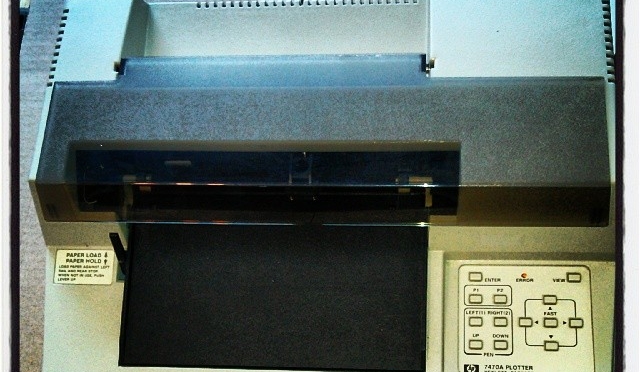
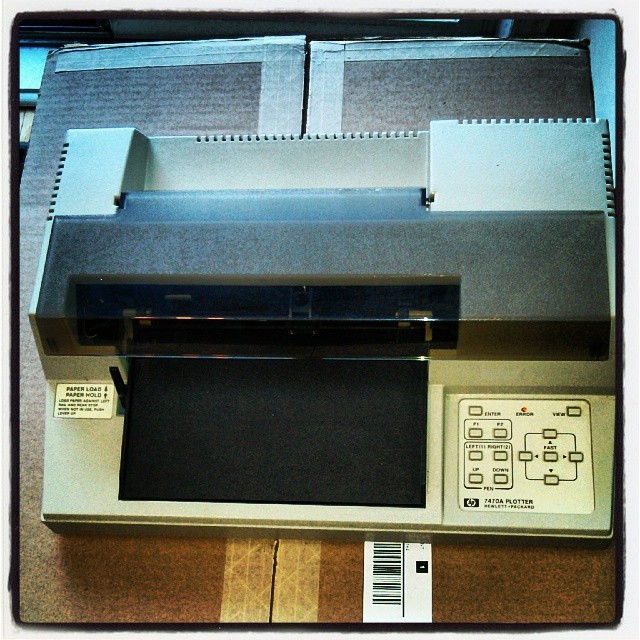
On the off chance you need to control a 30 year old graphics plotter, have I got something for you:
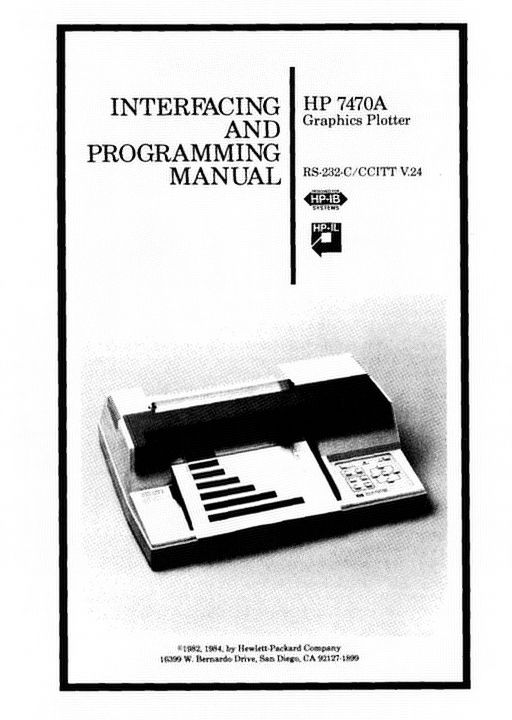
The image links to a scanned copy of the HP 7470A Graphics Plotter: Interfacing and Programming Manual which I found on the web, and cleaned up. The pages have been OCR’d, so it should be searchable.
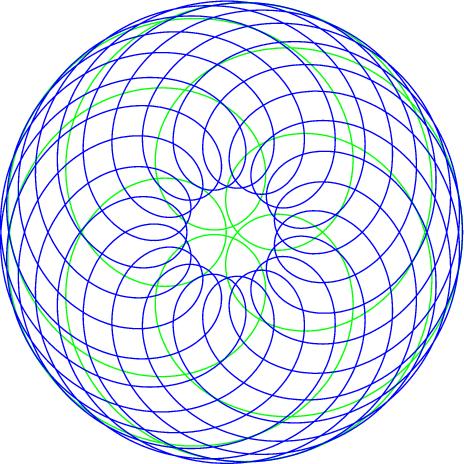
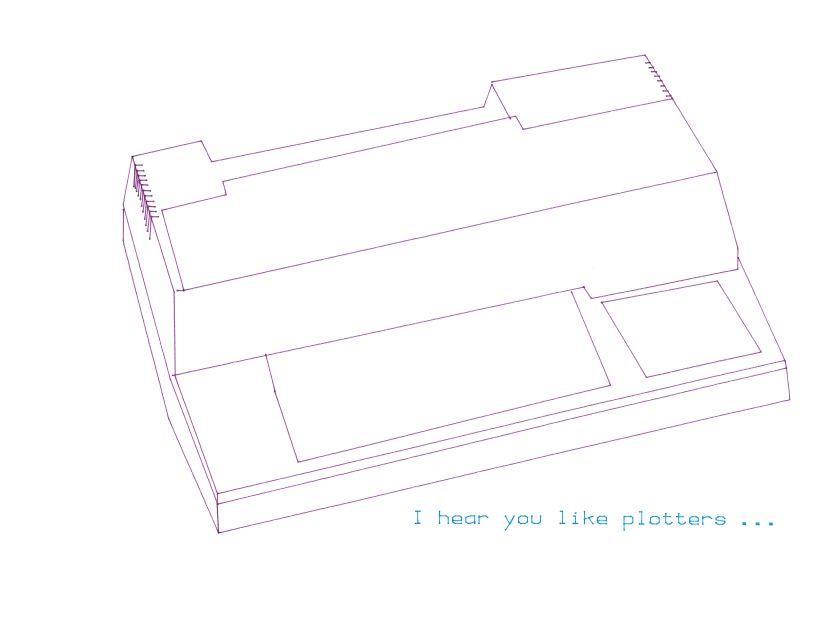
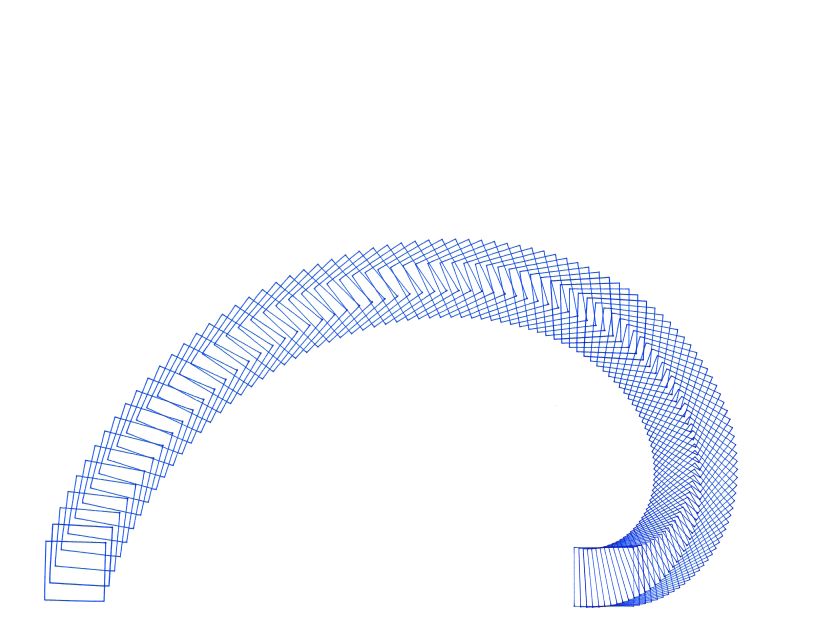
Forgive me, Denys Fisher …



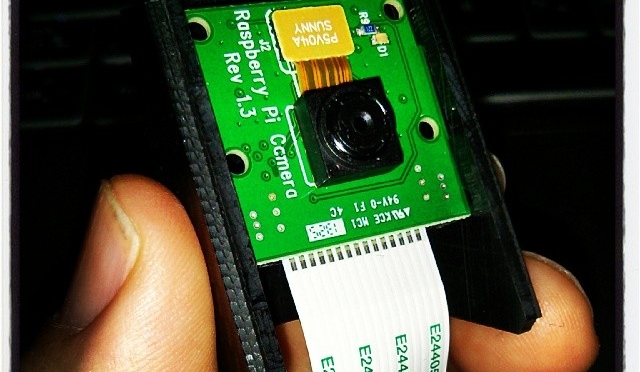
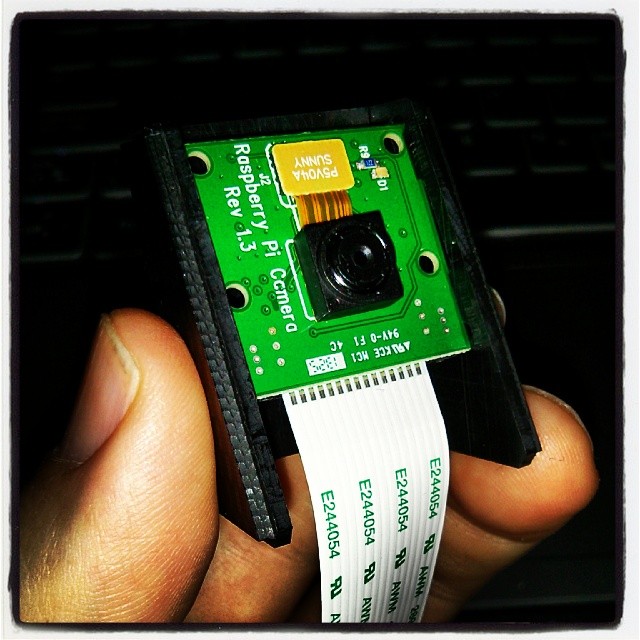
The CamdenBoss Raspberry Pi Camera Enclosure (data sheet, suppliers: RPI CAMERA BOARD – RASPBERRY-PI – ADD-ON BRD, CAMERA MODULE, RASPBERRY PI | Newark element14 Canada, MCM Electronics Carbon Raspberry Pi Camera Case 83-15493 – Micro Center) comes with no instructions. Maybe the lighter coloured ones are easier to work out, but on the faux-carbon one I bought, the little guide slots the board has to slide into are very hard to see.
Given all the warnings about static, I was a little too careful trying to install the camera into the housing. Slip open the camera case, then put the board in at an angle with one side in one slot, then (with a bit more force than I’d like) spring or flex the housing so the other side of the board can click into place. You have to make sure that both sides are fully engaged in the slots before the cover will slide back on.
So here it is, all set up:

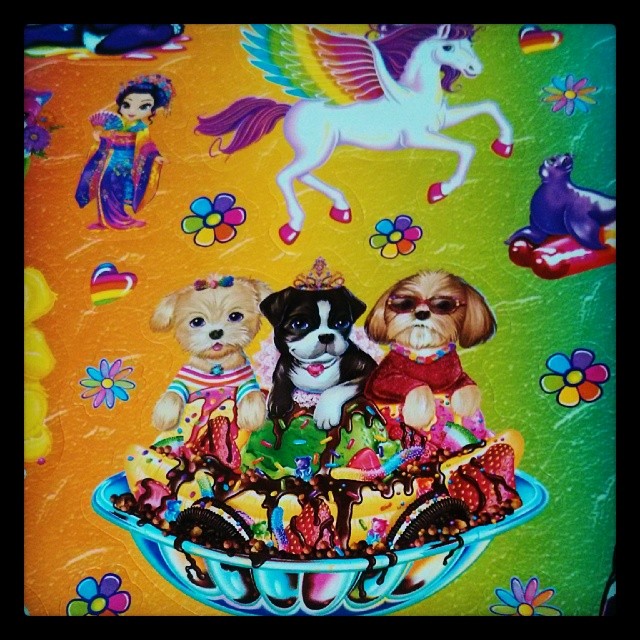
Oh, sorry; should’ve warned you about the bright pink case and the awesome/appalling Lisa Frank sticker. The sticker is in no way to cover up where I cut the wrong place for the camera connector, nope nope nope …
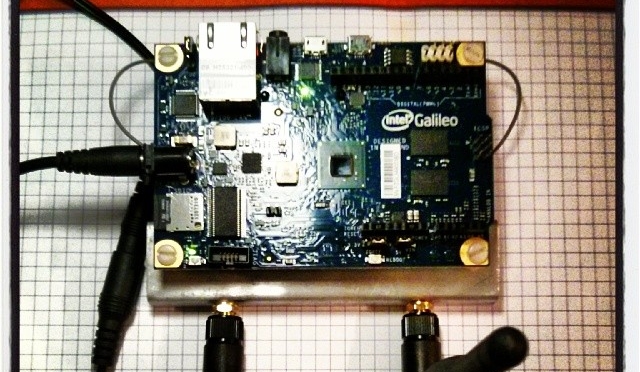
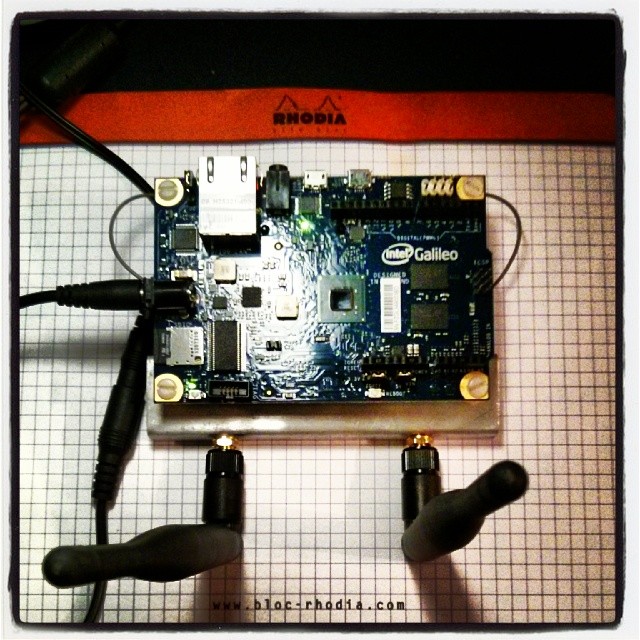
Pretty much did everything here: Intel Galileo Meets Wireless, except I used one of the supported cards. These are the components that I bought on eBay:
Instagram filter used: Lo-fi
I’d just like to go on the record that Intel made me accept these Terms & Conditions when logging on their Space: Makers | Intel Communities site: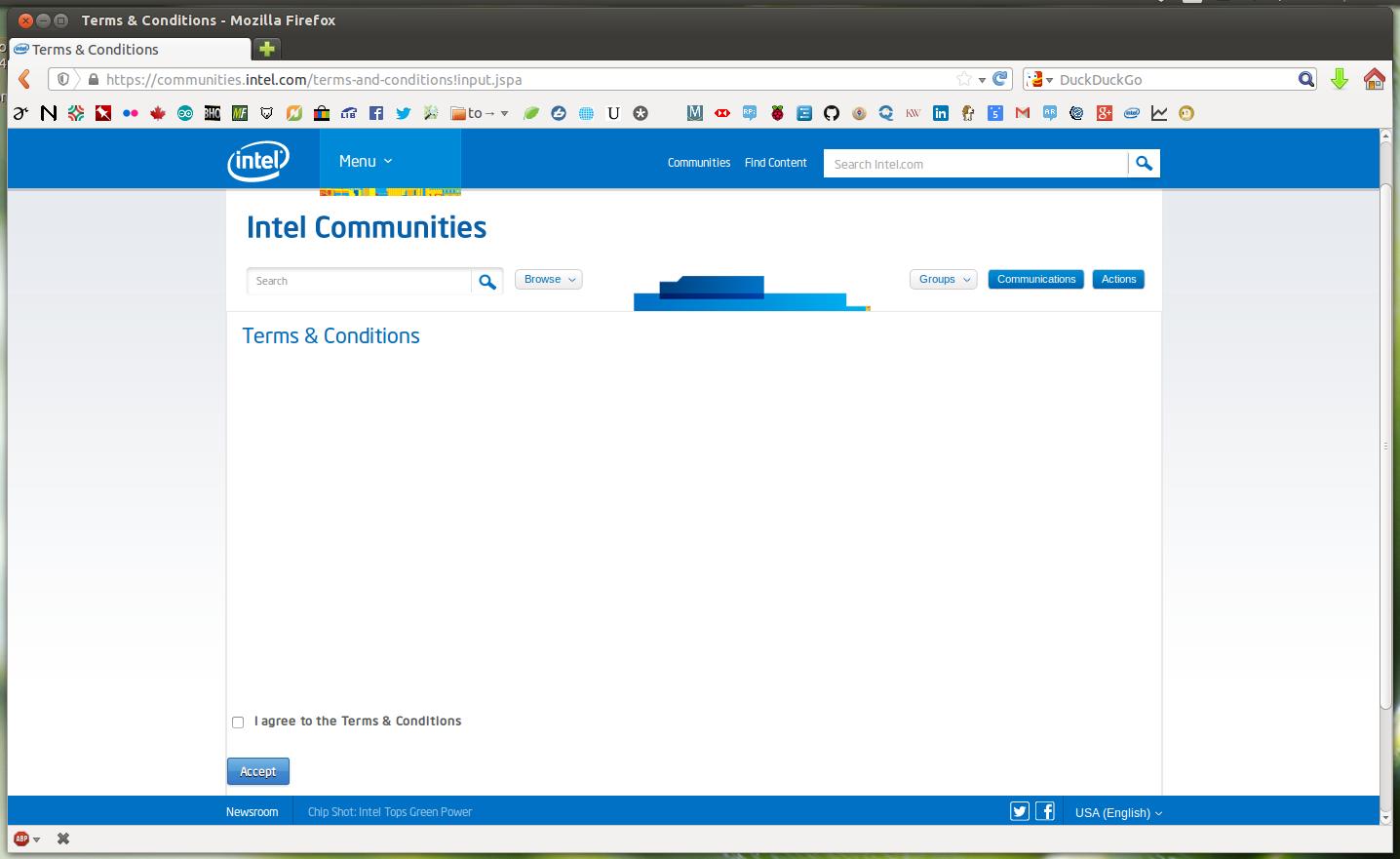 Yup, completely blank. I guess I can do anything I want now, eh?