Instagram filter used: Normal
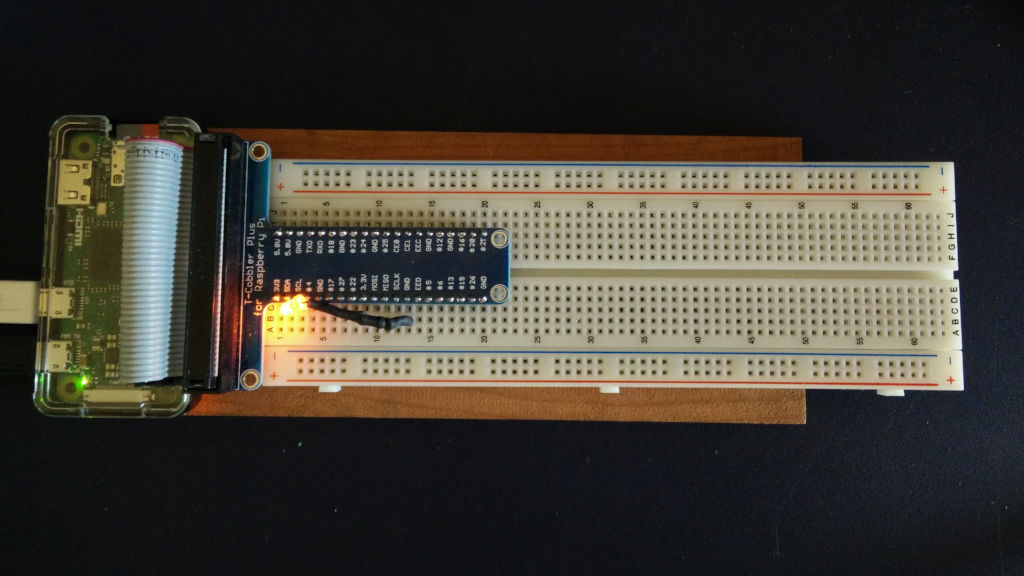
I just set up a Raspberry Pi Zero to be a little breadboard computer. Running a headless machine only through SSH gets a bit dull at times, so the inclusion of VNC Connect in Raspbian is handy.
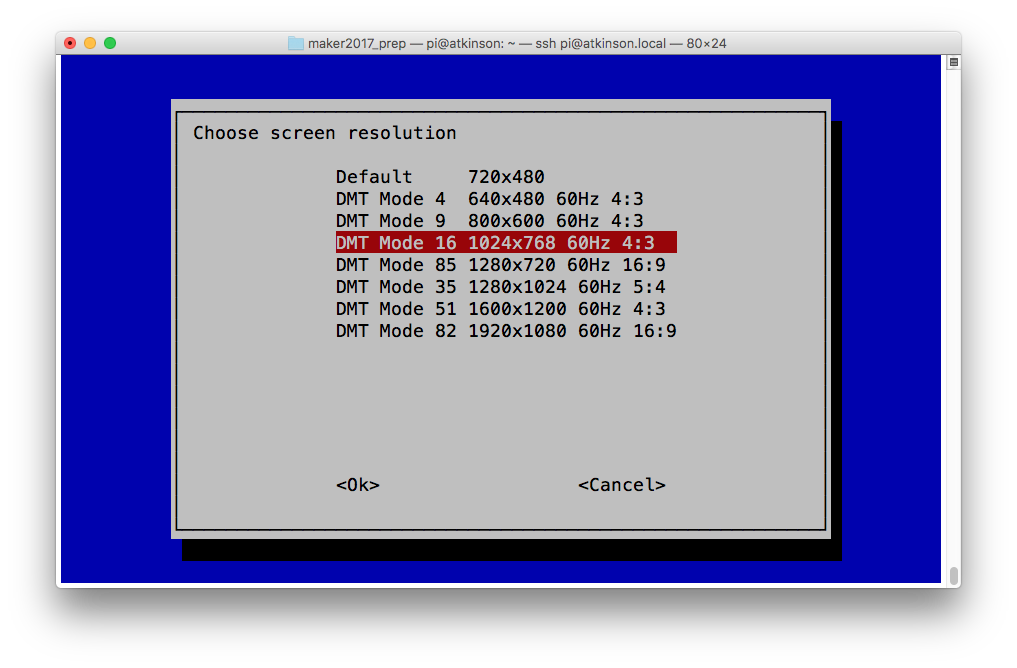
Only problem was that the default screen size — something like 720×480 — was too small for most dialogue windows. Here’s how to enable a more useful resolution of 1024 × 768.
All of these are enabled from the raspi-config tool, so open a terminal and start it with:
sudo raspi-config
Select 3 Boot Options → B1 Desktop / CLI → B4 Desktop Autologin:
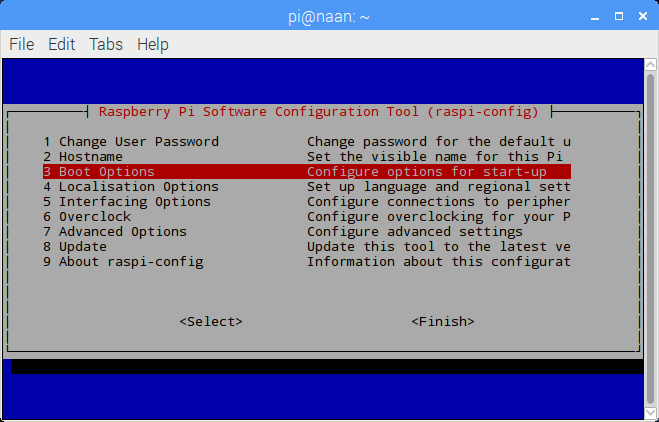

 Enable VNC on Startup
Select 5 Interfacing Options → P3 VNC, and answer Yes to Would you like the VNC Server to be enabled?:
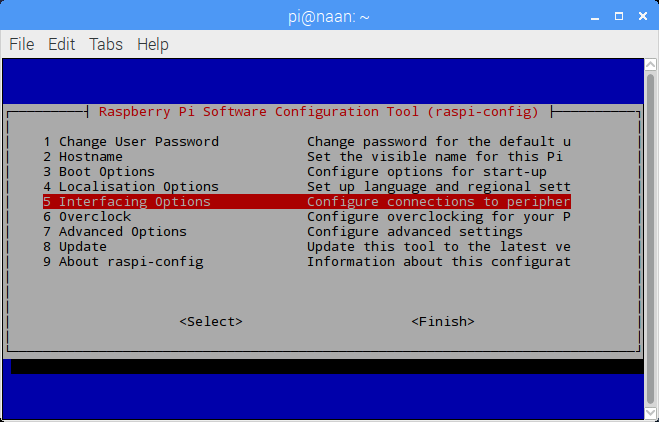

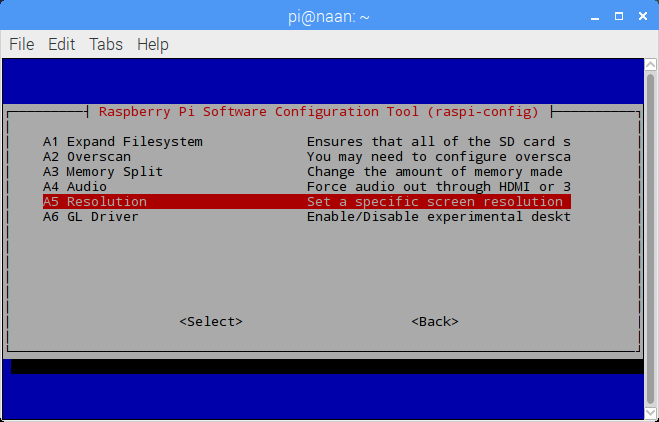
 Set Screen Resolution
Select 7 Advanced Options → A5 Resolution → DMT Mode 16 (1024×768) …:
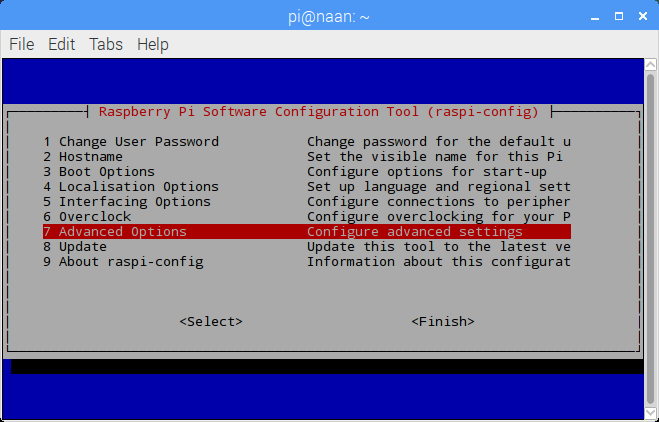
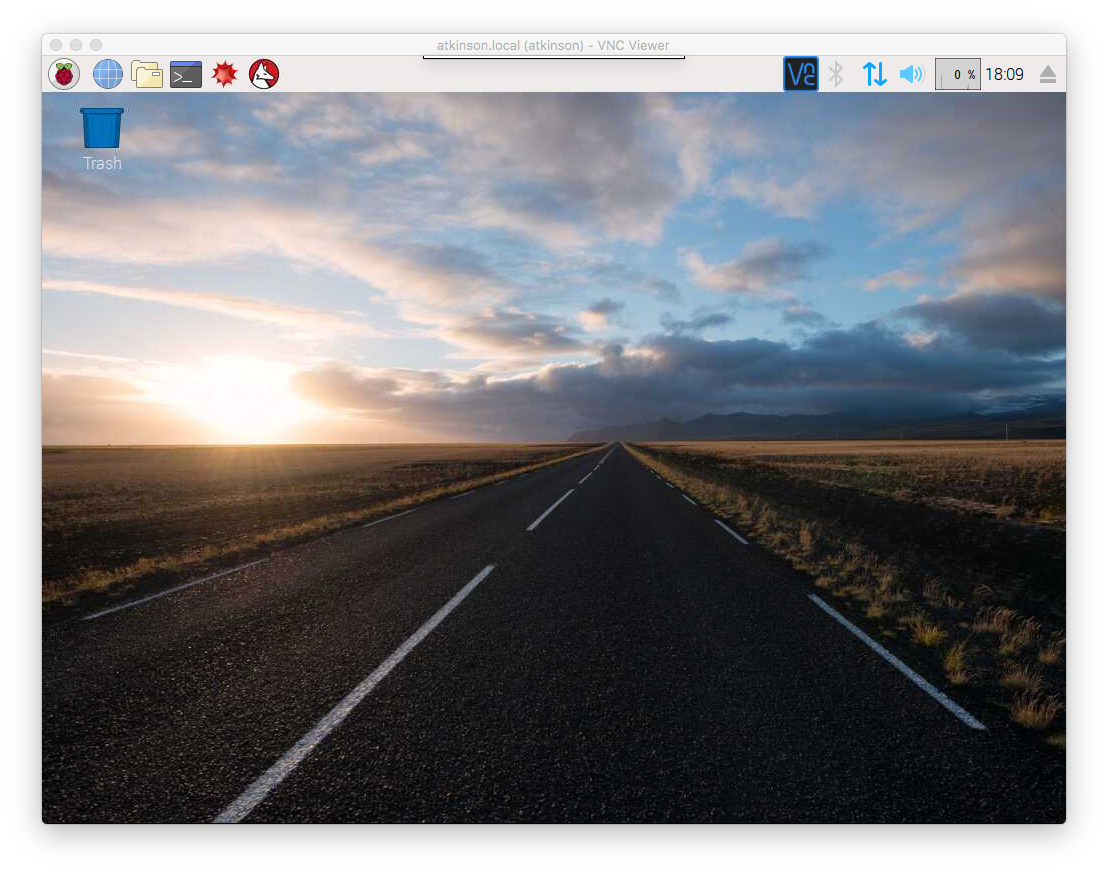
 Once you’ve enabled all of these, raspi-config will ask if you wish to reboot your Raspberry Pi. Once it has rebooted, you should have a usable remote desktop.
(All of the above screenshots were taken from a headless Raspberry Pi Zero via VNC.)
These were taken later on a Raspberry Pi 2 I’m setting up for a maker festival booth:

This little one was napping in the sun on the bike path.