Instagram filter used: Normal
Note: I’ve lightly tested this with Microsoft Excel (Windows 10), Excel Online, Google Sheets and LibreOffice Calc. It seems to work. Like all spreadsheet data conversions, please verify before trusting your PhD thesis tables to it …
Asked on the GTALUG mailing list the other week:
Does anybody know how to display and work with SI numbers like 10k or 20M or 40G within LibreOffice?
I came up with the following formula, in this example for data in cell D3:
=IF(LEN(T(D3))=0, D3, CONVERT(VALUE(LEFT(D3, LEN(D3) - 1)),
    RIGHT(D3, 1) & "m", "m"))
which results in:
| Input | Value |
| 1u | 1.00E-06 |
| 10u | 10.00E-06 |
| 100u | 100.00E-06 |
| 1m | 1.00E-03 |
| 10m | 10.00E-03 |
| 100m | 100.00E-03 |
| 1 | 1.00E+00 |
| 10 | 10.00E+00 |
| 100 | 100.00E+00 |
| 1k | 1.00E+03 |
| 10k | 10.00E+03 |
| 100k | 100.00E+03 |
| 1M | 1.00E+06 |
The right column is displayed in LibreOffice Calc’s newly(ish)-supported engineering notation.
This function works through creative (mis-)use of the CONVERT() function:
CONVERT(«numeric part», "«prefix»m", "m"). This is lightly This function doesn’t work with IEC 60027-2 binary prefixes, but they’re silly and I wouldn’t be caught dead using ’em.
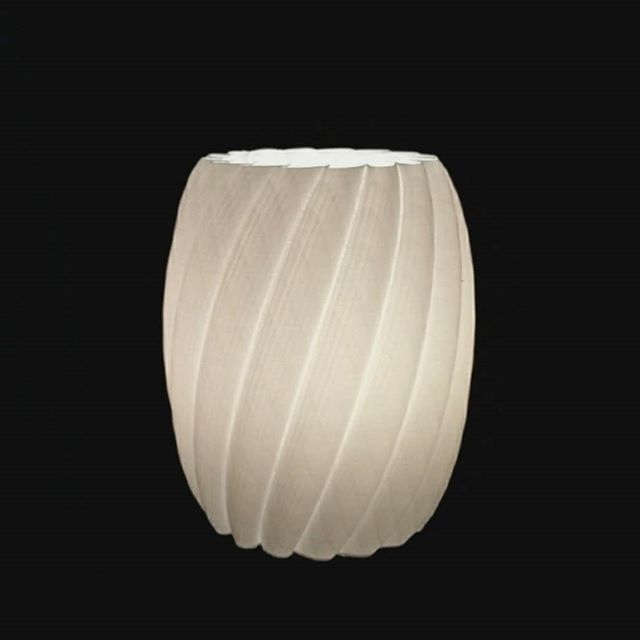
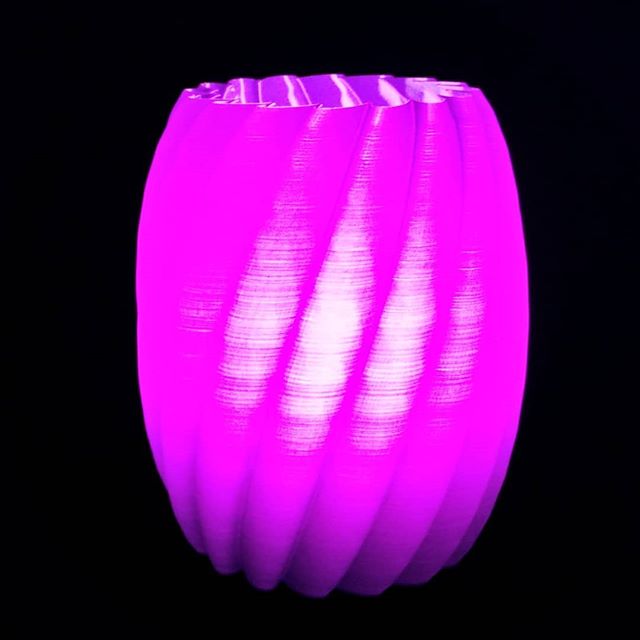
I’m still a sucker for vase mode/spiral contour prints … this one made in OpenSCAD:
Thanks to Andrew at ProtoLab for the loan of the PrintrBot. I’ve got a demo at UofT on Wednesday, and my Reach 3D isn’t exactly portable. Yeah, I should probably get a cheap Monoprice printer to lug around to occasional demos, but I’d need to find a donor …
Thingiverse‘s Customizer allows users to customize suitable OpenSCAD models without knowing any OpenSCAD code. While it does have some documentation to help developers along, there’s still a lot of guesswork.
 I released my first (working!) Customizer design the other week: Parametric Finger Pen Holder (Vertical). While the docs are the primary source of developer information, you might want to know the following:
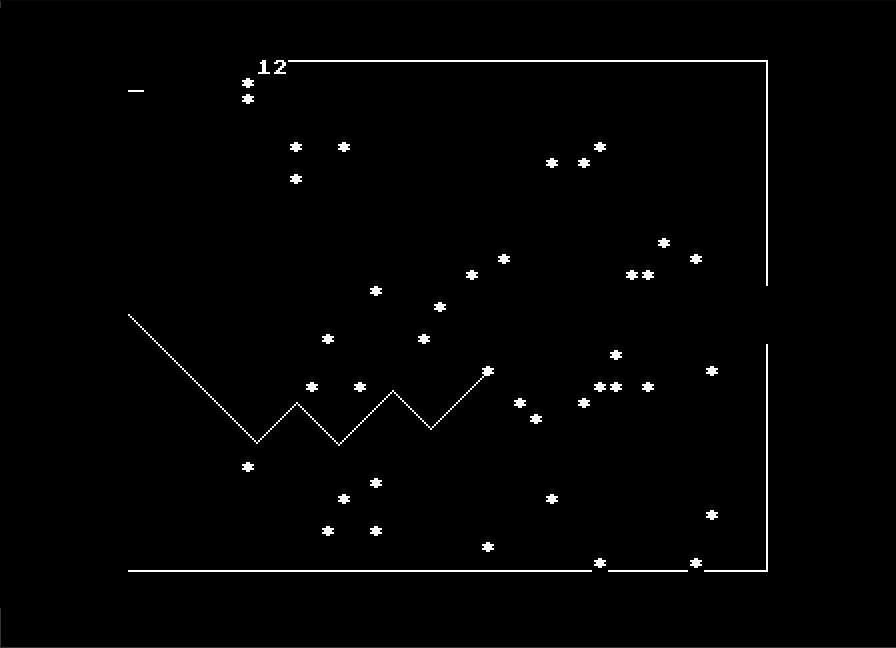
Thanks to users sbadger and lurkio on the stardot forum, I’ve been reunited the original BBC BASIC one-liner that begat 2d Star Dodge/Stardodger: Asterisk Tracker!
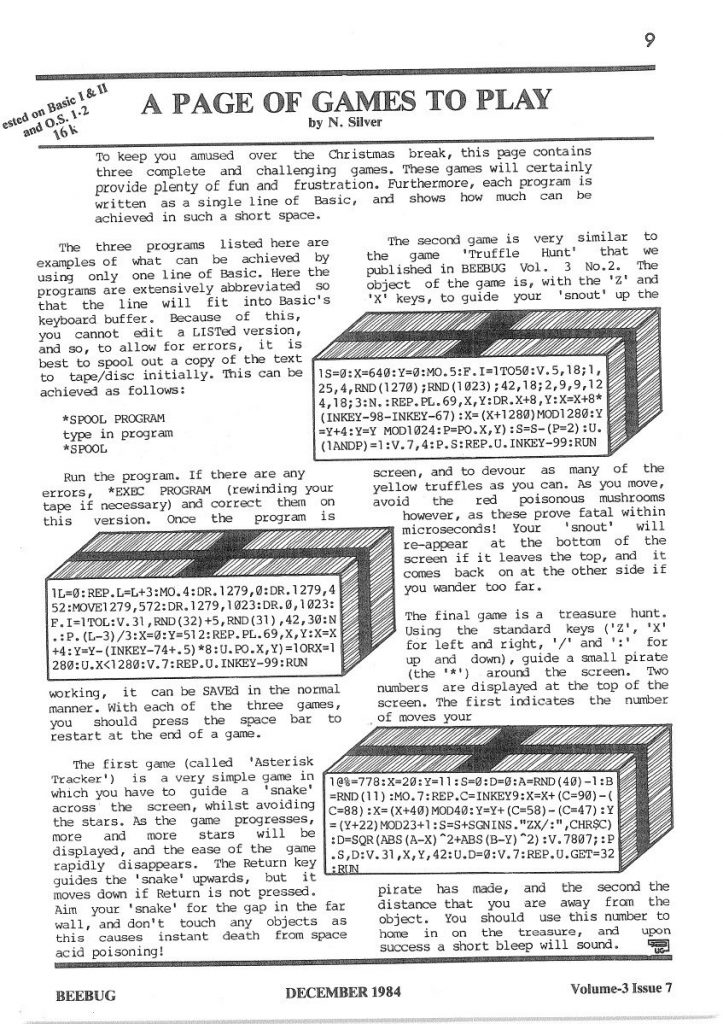
It was published in the December 1984 edition of BEEBUG Magazine (vol. 3, issue 7; page 9) and is credited to N. Silver.
It’s impossibly short:
1L=0:REP.L=L+3:MO.4:DR.1279,0:DR.1279,452:MOVE1279,572:DR.1279,1023:DR.0,1023:F.I=1TOL:V.31,RND(32)+5,RND(31),42,30:N.:P.(L-3)/3:X=0:Y=512:REP.PL.69,X,Y:X=X+4:Y=Y-(INKEY-74+.5)*8:U.PO.X,Y)=1ORX=1280:U.X<1280:V.7:REP.U.INKEY-99:RUN
It makes extensive use of BBC BASIC’s abbreviations, and the writeup even warns
… Here the programs are extensively abbreviated so that the line will fit into Basic’s keyboard buffer. Because of this, you cannot edit a LISTed version, and so, to allow for errors, it is best to spool out a copy of the text to tape/disc initially. This can be achieved as follows:
*SPOOL PROGRAM
type in program
*SPOOL
The program unwinds to something much more understandable:
   10 L=0
   20 REPEAT
   30   L=L+3
   40   MODE 4
   50   DRAW 1279,0
   60   DRAW 1279,452
   70   MOVE 1279,572
   80   DRAW 1279,1023
   90   DRAW 0,1023
  100   FOR I=1 TO L
  110     VDU 31,RND(32)+5,RND(31),42,30
  120   NEXT
  130   PRINT (L-3)/3
  140   X=0
  150   Y=512
  160   REPEAT
  170     PLOT 69,X,Y
  180     X=X+4
  190     Y=Y-(INKEY(-74)+.5)*8
  200   UNTIL POINT(X,Y)=1 OR X=1280
  210 UNTIL X<1280
  220 VDU 7
  230 REPEAT UNTIL INKEY(-99)
  240 RUN
The instructions are typical of the day:
The first game (called “Asterisk Tracker”) is a very simple game in which you have to guide a “snake” across the screen, whilst avoiding the stars. As the game progresses, more and more stars will be displayed, and the ease of the game rapidly disappears. The Return key guides the “snake” upwards, but it moves down if Return is not pressed. Aim your “snake” for the gap in the wall, and don’t touch any objects as this causes instant death from space acid poisoning!
Um, yeah, N. Silver, whatevs …
It’s pretty amazing that three type-ins could fit on a page: especially when you consider that the BEEBUG magazine was A5!
If you want to play it (and who wouldn’t? We wasted days on this game) you can either run this Asterisk Tracker alone in the browser: Asterisk Tracker, or lurkio has combined them into one, and put them here: Beebug One-Line Games (Asterisk Tracker, a Truffle Hunt clone, and a treasure hunt).
I just wish Graeme Smith were still with us to play this.
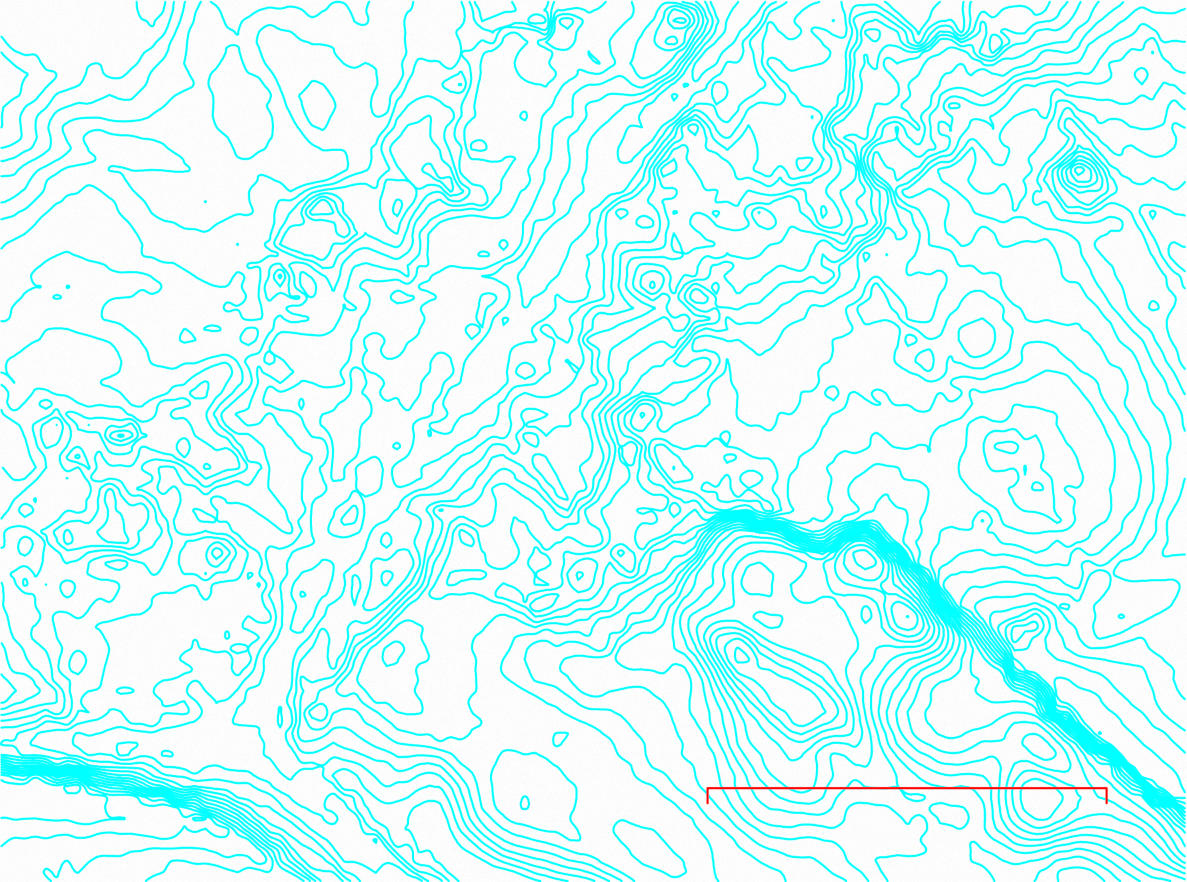
in the land of Count Alan.
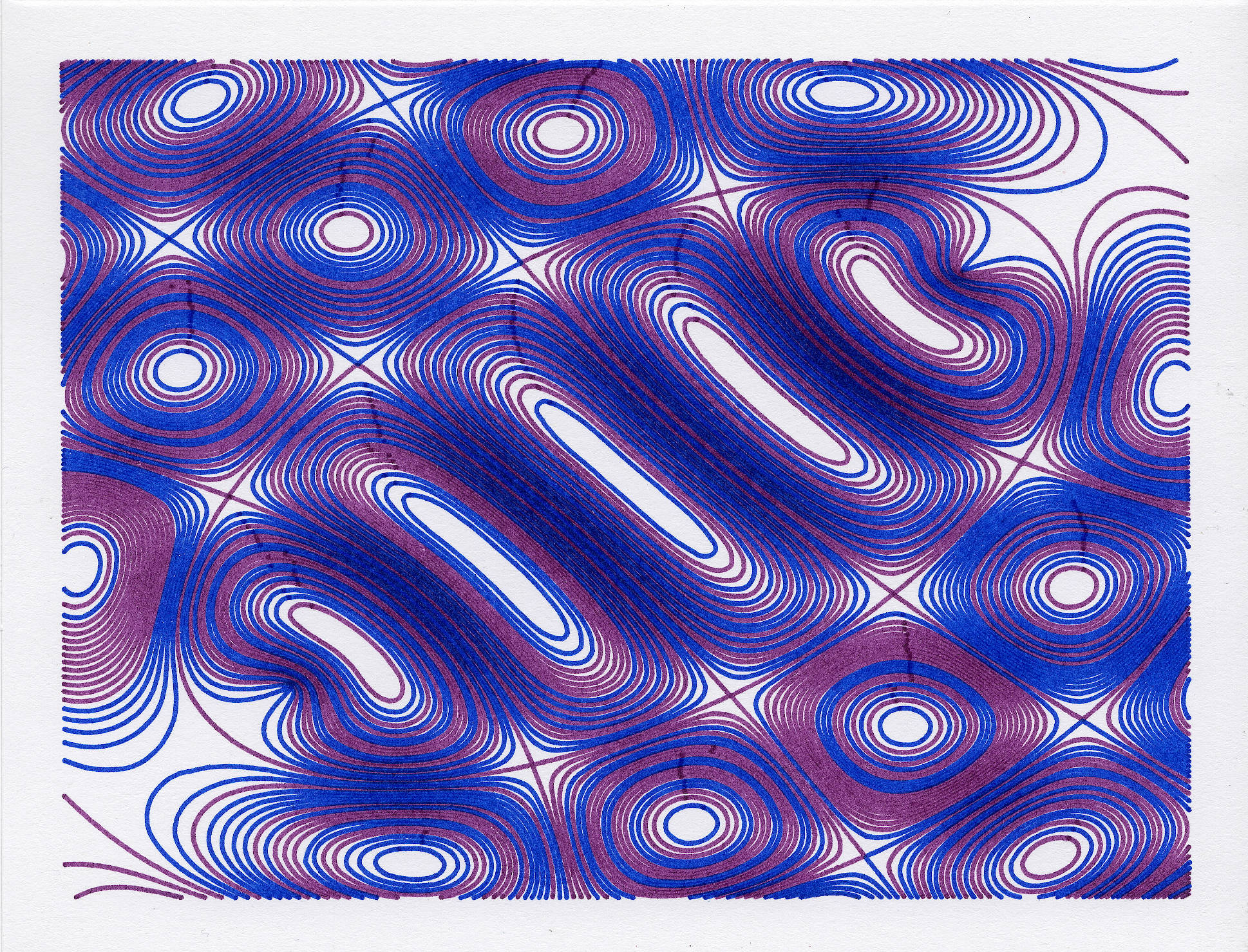
this, but with alternate lines from the plot file drawn with alternate pens. The original was slow because it had a point roughly every 0.1 mm, and this has been smoothed. Still took maybe 15-20 minutes to draw, though.

but this still owns it:
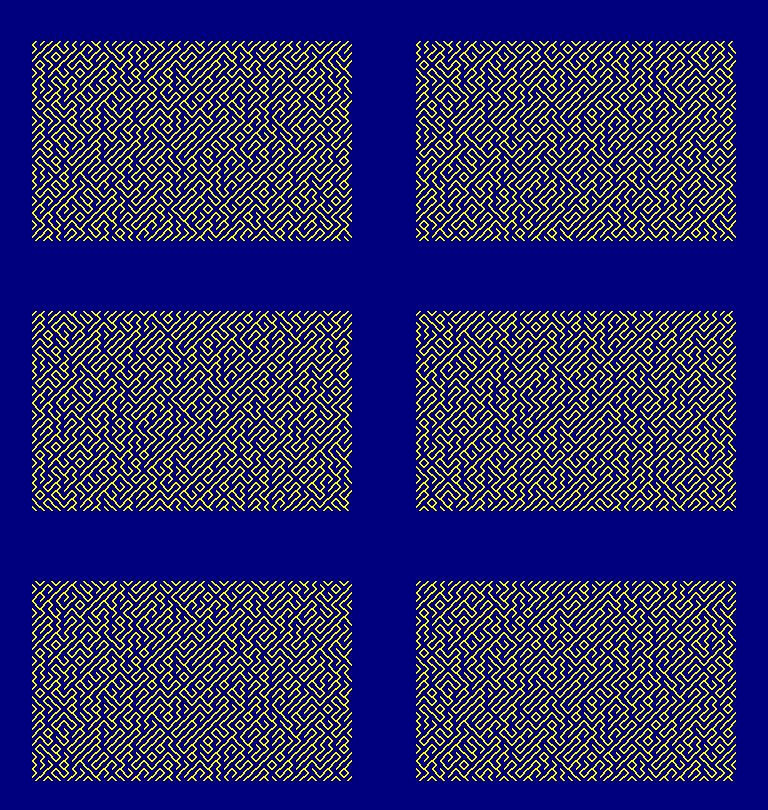
I found I can get this to preload in an emulator, but you still have to type RUN and hit return. See, look: http://scruss.com/cpc/6128s.html?stardoj.dsk/10%20PRINT%20CHR$(199+2*RND);:%20GOTO%2010