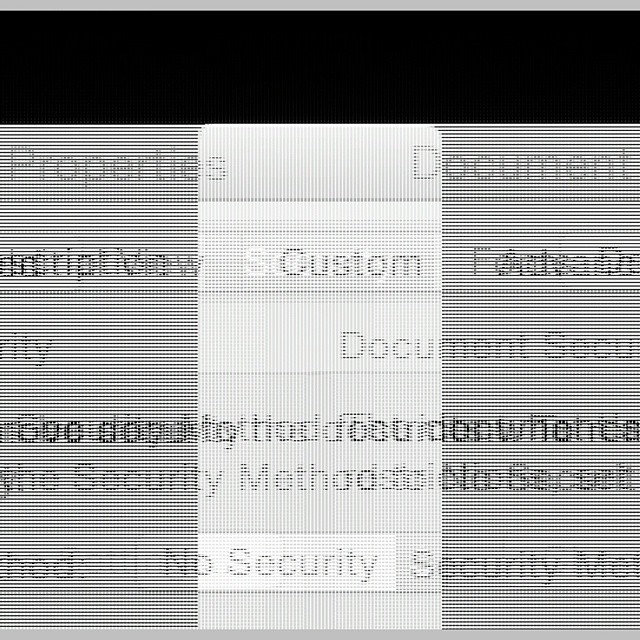
Twenty-two years ago, I wrote a thesis. It wasn’t a very good thesis, but it did what it needed to do. For years, its model files have been unreadable, because the spreadsheets were written in a ~1992 version of Microsoft Works. These are old files:
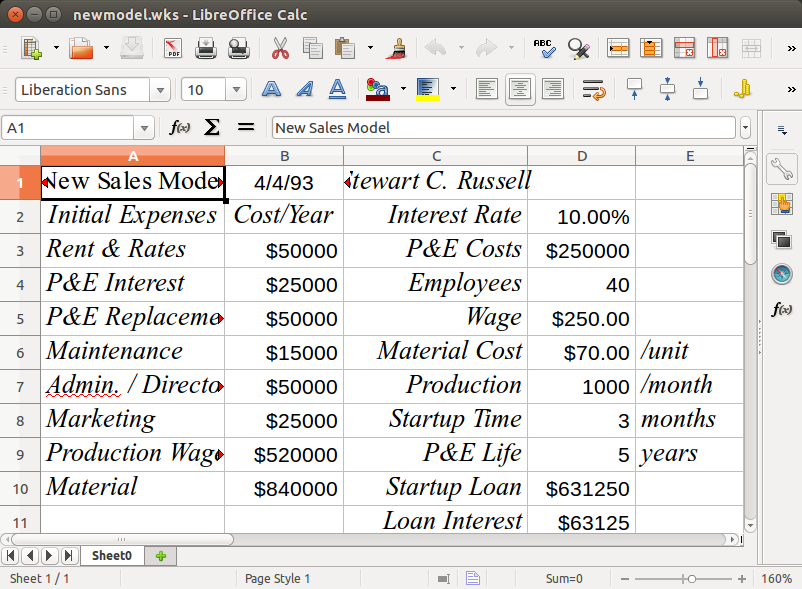
Quite recently, LibreOffice realized that there are old files out there that (unlike my thesis models) could still be useful. As they have no commercial requirement to only support the latest and greatest, LibreOffice added the ability to read these ancient works. So my old stuff lives again:
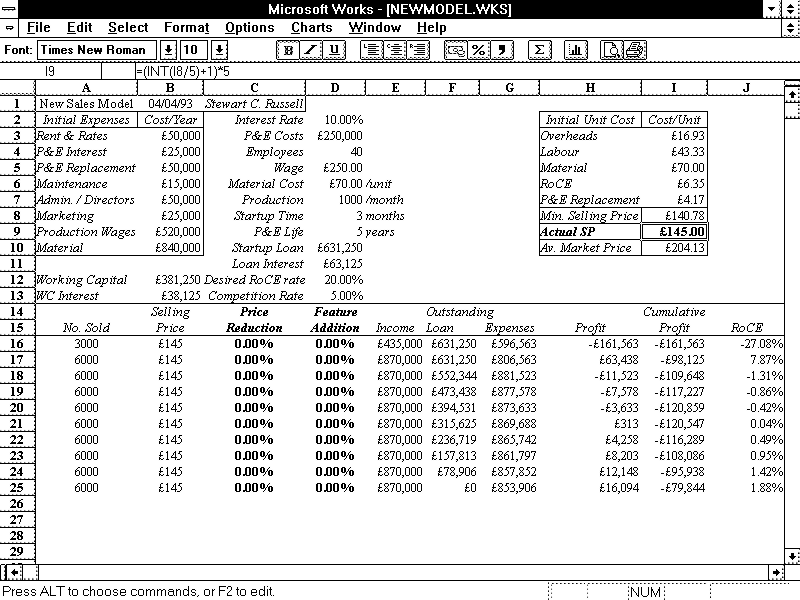
I found a screen dump that I used back in ’93 to illustrate the layout. The display was colour, but here it is brought back to life with a little bit of antialiasing:
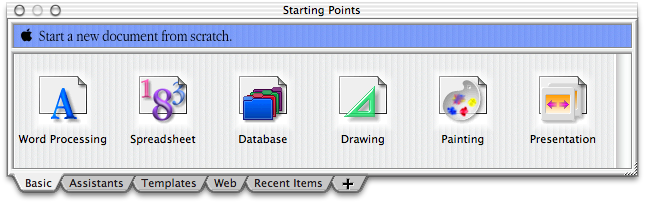
LibreOffice can also read old AppleWorks files. Although Works 6 still runs on Catherine‘s Mac, it looks a bit … dated:
Thanks, LibreOffice! It’s sometimes easy to forget (like right after updated to Ubuntu 15.04, which decided that BlueTooth support was kindaoptional unless you jumped through hoops …) that people do write software just to be more useful.
Rods! Or more specifically, Cuisenaire® Rods! Staples of my childhood arithmetic education: coloured wooden rods (now plastic, which will save them from the mouldy fate that befell some sets at Mearns Primary School), 1 × 1 × 1–10 centimetres long. Use them for counting, number lines, don’t-do-that renditions of Sun Arise, but absolutely never for flinging at tiny classmates.
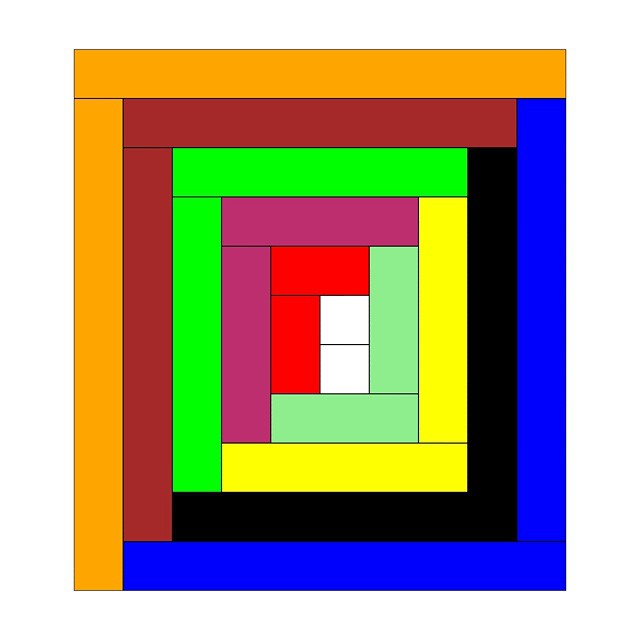
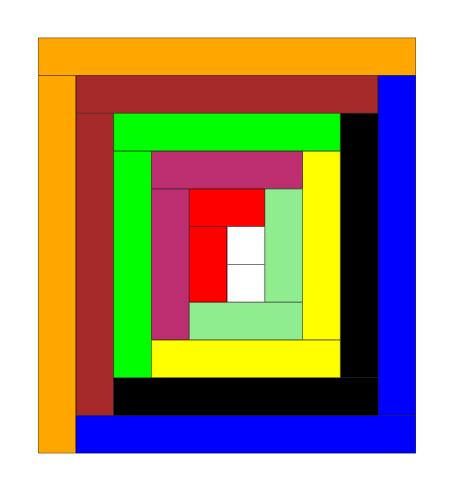
Since it may actually have been Mrs. Cuisenaire who came up with the concept of rods, I drew a log cabin quilt section in virtual rods. The Gattegno in the title refers to Caleb Gattegno, the mid-century educator who popularized Cuisenaire’s work.
Should you too feel the need to have a virtual set of rods, here are some files you can play with in Inkscape (or any other SVG-aware editor):
rods.svg — A palette of horizontal and vertical rodsrods-quilt.svg – source for the header image
The colours might be a bit off reality, but they’re near enough. I found it helpful to set a grid snap in Inkscape to 1 cm so that you could get the rods to align easily. If you want to get really nerdy, here’s the PostScript source I used to create the rods: rods.ps. I think I finally got the hang of basic arrays in PostScript …
Creating this was in noway a means of me displacing getting round to doing my taxes this year, nosirree.
Hey! This is yet another of my ancient posts about Raspberry Pis that probably contains out-of-date information. In order to run FreeBASIC on a Raspberry Pi, all you need do is:
FreeBASIC is a pretty nifty cross-platform BASIC compiler. It uses a Microsoft-like syntax, has an active user and developer base, and is quite fast. Building the latest version on a Raspberry Pi is a bit of a challenge, though.
FreeBASIC 1.01 demo running on a Raspberry Pi from Geany
Part of the problem is that FreeBASIC is mostly written in FreeBASIC, so you need a working compiler to bootstrap the latest version.
Update: you’re probably best just downloading the binary install packages from the FreeBASIC site. I’m having difficulty getting recent (late 2016) source packages to build for reasons that would take too long for most people to care about.
unzip fbc_linux_armv6_rpi_version.zip
cd fbc_linux_armv6_rpi/
chmod +x install.sh
sudo ./install.sh -i
Don’t delete the installation folder just yet.
Grab the latest version of the source from github:
cd
git clone https://github.com/freebasic/fbc.git
Change directory to the new FreeBASIC source folder (cd fbc), and type make. (or, on a Raspberry Pi 2 or 3, make -j4 to use all the cores …). After a while (in my tests, about 52 minutes on a 512 MB Raspberry Pi, or around 6½ minutes [!] on a Raspberry Pi 2), it should finish. If there’s a bin/fbc file, the compilation worked!
Before you install the new compiler, uninstall the old one: change directory to the fbc_linux_armv6_rpi folder, and type:
sudo ./install.sh -u
Once that’s done, go back to the new fbc folder, and type:
sudo make install
And you’re done! You can delete the fbc_linux_armv6_rpi folder now. If you don’t mind it taking up space, keep the fbc folder to allow you a quick rebuild of the latest version of the compiler with:
cd fbc
git pull
make
sudo make install
Note that this will build a native armv7l compiler on a Raspberry Pi 2, and an armv6l one on a Raspberry Pi. This means you can’t run binaries you built on a Raspberry Pi 2 on a Raspberry Pi (you’ll get an Illegal Instruction error), but you should be able to run ones built on a Raspberry Pi on a Raspberry Pi 2. Binary compatibility is overrated, anyway …