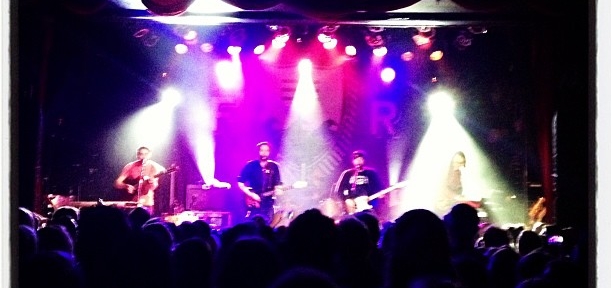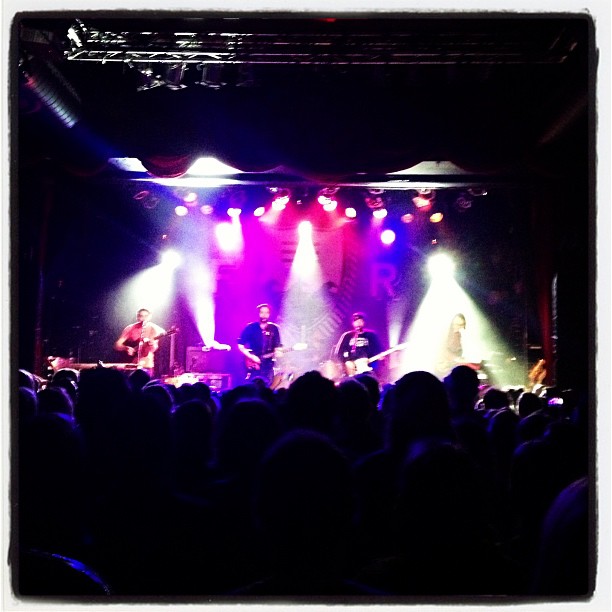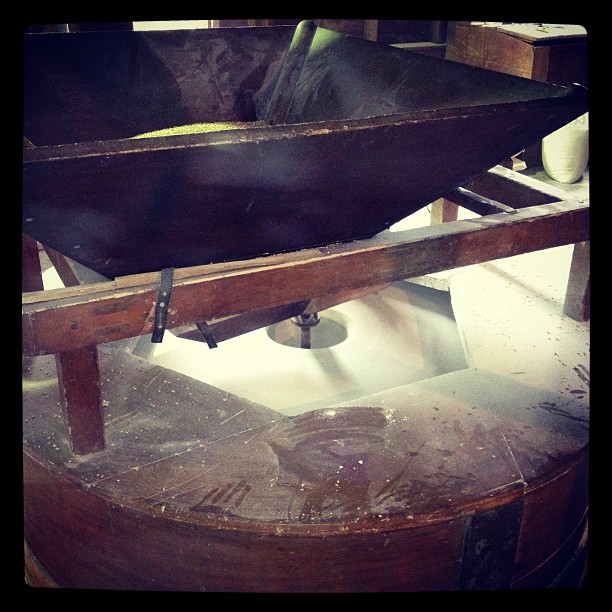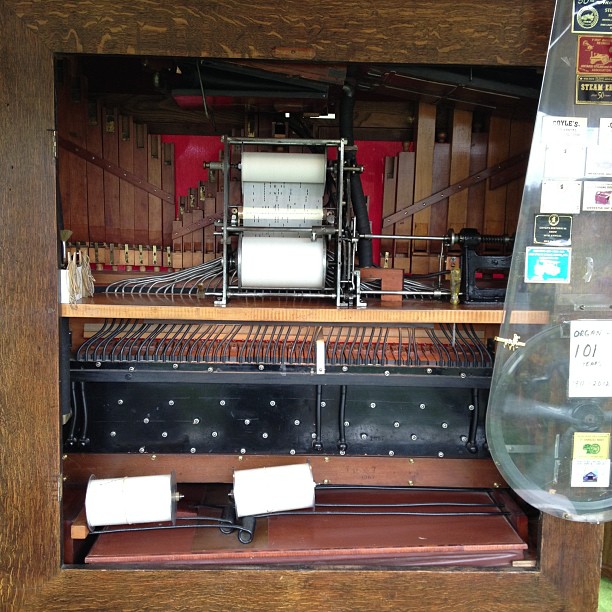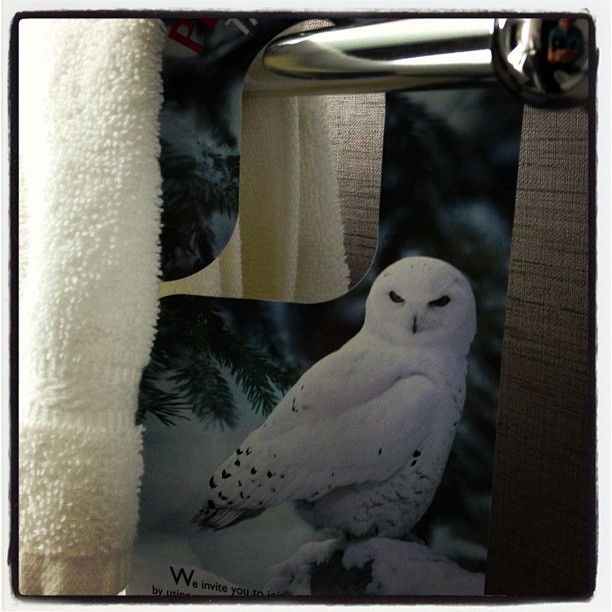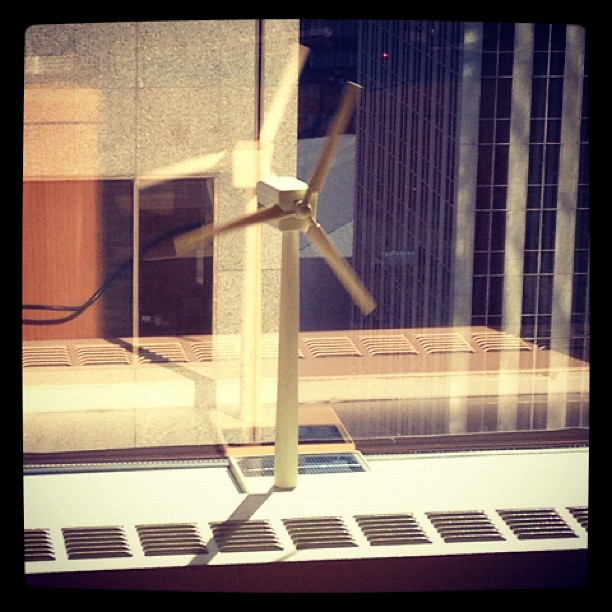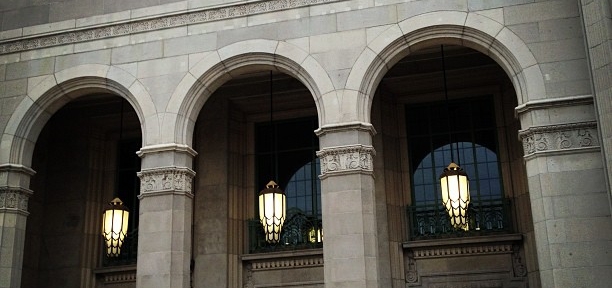
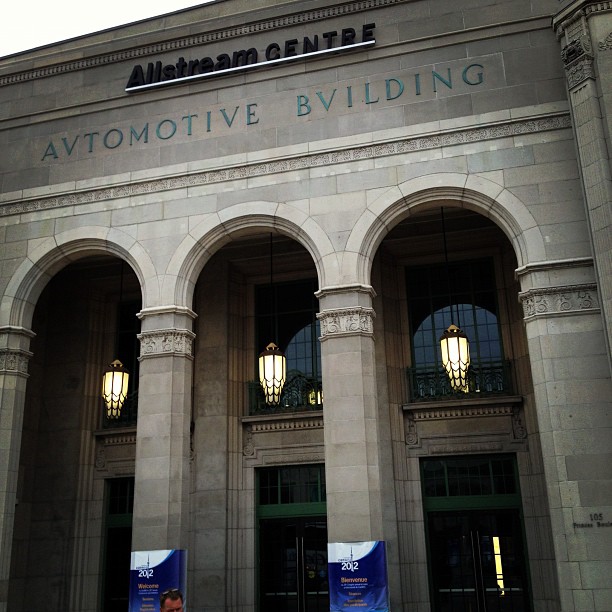
Instagram filter used: Lo-fi
Photo taken at: Allstream Centre
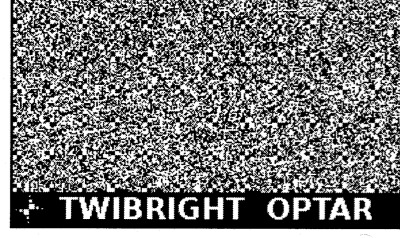
I’ve spent most of the day messing around with Twibright Optar, a way of creating printed archives of binary data that can be scanned back in and restored. It looks like it was written as a proof-of-concept, as the only way to change options is to modify the code and recompile. Eppur si muove.
To compile the code on OS X, I found I had to change this line in the Makefile from:
LDFLAGS=-lm
to
LDFLAGS=-lm `libpng-config --L_opts`
After trying to print some samples at the default resolution, I had no luck, so for reliability I halved the data density settings in the file optar.h:
#define XCROSSES 33 /* Number of crosses horizontally */
#define YCROSSES 43 /* Number of crosses vertically */
It’s quite important that your image prints and scans with a whole number of printer dots to image pixels. This used to be quite easy to do, before the advent of PDF’s “Scale to fit” misfeature, and also printer drivers that do a tonne of work in the background to “improve” the image. Add the mismatch between laser printer resolutions (300, 600, 1200 dpi …) and inkjets (360, 720, 1440 dpi …), and you’ve got lots of ways that this can go wrong.
Thankfully, there’s one common resolution that works across both types of printers. If you output the image at 120 dpi, that’s 5 laser printer dots at 600 dpi, or six inkjet dots at 720 dpi. And there was peace in the kingdom.
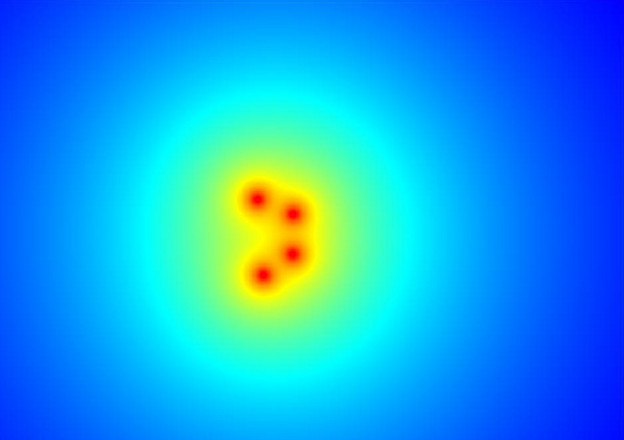
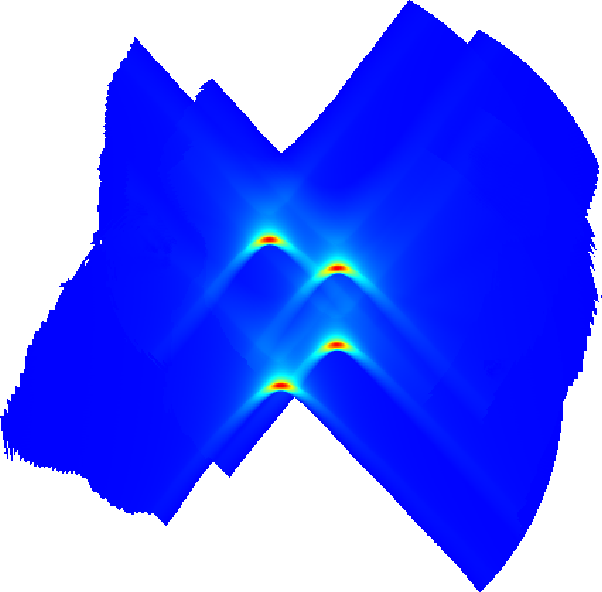
Here’s a demo, based on this:
So I took this track (which I used to have as a 7″, got at a jumble sale in the mid-70s) and converted it to a really low quality MPEG-2.5: MichelinJingle8kbit — that’s 175KB for just shy of three minutes of music (which, at this bitrate, sounds like it’s played through a layer of socks at the bottom of the Marianas Trench, but still).
Passing it through optar (which I wish wouldn’t produce PGM files; its output is mono) and bundling the pages into a PDF, I get this: optar_mj.pdf (760KB). Scanning that printout at 600dpi and running the pages through unoptar, I got this: optar1_mj.mp3. It’s the same as the input file, except padded with zeros at the end.
Sometimes, the scanning and conversion doesn’t do so well:
It’s amazing what you can do when you raid your parts bin …
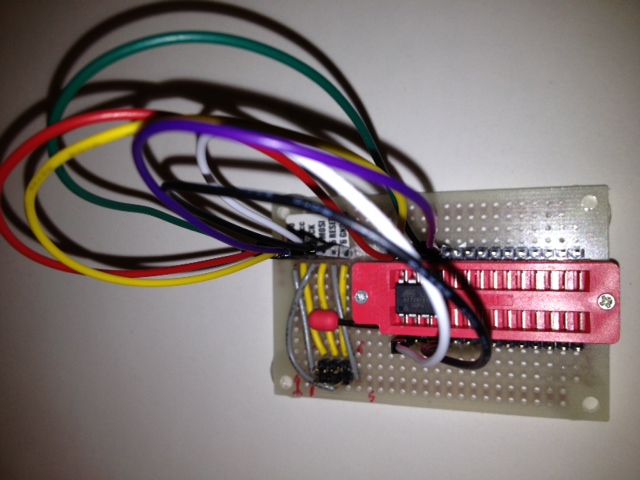
Featuring fully configurable M-F jumpers so I can program (pretty much) any Atmel ATTiny microcontroller up to 28 pins. Might be able to do some ATMegas too.

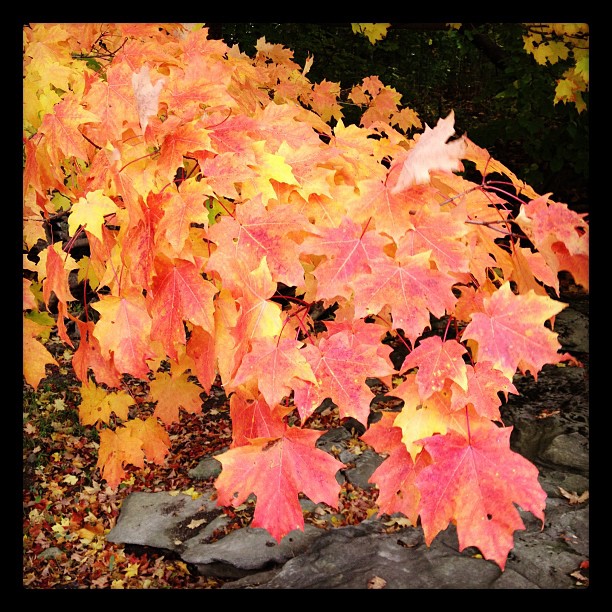
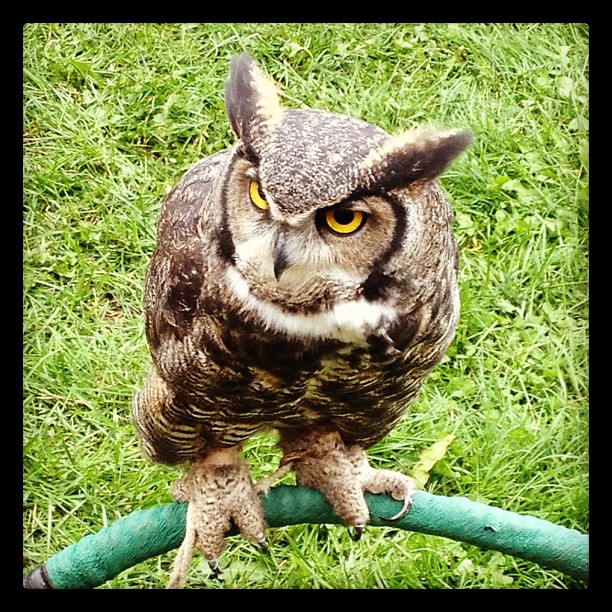
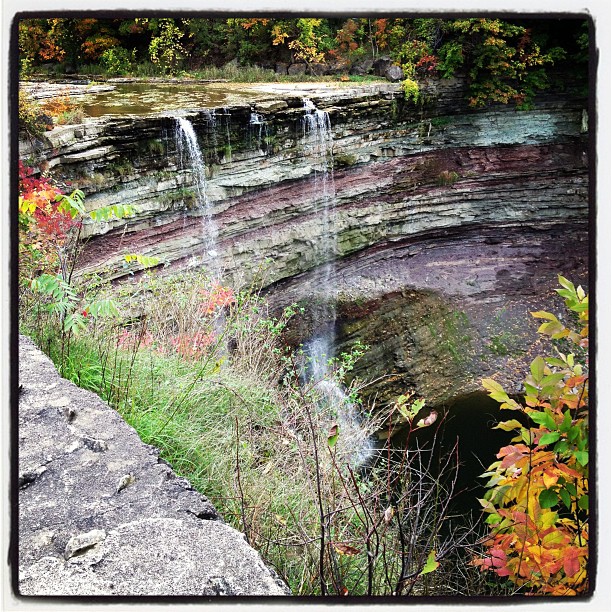
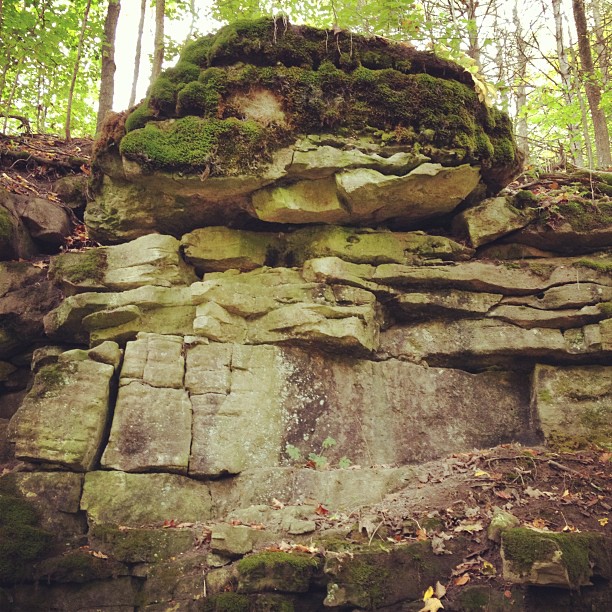
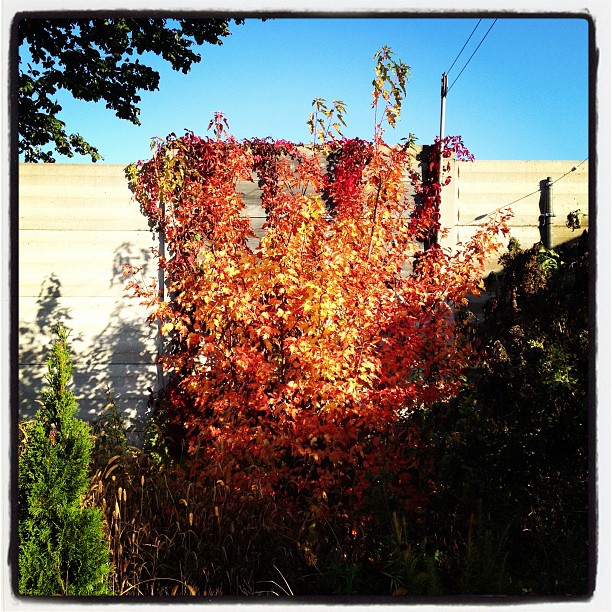
Instagram filter used: Hefe
Photo taken at: Ball’s Falls Conservation Area & Centre For Conservation
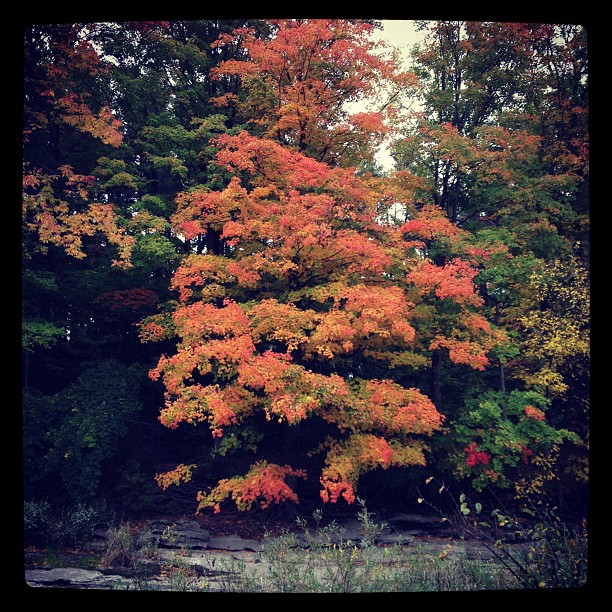
Instagram filter used: X-Pro II
Photo taken at: Ball’s Falls Conservation Area & Centre For Conservation
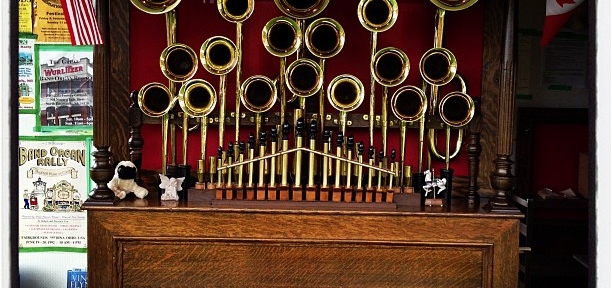
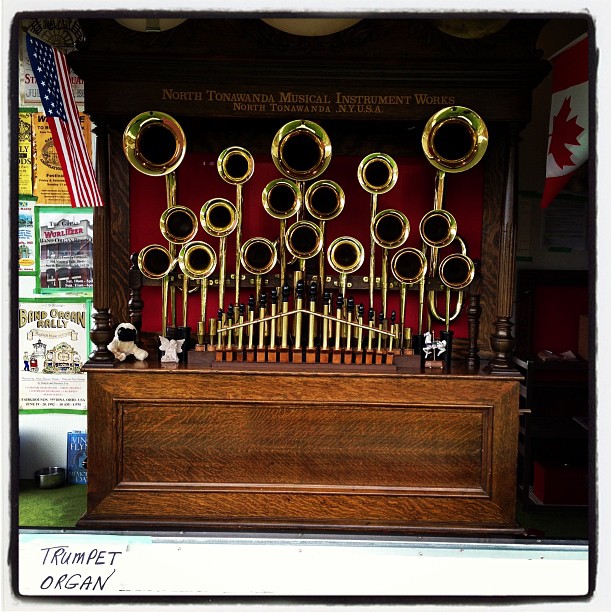
Instagram filter used: Lo-fi
Photo taken at: Ball’s Falls Conservation Area & Centre For Conservation

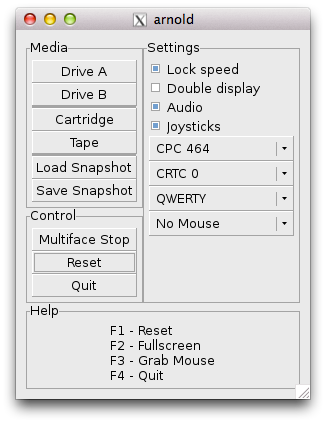
Yeah, you can do it, but whether you should, I don’t know. Download the latest Arnold/Linux source, then (according to this post) after installing the dependencies, you just need to change
TARGET_FMT=elf32-i386to
TARGET_FMT=elf32-littlearmin src/Makefile.in.
It works, for very slow values of “works”. Mind you, I was running it through a remote X session, so 2 fps is all I could have hoped for …