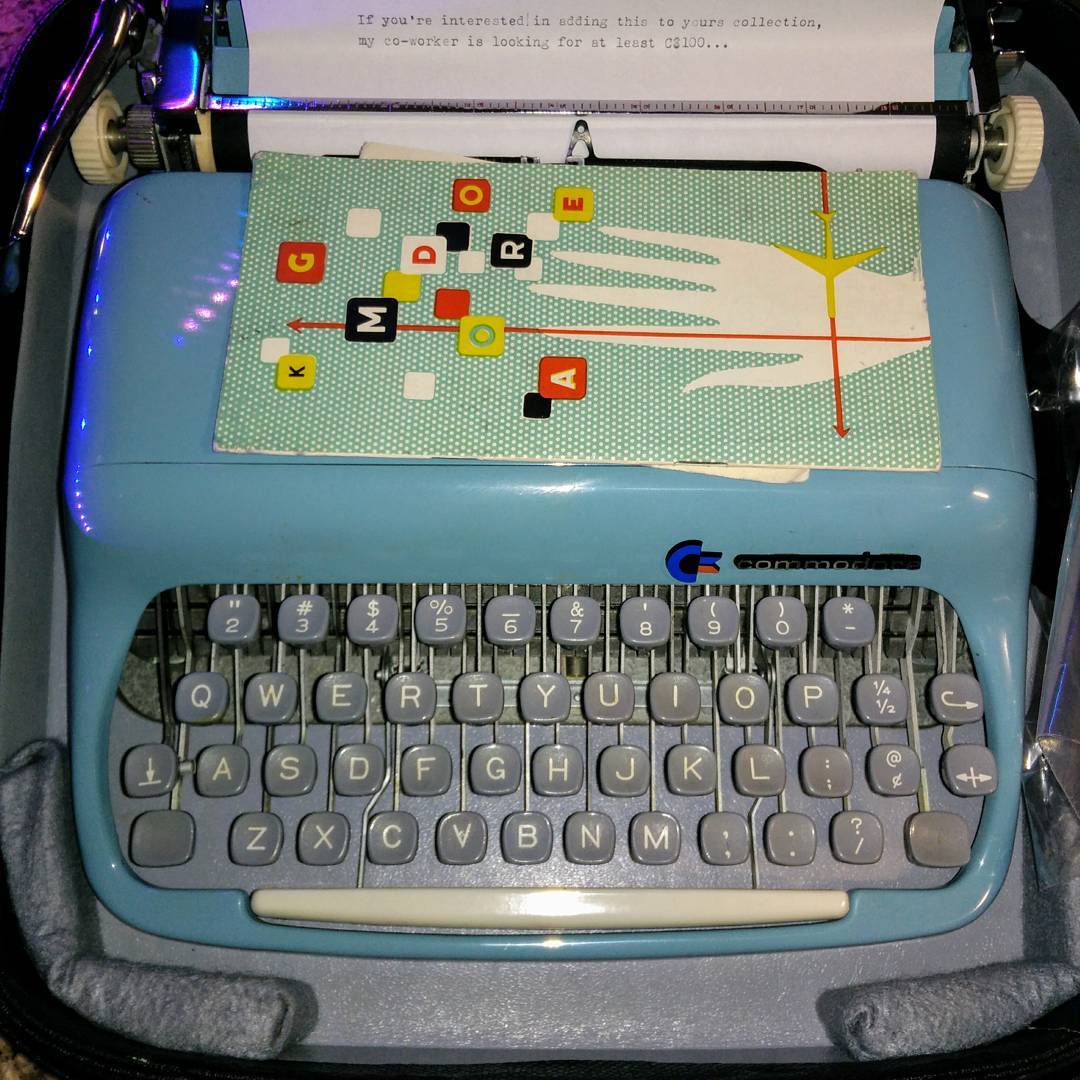
Instagram filter used: Lo-fi
Update:now updated all to include the Bluetooth module so these can be uploaded to your micro:bit with the (remarkably poor) mobile app. If you don’t include the Bluetooth module (or want to use the Radio module) you lose the ability to program over the air.
Boring Blink:
Shake temperature:
Shake temperature in ËšF:
The language on the loblawcard.ca website makes me sick:
Loblaw discovered that Canadians were overcharged for the cost of some packaged bread products in our stores and other grocery stores across Canada. In response, we’re offering eligible customers a $25 Loblaw Card, which can be used to purchase items sold in our grocery stores across Canada.
How about:
Loblaw
discovered thatdeliberately and knowingly stole bread from Canadianswere overcharged for the cost of some packaged bread products in our stores and other grocery stores across Canadafor fourteen years. In response, and without accepting culpability on our part, we’re offering eligible customers a $25 Loblaw Card, whichcan be used to purchasewill only cost us $10-20 wholesale on items sold in our grocery stores across Canada.You might have to sign away your right to participate in a class-action suit by accepting the card, though.
Update, Jan 2018: terms and conditions are now posted (archive link). You won’t exactly have to sign away your class action rights, but “Information pertaining to your activation and use of the Loblaw Card may be shared between and amongst Loblaw, the Program Administrator [JND Legal Administration], Blackhawk [Blackhawk Network (Canada) Ltd.] and/or Peoples [Peoples
Trust Company] and with the courts in any class actions relating to an overcharge on the price of packaged bread.†So it looks like your class action rights are affected if you apply for and activate a card.
Hey! This doesn’t work any more, as CircuitPython changed and I haven’t found a way to update it with the new interpreter.
Since there are seven touch pads on a Circuit Playground Express, that’s enough for traditional 3-chord (â… , â…£, â…¤) songs in the keys of C, D and G. That leaves one pad extra for a â…¥min chord for so you can play Neutral Milk Hotel songs in G, of course.
CircuitPython source and samples: cpx-chord_guitar.zip. Alternatively, on github: v1.0 from scruss/cpx_chord_guitar
The code is really simple: poll the seven touch pads on the CPX, and if one of them is touched, play a sample and pause for a short time:
# Circuit Playground Express Chord Guitar
# scruss - 2017-12

# these libraries should be installed by default in CircuitPython
import touchio
import board
import time
import neopixel
import digitalio
import audioio

# touch pins, anticlockwise from battery connector
touch_pins= [
    touchio.TouchIn(board.A1),
    touchio.TouchIn(board.A2),
    touchio.TouchIn(board.A3),
    touchio.TouchIn(board.A4),
    touchio.TouchIn(board.A5),
    touchio.TouchIn(board.A6),
    touchio.TouchIn(board.A7)
]

# 16 kHz 16-bit mono audio files, in same order as pins
chord_files = [
    "chord-C.wav",
    "chord-D.wav",
    "chord-E.wav",
    "chord-Em.wav",
    "chord-F.wav",
    "chord-G.wav",
    "chord-A.wav"
]

# nearest pixels to touch pads
chord_pixels = [ 6, 8, 9, 0, 1, 3, 4 ]

# set up neopixel access
pixels = neopixel.NeoPixel(board.NEOPIXEL, 10, brightness=.2)
pixels.fill((0, 0, 0))
pixels.show()

# set up speaker output
speaker_enable = digitalio.DigitalInOut(board.SPEAKER_ENABLE)
speaker_enable.switch_to_output(value=True)

# poll touch pins
while True:
    for i in range(len(touch_pins)):
        # if a pin is touched
        if touch_pins[i].value:
            # set nearest pixel
            pixels[chord_pixels[i]] = (0, 0x10, 0)
            pixels.show()
            # open and play corresponding file
            f=open(chord_files[i], "rb")
            a = audioio.AudioOut(board.A0, f)
            a.play()
            # blank nearest pixel
            pixels[chord_pixels[i]] = (0, 0, 0)
            pixels.show()
            # short delay to let chord sound
            # might want to try this a little shorter for faster play
            time.sleep(0.2)
This is roughly how I synthesized the samples, but I made them quieter (the MEMS speaker on the CPX went all buzzy at full volume, and not in a good way) and added a bit of reverb. Here’s the sox command from the modified script:
sox -n -r 16000 -b 16 "chord-${chord}.wav" synth 1 pl "$first" pl "$third" pl "$fifth" delay 0 .05 .1 remix - fade p 0 1 0.5 norm -5 reverb
Really, you do want to take a look at shortening the delay between the samples: you want it long enough for all of the notes of the chord to sound, but short enough that you can play faster songs. I came up with something that worked for me, kinda, and quickly; it’s worth fixing if you have the time.
I’m not proud of this, but I made it so you won’t have to:
Craig at Elmwood Electronics very kindly gave me an ADABOX 006. It’s based around Adafruit’s Circuit Playground Express which just happens to feature a small built-in speaker, IR remote control and the ability to play back audio samples. You see where this is going, don’t you?
If you must make this, the code and samples are here: circuit_playground_express-ir_remote_fartbox_unfortunately.zip. You’ll also need to install the Adafruit CircuitPython IRRemote package into the lib/ folder of your Circuit Playground Express. Point the remote at the board, and it’s left arrow to fart, right arrow to chuckle.
The package includes CC0-licensed samples downloaded from Freesound.
SoX can do almost anything with audio files — including synthesize audio from scratch. Unfortunately, SoX’s syntax is more than a bit hard to follow, and the manual page isn’t the most clear. But there is one example in the manual that gives a glimpse of what SoX can do:
play -n synth pl G2 pl B2 pl D3 pl G3 pl D4 pl G4 \
     delay 0 .05 .1 .15 .2 .25 remix - fade 0 4 .1 norm -1
While it plays a nice chord, it’s not obvious how to make audio files from this process. I have a project coming up that needs a few simple guitar chords, and with much trial and error I got SoX to spit out audio files. Here’s what I keyed into the shell:
cat guitar.txt | while read chord foo first third fifth
do
  echo "$chord" :
  sox -n \
    -r 16000 -b 16 "chord-${chord}.wav" \
    synth pl "$first" pl "$third" pl "$fifth" \
    delay 0 .05 .1 \
    remix - \
    fade 0 1 .095 \
    norm -1
done
with these lines in the file “guitar.txtâ€
G   :  G2  B2  D3
C   :  C3  E3  G4
D   :  D3  F#4 A3
F   :  F3  A3  C4
A   :  A3  C#4 E4
E   :  E2  G#3 B3
Em  :  E2  G3  B3
How the SoX command line breaks down:
The chords don’t sound great: they’re played on only three strings, so they sound very sparse. As my application will be playing these through a tiny MEMS speaker, I don’t think anyone will notice.
Update: well, now I know how to do it, why not do all 36 autoharp strings and make the “magic ensues†sound of just about every TV show of my childhood?
Glissando up:
sox -n -r 48000 -b 16 autoharp-up.wav synth pl "F2" pl "G2" pl "C3" pl "D3" pl "E3" pl "F3" pl "F#3" pl "G3" pl "A3" pl "A#3" pl "B3" pl "C4" pl "C#4" pl "D4" pl "D#4" pl "E4" pl "F4" pl "F#4" pl "G4" pl "G#4" pl "A4" pl "A#4" pl "B4" pl "C5" pl "C#5" pl "D5" pl "D#5" pl "E5" pl "F5" pl "F#5" pl "G5" pl "G#5" pl "A5" pl "A#5" pl "B5" pl "C6" delay 0 0.05 0.1 0.15 0.2 0.25 0.3 0.35 0.4 0.45 0.5 0.55 0.6 0.65 0.7 0.75 0.8 0.85 0.9 0.95 1 1.05 1.1 1.15 1.2 1.25 1.3 1.35 1.4 1.45 1.5 1.55 1.6 1.65 1.7 1.75 remix - fade 0 6 .1 norm -1
Glissando down:
sox -n -r 48000 -b 16 autoharp-down.wav synth pl "C6" pl "B5" pl "A#5" pl "A5" pl "G#5" pl "G5" pl "F#5" pl "F5" pl "E5" pl "D#5" pl "D5" pl "C#5" pl "C5" pl "B4" pl "A#4" pl "A4" pl "G#4" pl "G4" pl "F#4" pl "F4" pl "E4" pl "D#4" pl "D4" pl "C#4" pl "C4" pl "B3" pl "A#3" pl "A3" pl "G3" pl "F#3" pl "F3" pl "E3" pl "D3" pl "C3" pl "G2" pl "F2" delay 0 0.05 0.1 0.15 0.2 0.25 0.3 0.35 0.4 0.45 0.5 0.55 0.6 0.65 0.7 0.75 0.8 0.85 0.9 0.95 1 1.05 1.1 1.15 1.2 1.25 1.3 1.35 1.4 1.45 1.5 1.55 1.6 1.65 1.7 1.75 remix - fade 0 6 .1 norm -1
Could maybe use some reverb in there for the ultimate nostalgic effect.
I’m talking at the Raspberry Pi Toronto Meetup tonight, and if all goes well, the Net-Connected Cowbell will make an appearance:
My slides: MQTT.odp
Links:
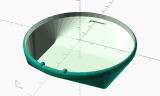
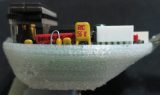
Update, 2017-12-03: So of course, as soon as I show this to someone, they ask: “Can it stand up like a display case?†It can now!
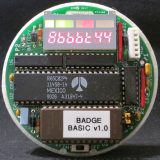
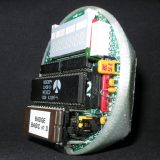
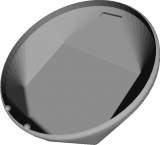
STL file and OpenSCAD source for rev 2: VCF-6502-badge.zip
(licence: CC BY-NC-SA 2.5 CA)
Thingiverse: https://www.thingiverse.com/thing:2687960
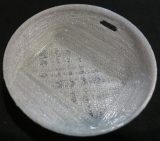
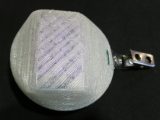
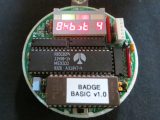
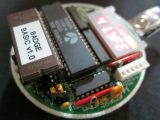
Rev 1: This worked better than I could have hoped, and so the 6502 40th Anniversary Computer Badge now has a snug-fitting case to prevent shorting, and to keep the batteries in place.