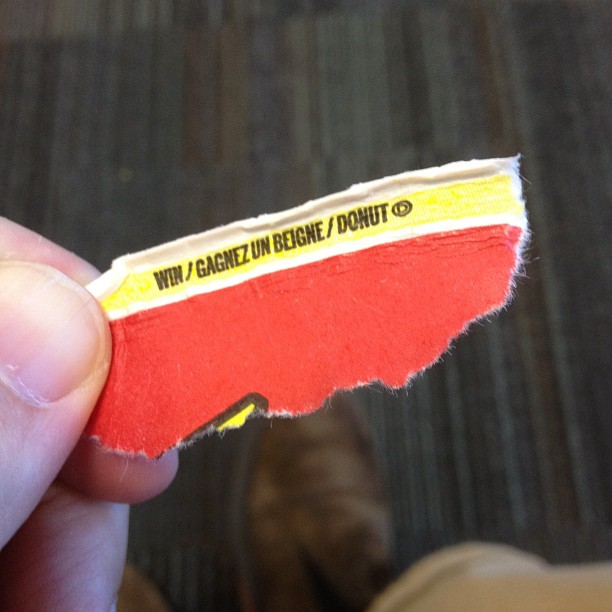
The highlighted text says “Staedtler Textsurfer Gel highlighter”, but you can’t read it because the highlighter made the ink fade.
The highlighted text says “Staedtler Textsurfer Gel highlighter”, but you can’t read it because the highlighter made the ink fade.
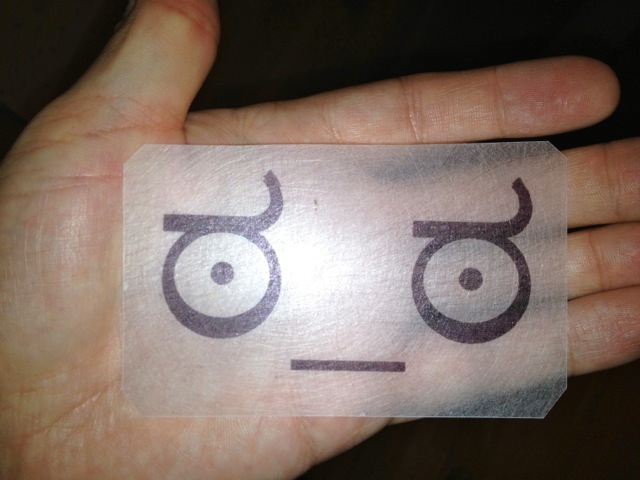
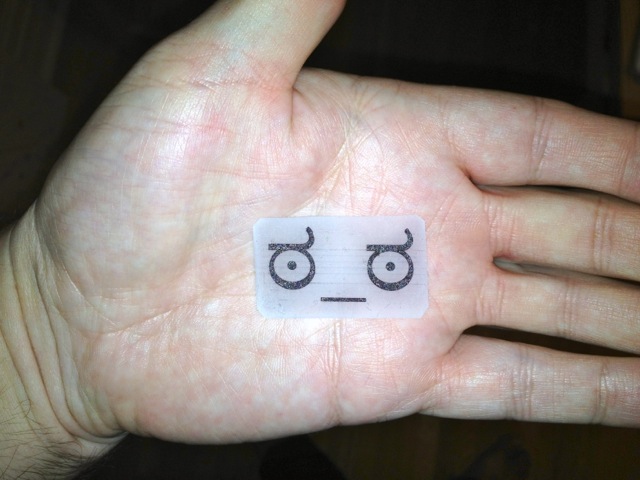
I didn’t know they still made SHRINKY DINKS. Indeed, I didn’t know they were ever really a thing outside something you got free in Nabisco cereal boxes in the 1970s. Or something you did with Hula Hoops packets, then stuck a safety pin on the back so you could wear it as a smashing badge.
To be appropriately retro, I printed this with a dot-matrix printer.
CHDK allows your Canon P&S to do nifty things. One of them is to rig up a USB Remote Cable. Someone on Metafilter asked how to set this up, so here’s what worked with me and my PowerShot SD790is (Ixus 90).
!!! Warning: this requires you to apply unauthorized voltages to your camera. If in doubt, don’t. Check the CHDK camera-specific page for notes on voltages. Don’t hold me responsible if you let the magic smoke out of your camera !!!
You’ll need to install CHDK first. What you download and how you install it depends on your camera model and the memory card your using. This might help.
The good news is that CHDK comes with the remote script built in, so you don’t need to download anything else. You will need a suitable remote trigger, or a cannibalized USB Mini-B cable.
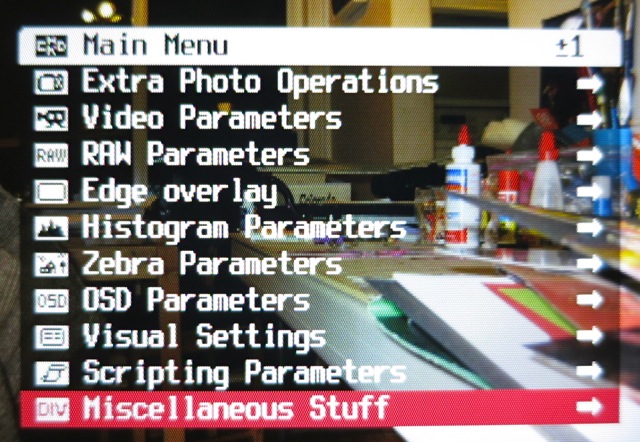
First, call up the CHDK menu. On my camera, that’s the Direct Print button (looks like this:  ), which puts CHDK in Alt mode. Hit Menu in Alt mode, and you should see this menu:
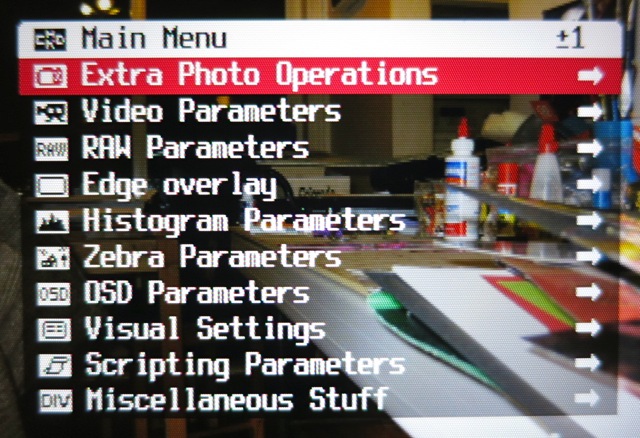
Scroll down to Miscellaneous Stuff and select it:
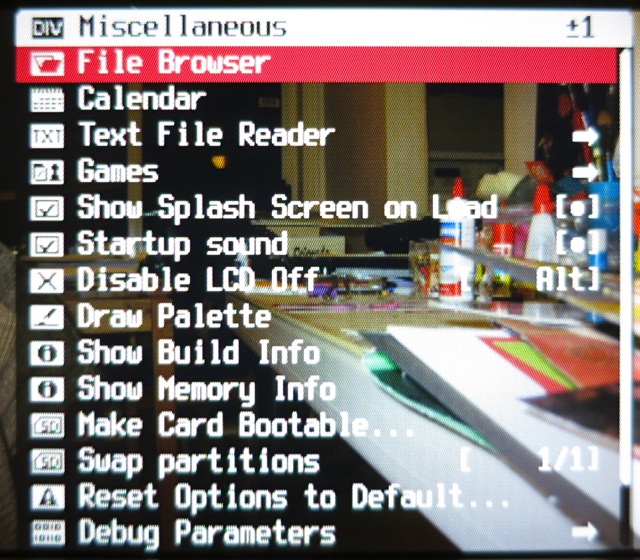
Scroll all the way down to Remote Parameters (or, more quickly, scroll up, and the menu wraps round):
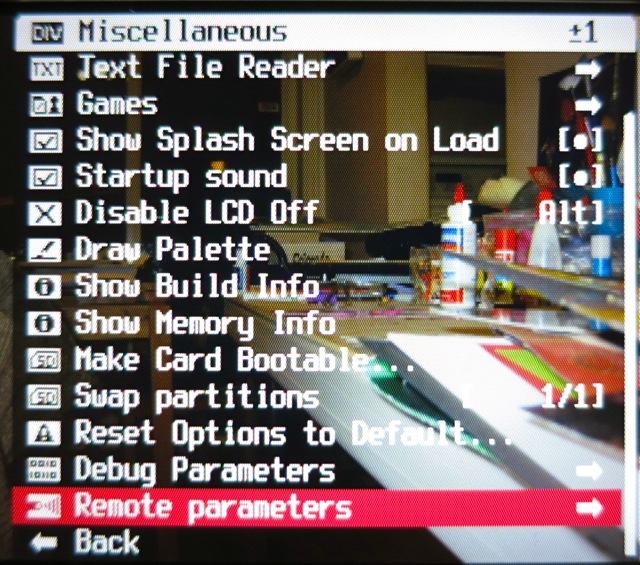
Now Enable Remote:

Go back to the main menu, and scroll down to Scripting Parameters:
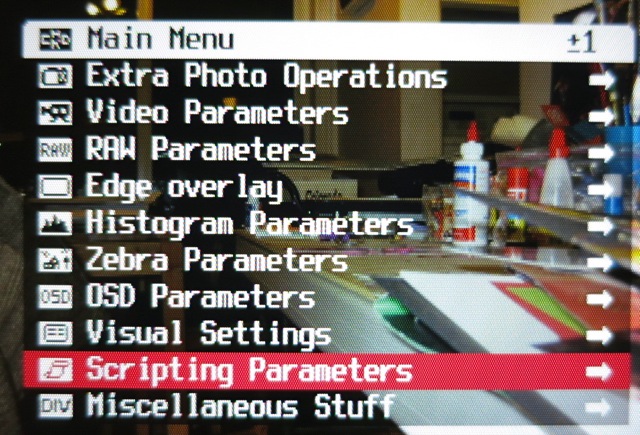
Select Load Script from File …:
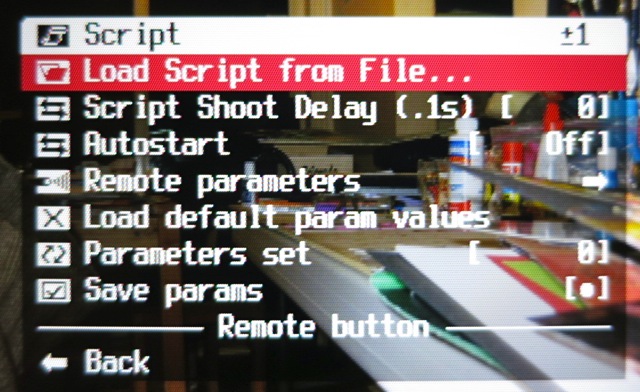
Enter the EXAM folder:
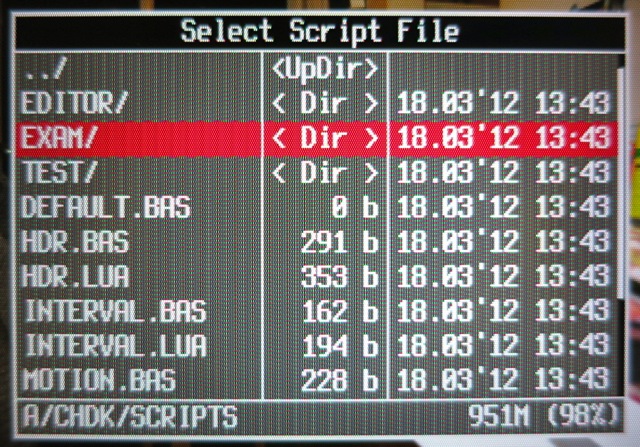
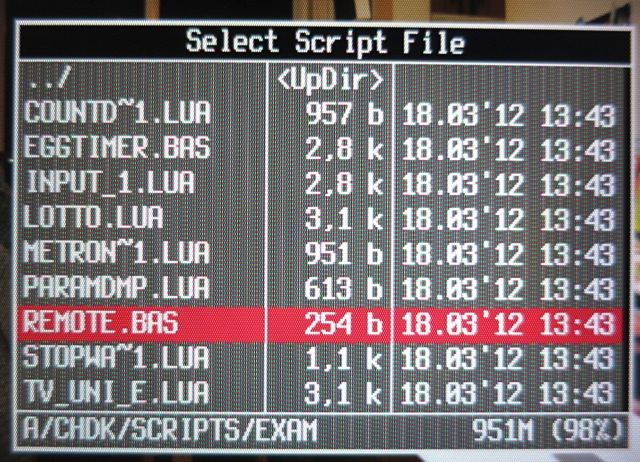
Select REMOTE.BAS:
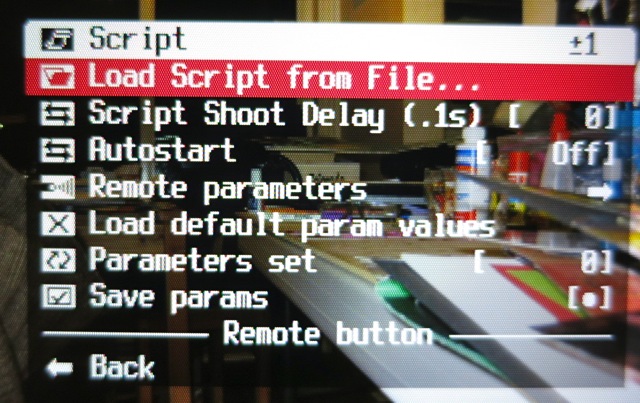
Now you’ll be taken back to the Script menu, and the bottom of the menu shows that you’ve enabled the Remote button script:
Exit the menu, and hit the shutter button to extend the lens. You’ll get a normal display, a bit like this:
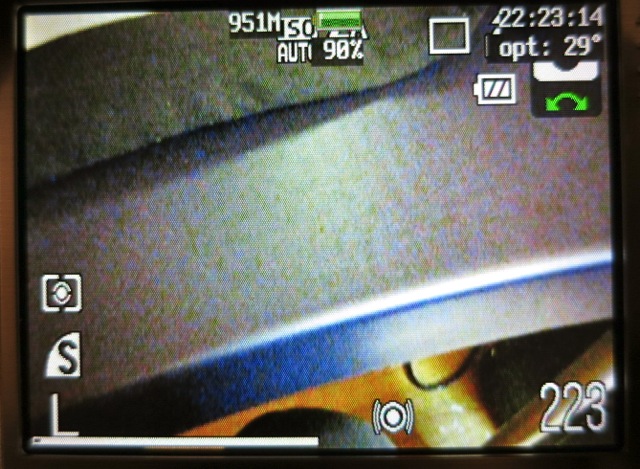
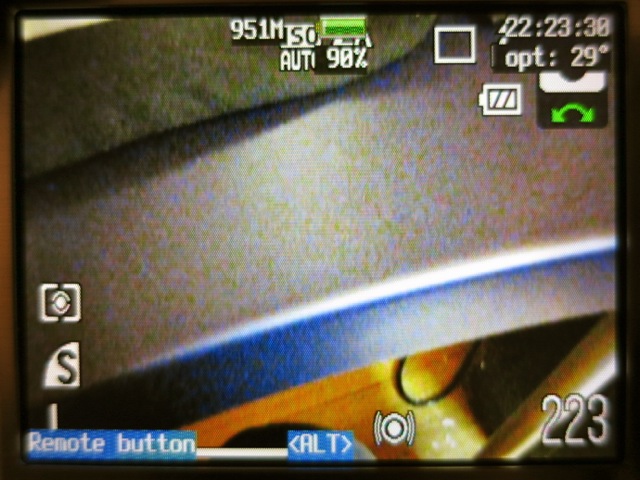
To allow the remote script to run, hit Direct Print/Alt, and the bottom of the display will show that the remote script is running:
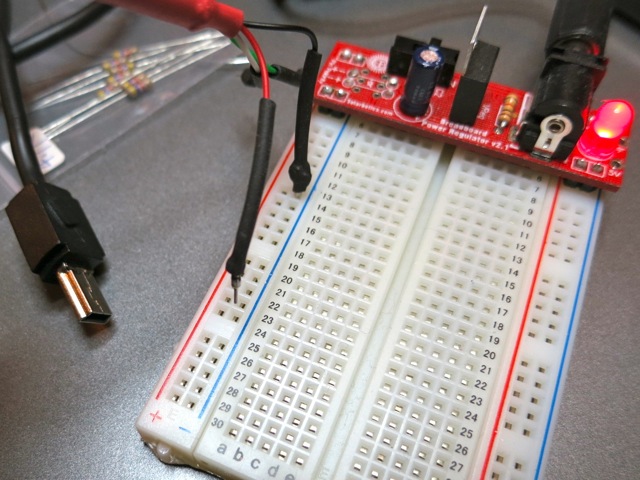
Now you’ll need to rig up a trigger. I cannibalized an old USB Mini-B cable, and connected the black wire to ground, and the red wire – momentarily – to +5V. You will likely come up with something much more elegant.
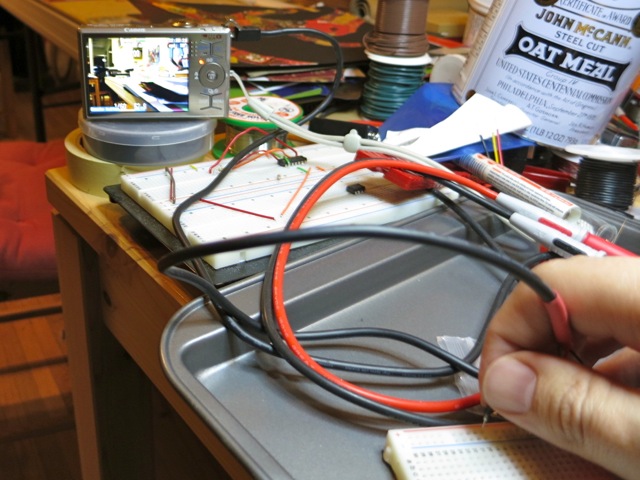
And here’s me triggering a shot (you can see the amber focus/flash LED lit) by touching the red wire to +5V:
That’s all there is to very basic remote work in CHDK. Note that USB Remote V2 is in development, which allows finer control and many more options.
Spotted just north of Eglinton on the DVP. Some daffodils, too!
Black Walls’ new album Acedia is available for pre-release purchase.
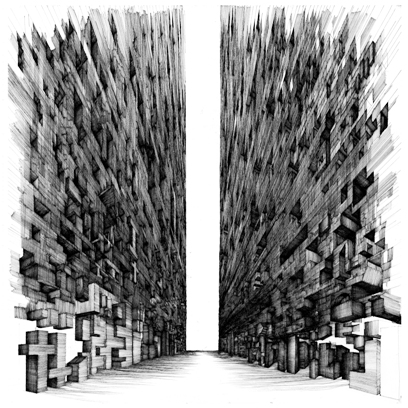 I’ve had Ken’s artwork on my wall as a huge print for the last couple of years. I’m stoked that this is now out.
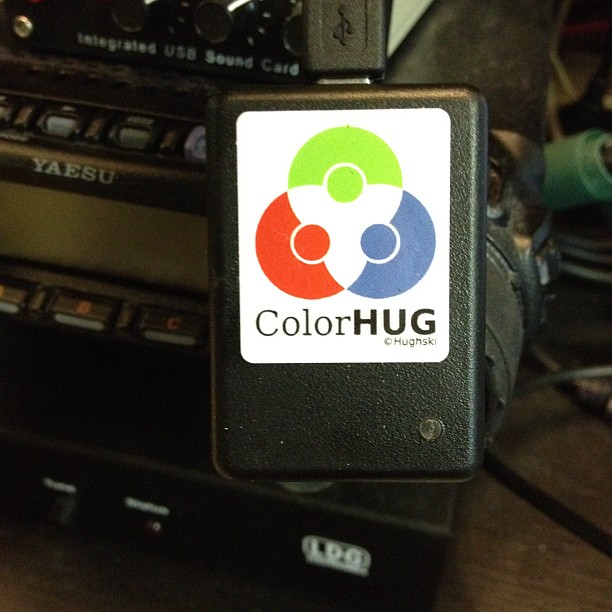
I got my ColorHug calorimeter the other day. You can’t tell, but this laptop display is a bunch warmer than it was, and there are now colours springing out of what was formerly murk (sproing!).
It’s still very much in beta (and I mean that the way it used to mean), so it works but is a bit fiddly. It currently has to boot from a Linux live CD; there’s no native OS X or Windows support. There’s a very active user group, and issues are being found and squished daily.