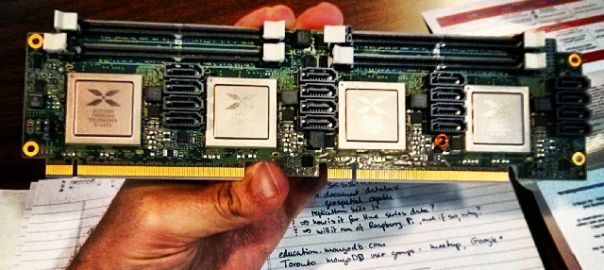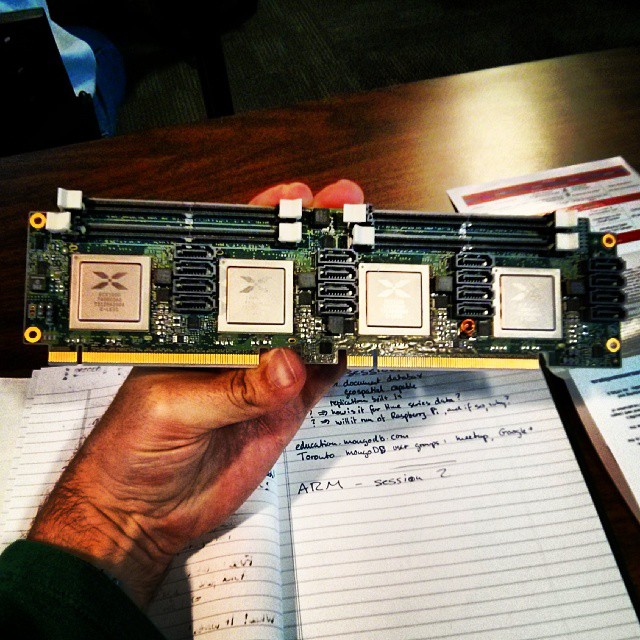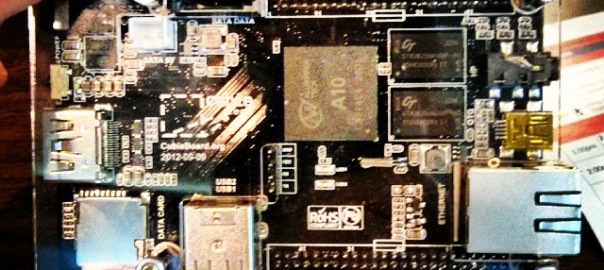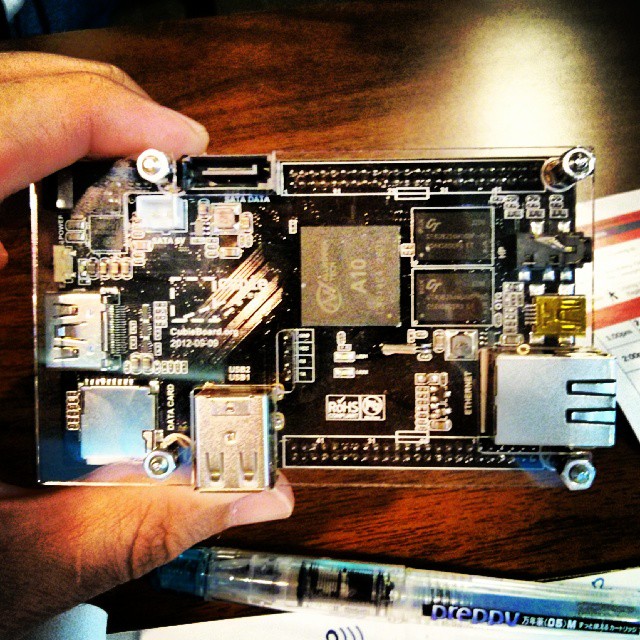
Instagram filter used: Normal
Photo taken at: TIFF Bell Lightbox
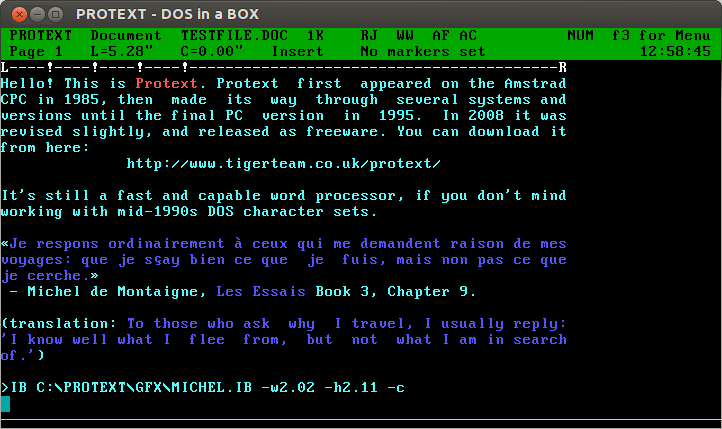
Oh man, Protext! For years, it was all I used: every magazine article, every essay at university (all two of them), my undergraduate dissertation (now mercifully lost to time: The Parametric Design of a Medium Specific Speed Pump Impeller, complete with spline-drawing code in HiSoft BASIC for the Amiga, is unlikely to be of value to anyone these days), letters —you name it, I used Protext for it.
I first had it on 16kB EPROM for the Amstrad CPC464; instant access with |P. I then ran it on the Amiga, snagging a cheap copy direct from the authors at a trade show. I think I had it for the PC, but I don’t really remember my DOS days too well.
The freeware version runs quite nicely under dosemu. You can even get it to print directly to PDF:
The results come out not bad at all:
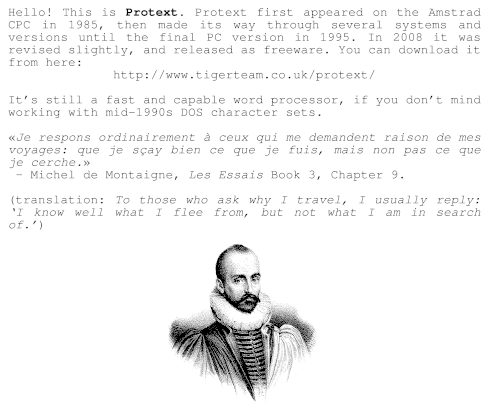
Protext’s file import and export is a bit dated. You can use the CONVERT utility to create RTF, but it assumes Code page 437, so your accents won’t come out right. Adding \ansicpg437 to the end of the first line should make it read okay.
(engraving of Michel de Montaigne in mad puffy sleeves: public domain from Wikimedia Commons: File:Michel de Montaigne 1.jpg – Wikimedia Commons)
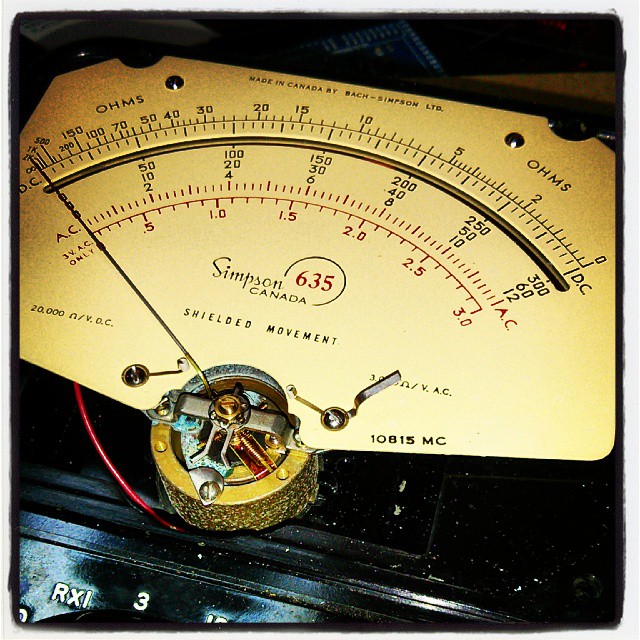
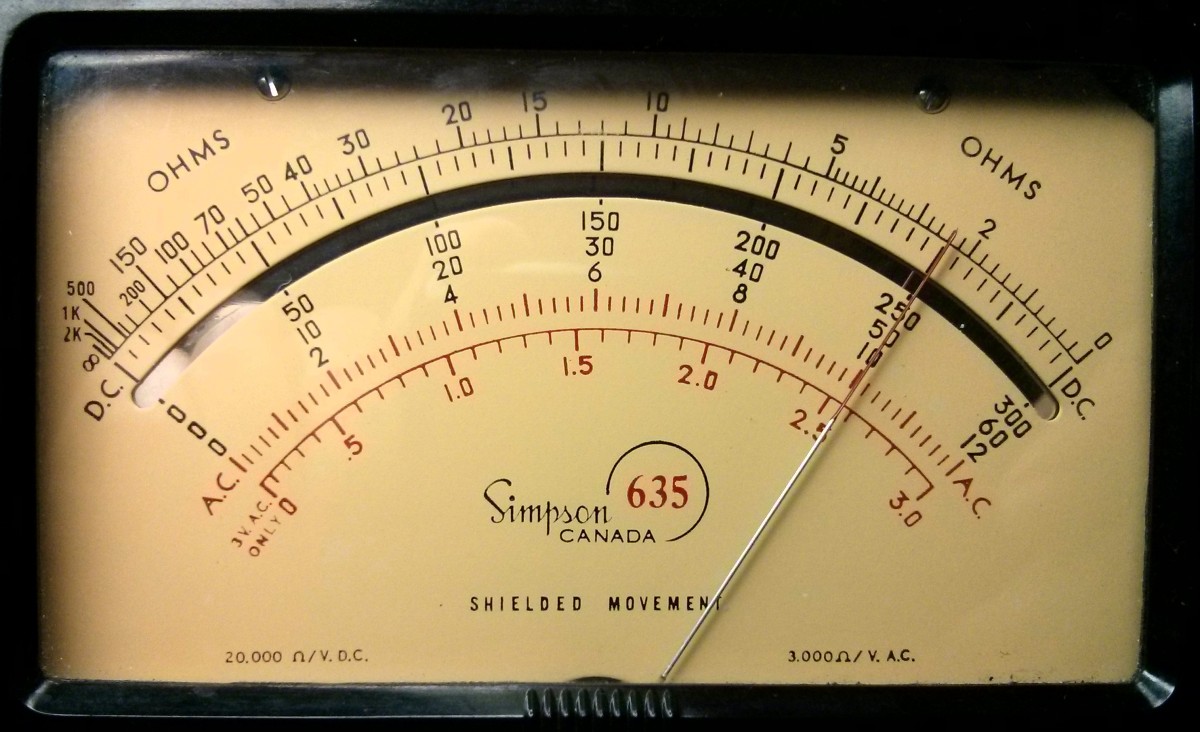
I picked up a fine-looking ex-Forces Bach-Simpson 635 multimeter from Active Surplus the other week.
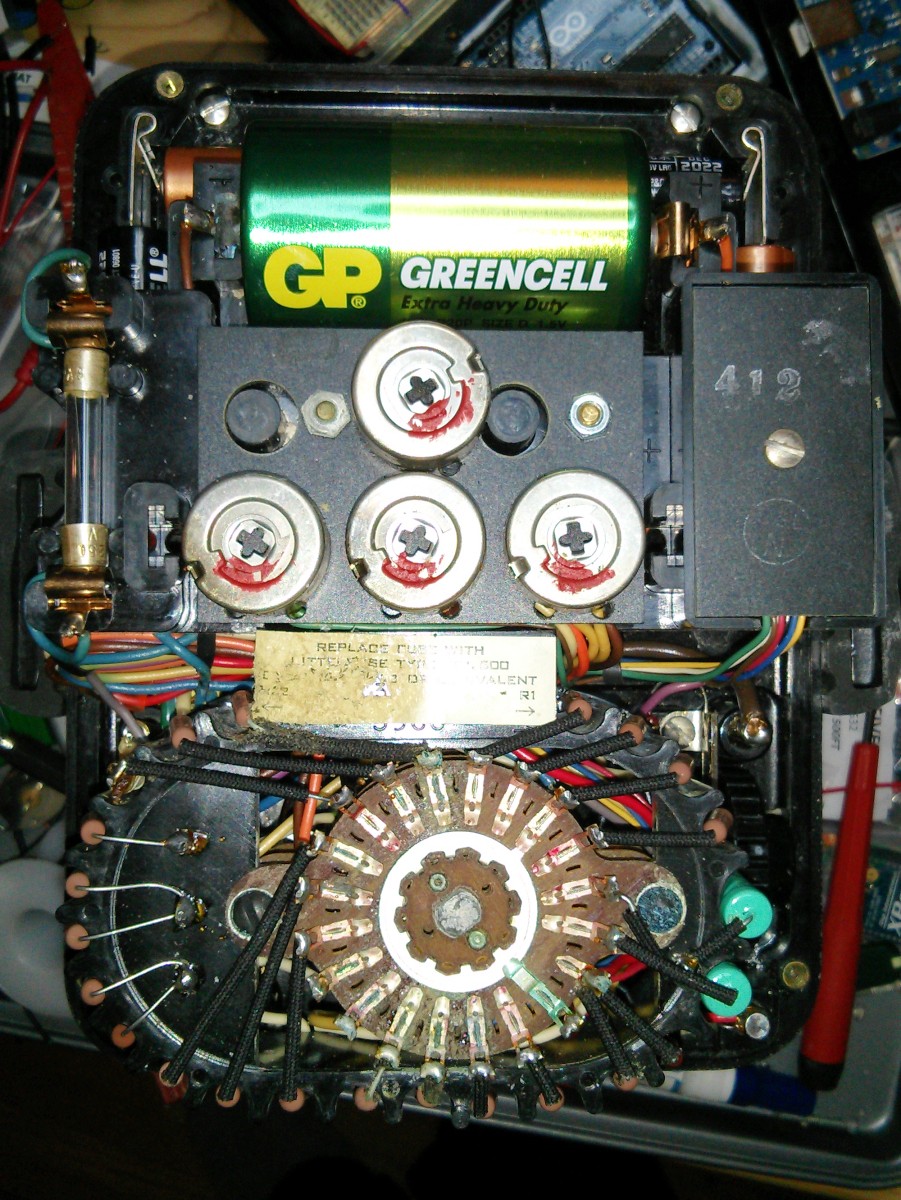
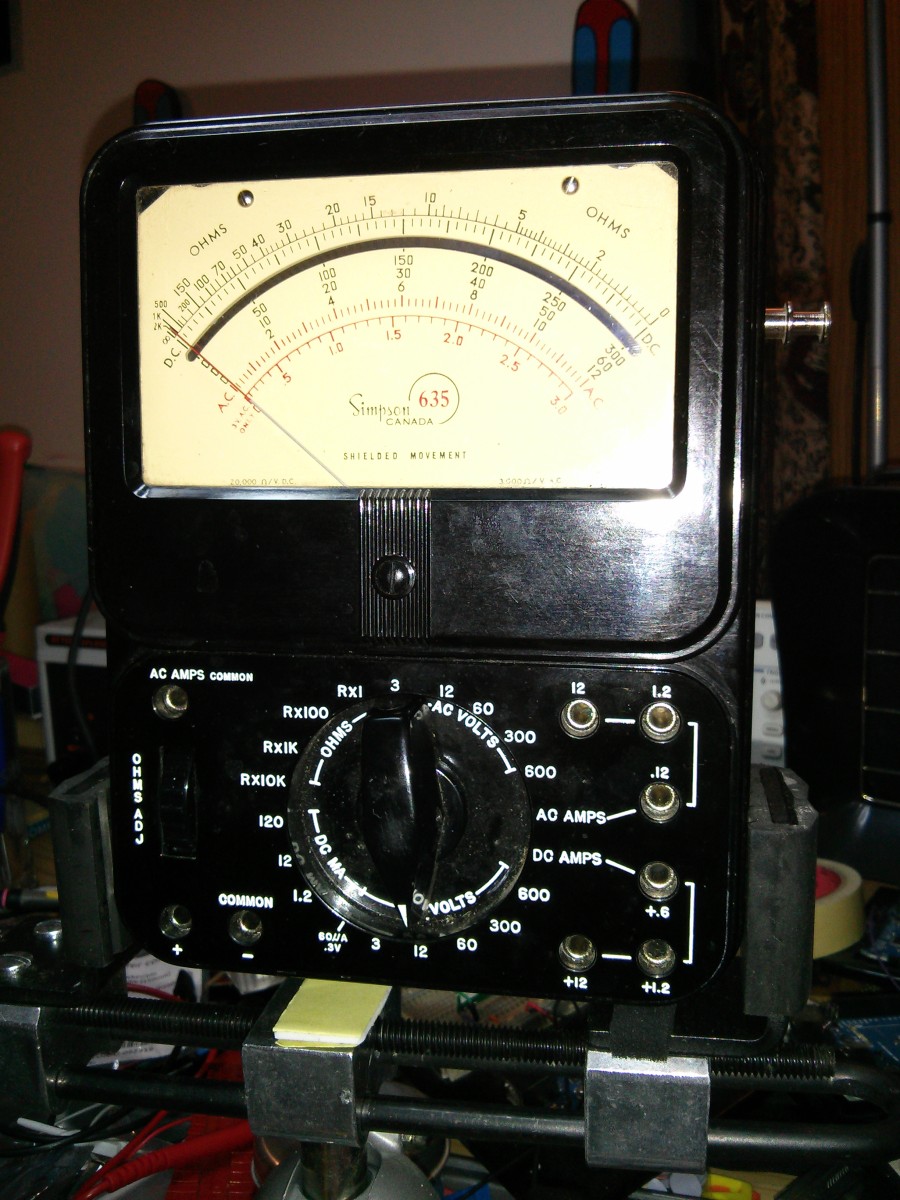 After opening it up and cleaning out all the corroded battery gunge, it cleaned up pretty well:
The needle would only go about â…– full range, though. Carefully opening up the front showed that the corrosive goo had got into the meter movement itself:
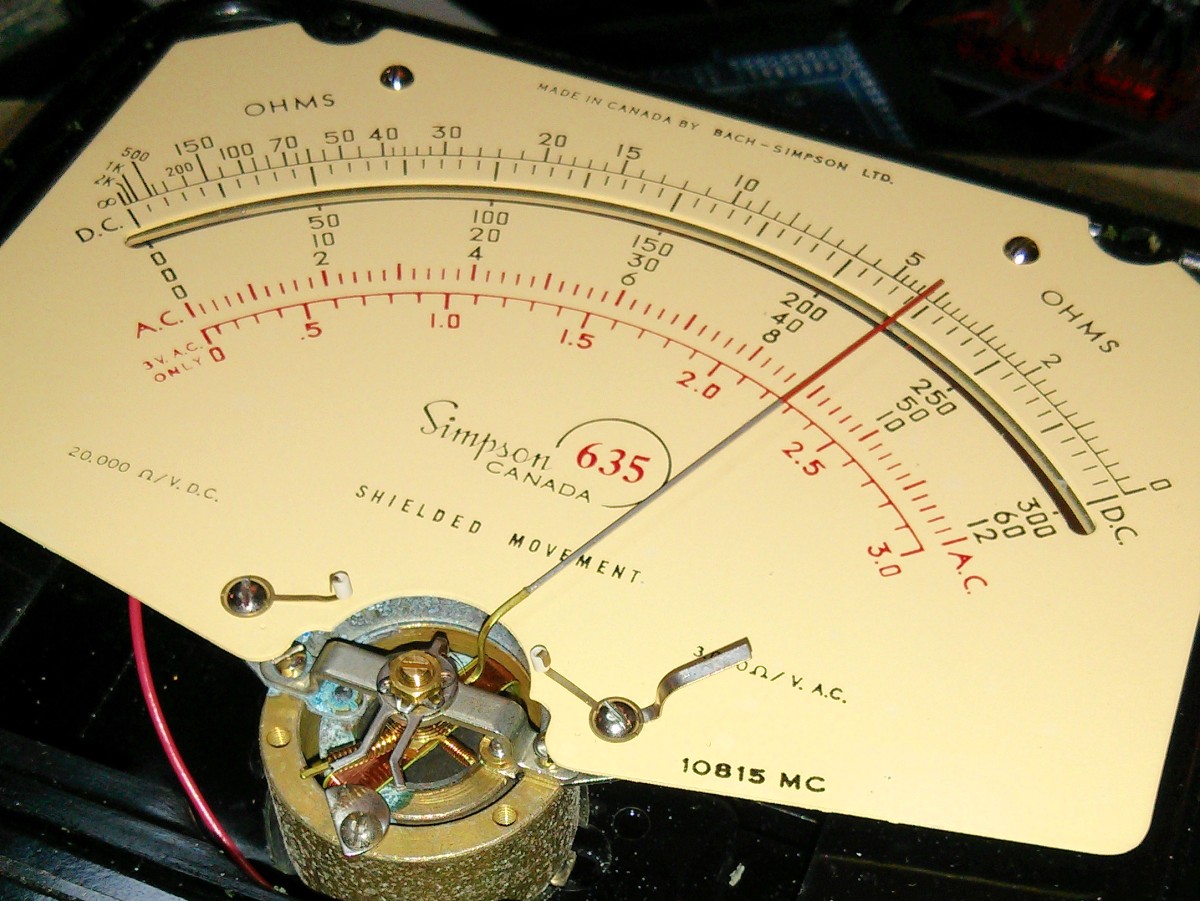 Since the meter was pretty much useless as is, I carefully scraped away at the green gunge on the stator. This freed up the moving coil, so the meter now works pretty close to how it should. Clock that dial!
 I took the HV back off the meter. There’s no way I’m going near 6 kV with this meter. Anything over 12 V makes me worried …
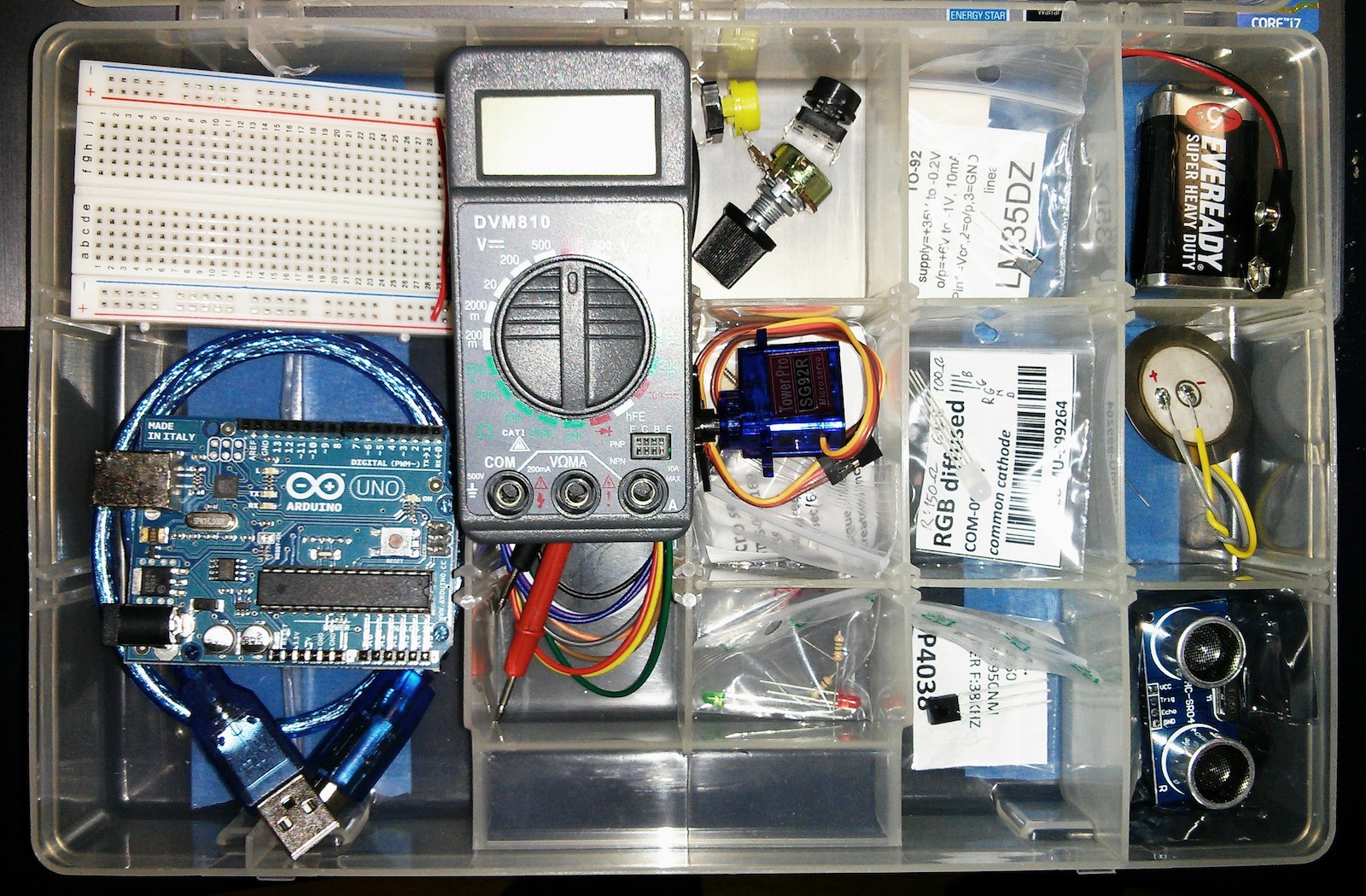
A friend asked me what the whole Arduino thing was about. Rather than handwave, I thought I’d put together a little kit he could try. It comprises:
Rather worryingly, almost all of this was stuff that was lying spare on my (very small) workbench. This might explain why very little electronics were getting done there.
Utility Meter Reader is a great idea for an app. Using the camera on your smartphone, snap a picture of your utility meter’s analogue dials, and through the power of some clever image processing, the app will return your meter reading. 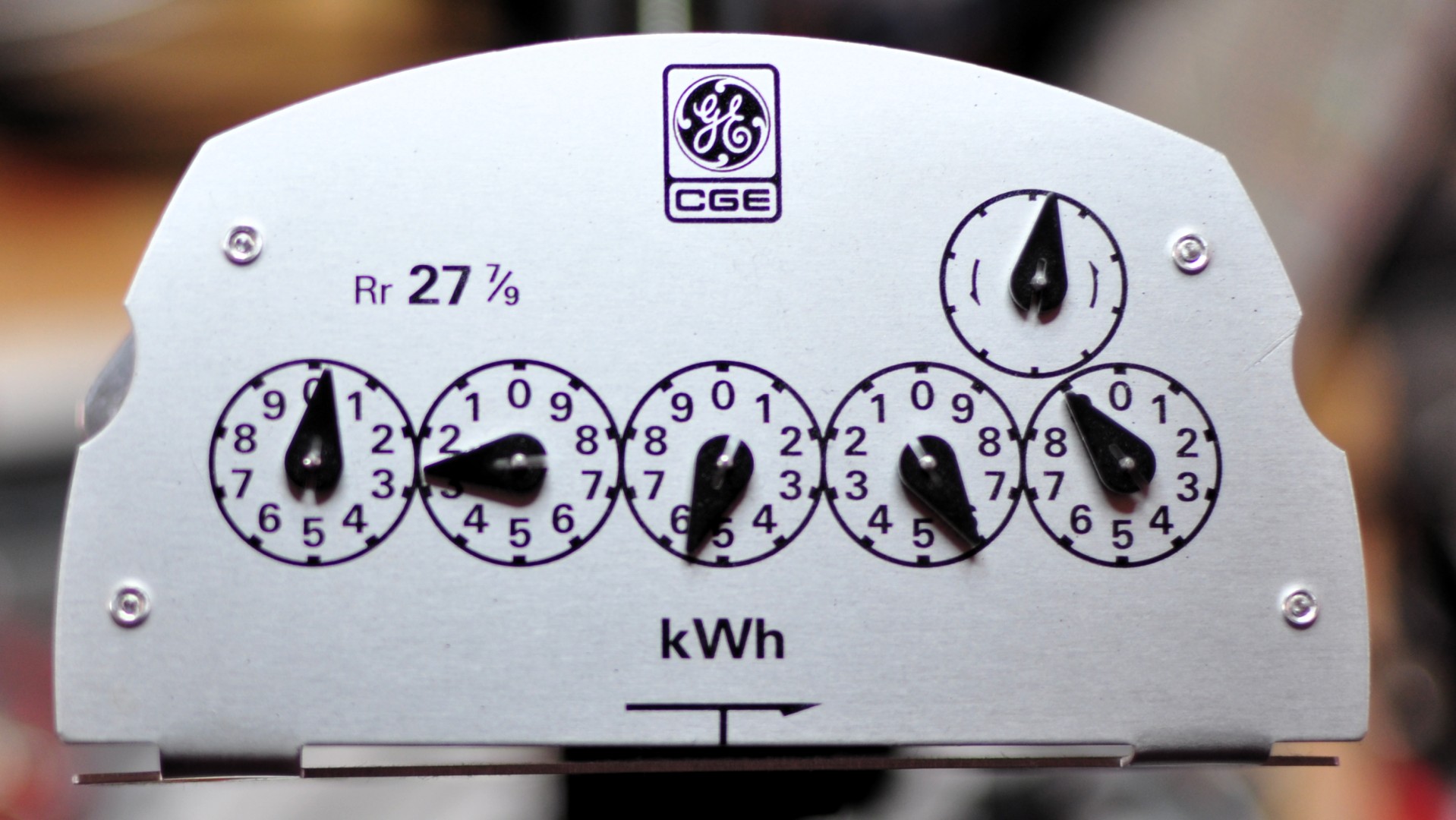 Traditional meters are a bit hard to read, as the dials rotate in alternate directions. You won’t realize why this is unless you get a chance to peek behind the fascia:
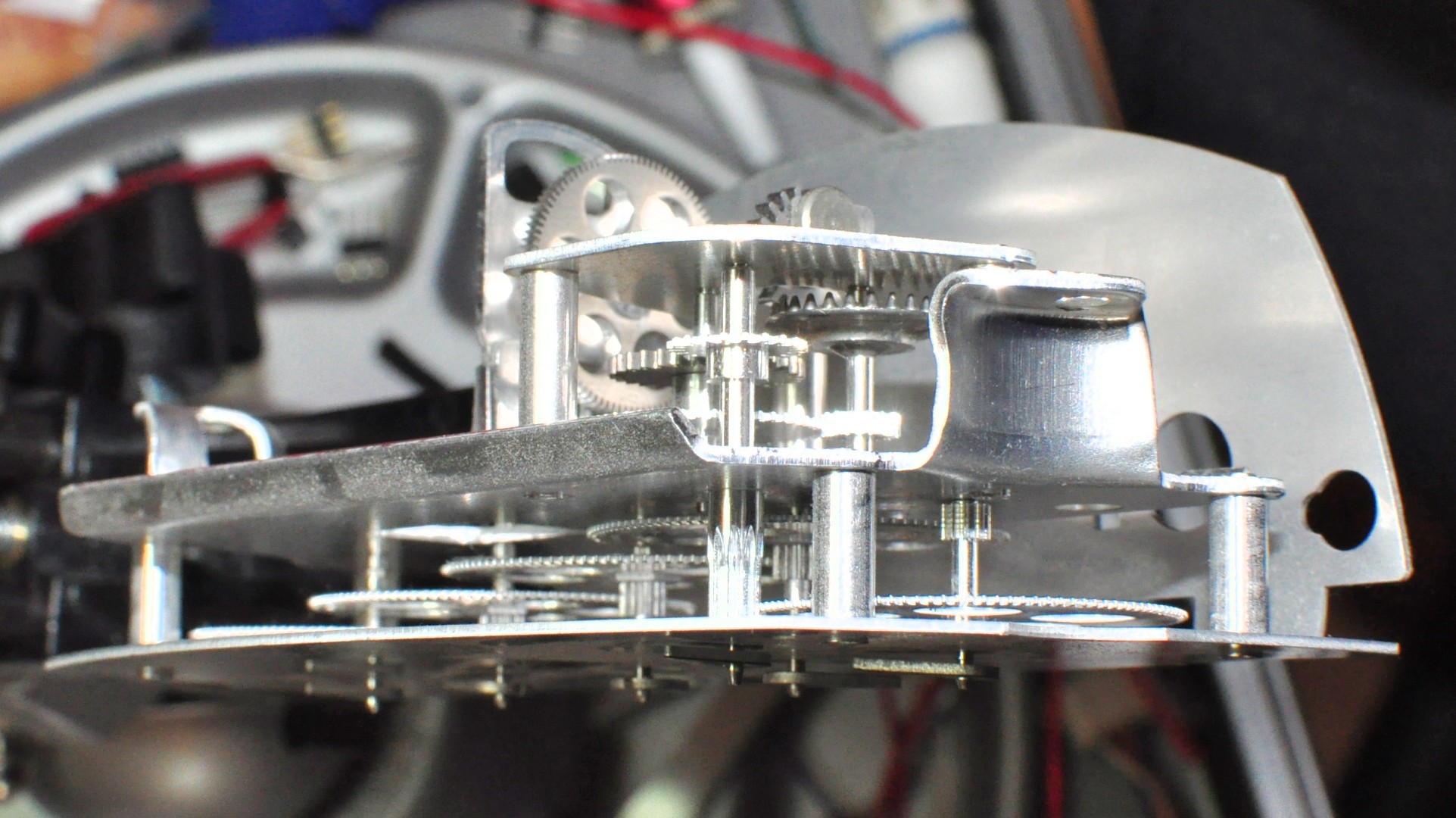 There’s an incredibly fiddly set of 10:1 reduction gears in there, so each dial registers a tenth of the one next to it. Because it’s a drive-train, adjacent shafts rotate in opposite directions. This serves to keep the cost of the meter down at the expense of having to think a bit about how to read the thing.
We only have one dial meter on the house. It’s a 58 year old gas meter (same age as the house) and it’s certainly been around a bit:
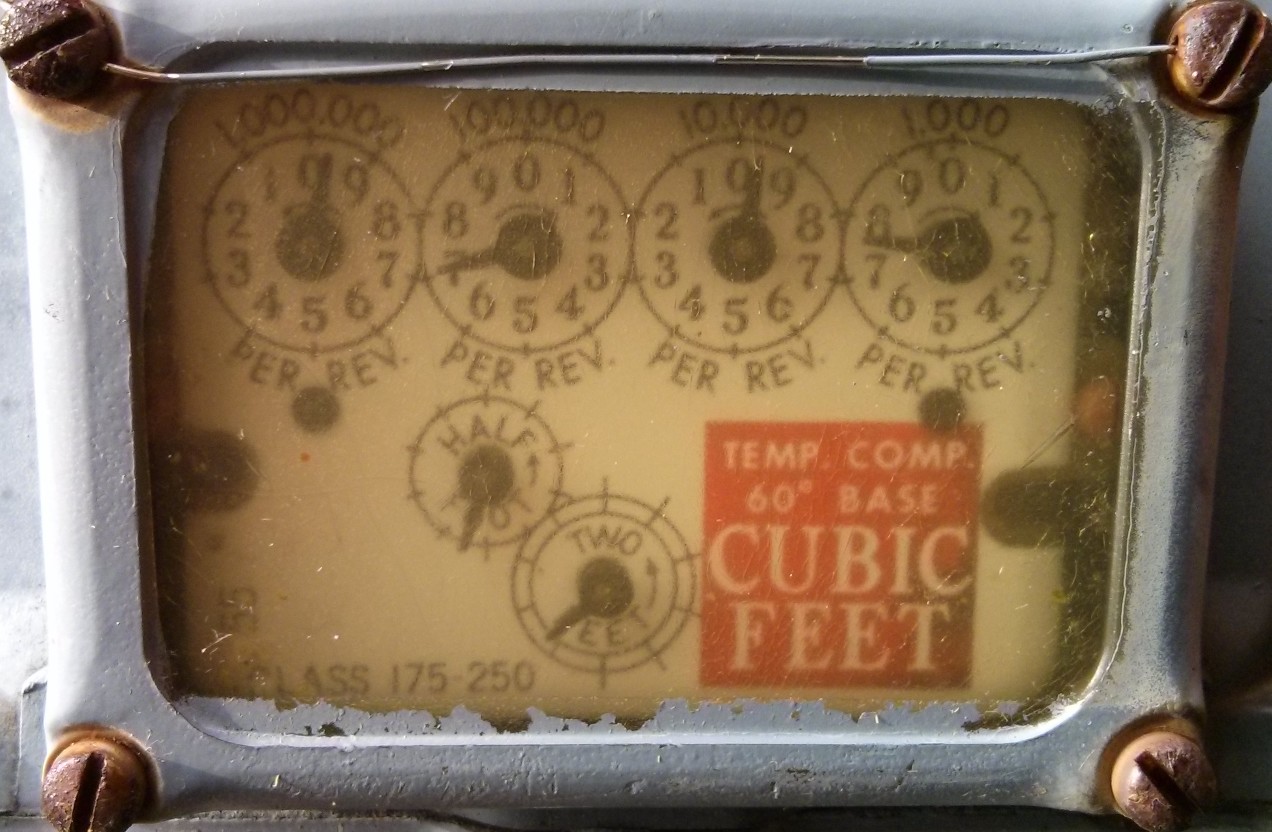
Here it’s reading 969700 ft³, ignoring the lower dials; the units are hundreds of cubic feet. Let’s see how Utility Meter Reader made out with that:
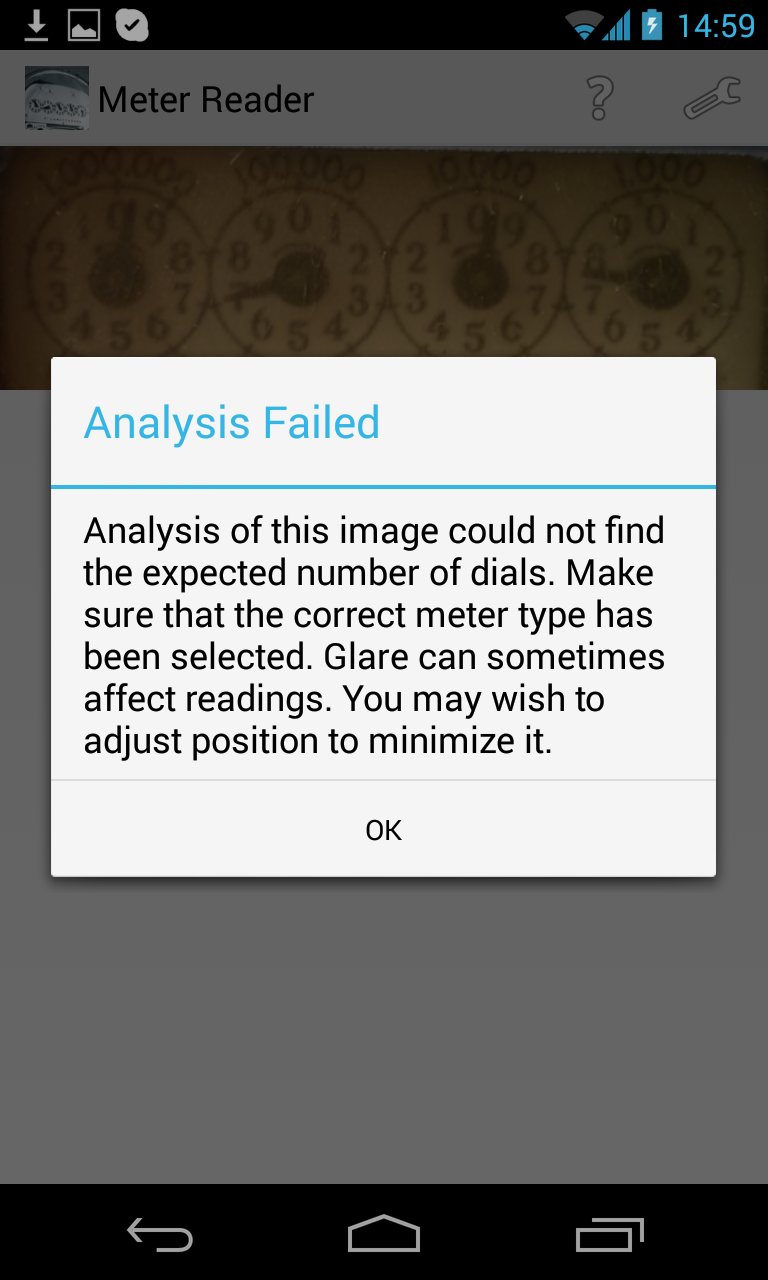
Not very well, it seems. How about if I carefully process the image, sharpening it up, straightening it, and making it very high-contrast greyscale:
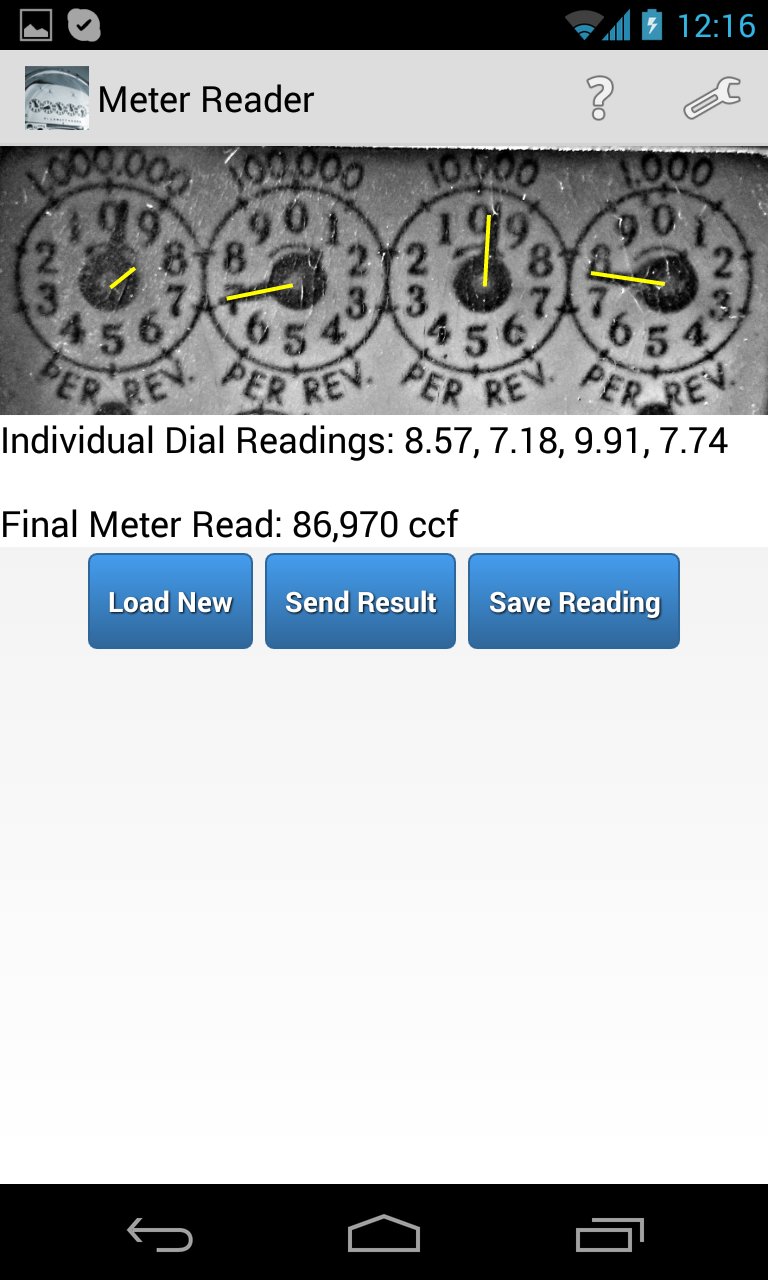
Hmm, the big figure’s completely wrong, but it got the rest.
Okay, so let’s feed it a nice canned example, like this one (courtesy of Greeneville Light & Power System‘s “How to Read Your Electric Meter†page). Even I can see that this reads 46372:
 According to Utility Meter Reader, though:

The big figure’s off by one again. Very strange, especially since it picked up 4.23 for the first dial. In desperation, I clipped a small part of the GE meter image from my screen, and sent it to the app:
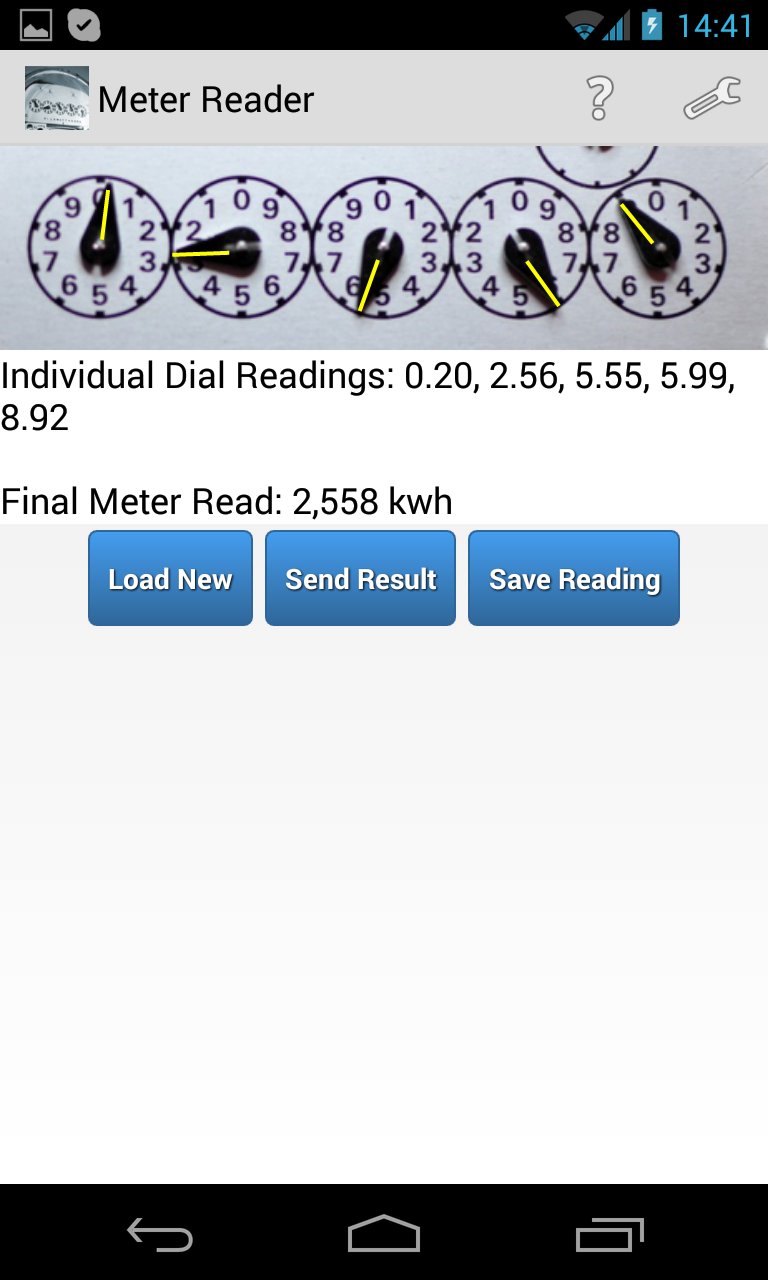
2558 is the right answer. Phew! But the app only seemed to work on a well-lit, clean meter fascia with no glass in the way and an image taken by a rather nice DSLR. One out of three ain’t quite good enough.
One concern I have about the app is that — while it allows you to e-mail a reading to your utility — it quietly BCCs a copy of that reading (which includes your meter details) to imeterreader [at] the-next-future.com. I didn’t see much of a privacy contract when I downloaded the app onto my Android phone, so I don’t know what they are going to do with my readings or personal data. So if it ever gets to working properly, I won’t use that feature.
The app’s a good idea, but the implementation’s pretty far off where it needs to be. Of course, one could quickly whip up an implementation in OpenCV to identify dial circles and read the pointers. But do all this on your smartphone, however, and you’d fall foul of their US patent application.
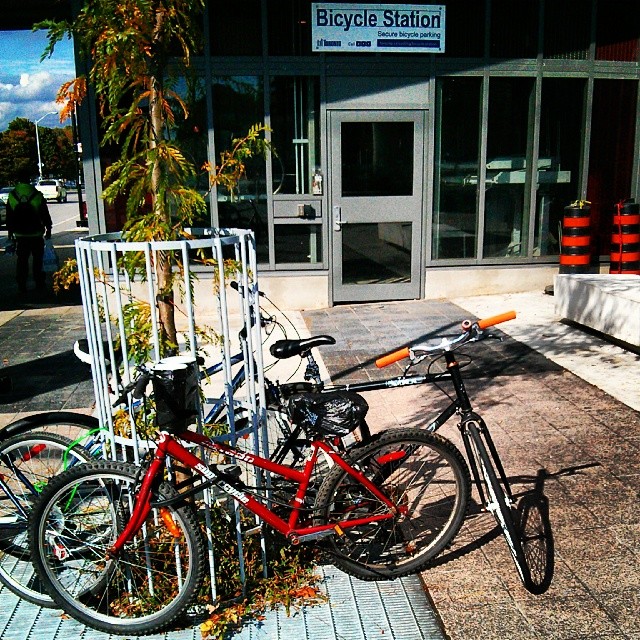
Instagram filter used: Lo-fi
Photo taken at: Victoria Park Station – Parking Lot