Month: March 2013

  • A better image rollover with Ultimate TinyMCE

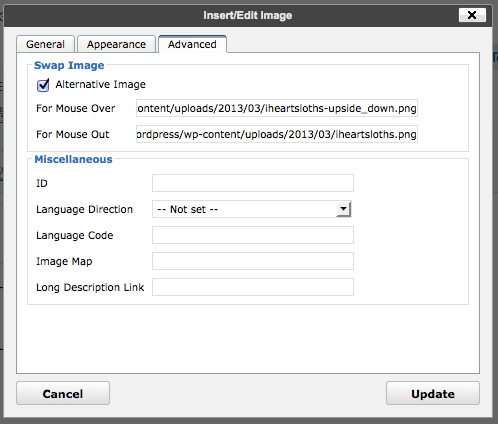
    iheartslothsProbably best to retire my ad hoc image rollover in wordpress, as Ultimate TinyMCE has it covered. Sure, it’s a plugin, but it makes it so much easier. After uploading your two images, select an image and put the two URLs into the Mouse Over/Out fields:

    Ultimate TinyMCE image rollover

    Easy! And no digging into the page source, either.

  • Wind Power, 1940s style

    smith putnam wind turbineThis is how wind turbines were supposed to look, at least in the 1940s. It’s the experimental Smith-Putnam 1.25 MW unit than ran for a short while on a hill near Rutland, VT. The picture’s from a rather falling-apart copy of Large Horizontal-axis Wind Turbines (Thresher, R. W., & Solar Energy Research Institute. (1982). Large horizontal-axis wind turbines: Proceedings of a workshop held in Cleveland, Ohio, July 28-30, 1981. Golden, Colo: Solar Energy Research Institute) that I rescued from Jim‘s recycling years ago.

    The first part of these proceedings has a historical review of the Smith-Putnam turbine, including an excerpt from the S. Morgan Smith Company’s house organ on the project. As the rest of the book is pretty much all about the MOD series of turbines, it’s of less interest. I’ve scanned the bits about the Smith-Putnam turbine, and put them here: NASA_DOE-1981-large_horizontal_axis_wind_turbines-excerpt. If anyone wants the book, let me know. It’s very ratty, but readable.

    I’ve written about this turbine before, but in relation to a packet of crayons. More awesome turbine pictures from Paul Gipe: Smith-Putnam Industrial Photos.

  • I’ve been waiting for this day for more than 30 years …

    I really never though I’d see this happen, but The Complete Uncle really looks like it’s going to get published.

  • Forward to Libraries: Toronto Public Library added

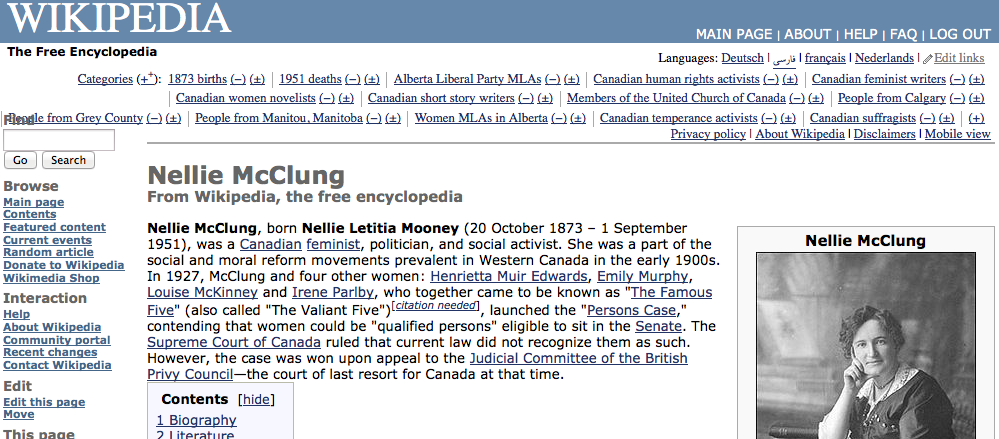
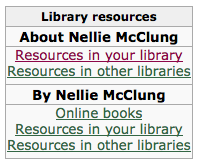
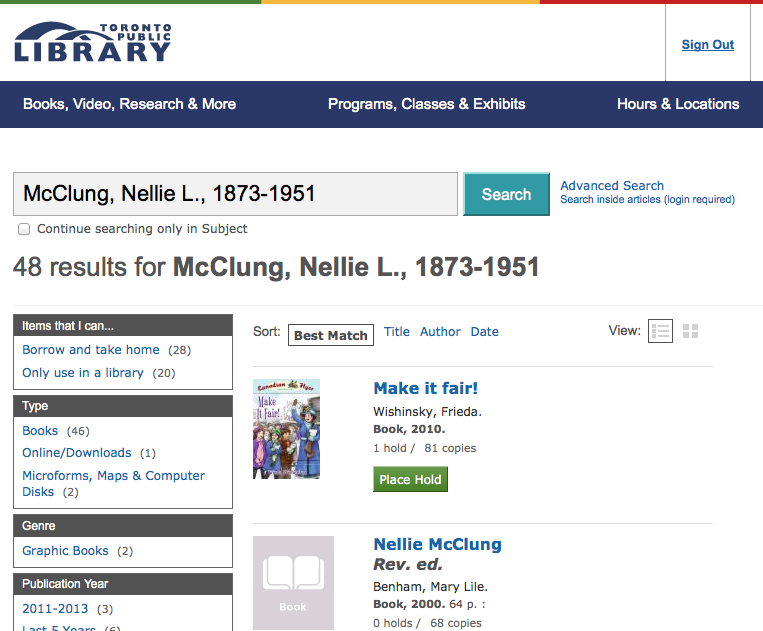
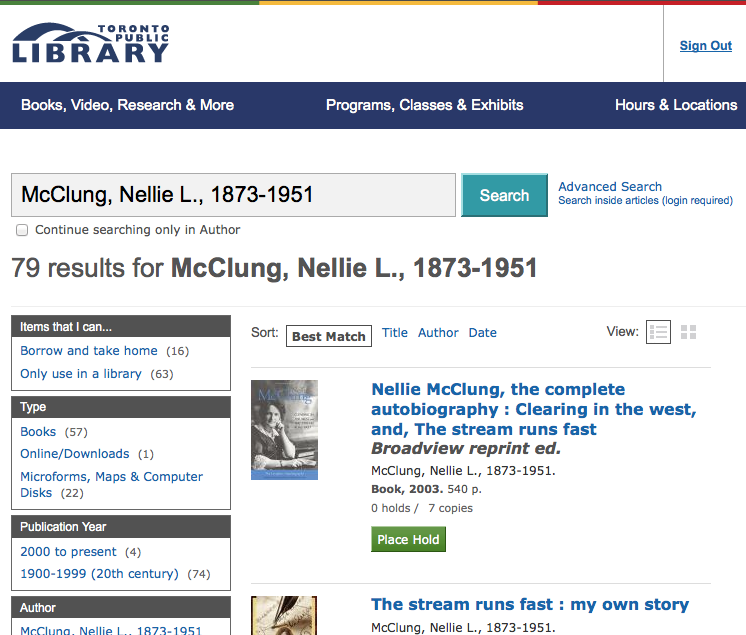
    If you’re starting your research on Wikipedia, you’ll need to see what books are available on a subject for further study. Previously, you’d need to trawl the references manually, but John Mark Ockerbloom‘s Forward To Libraries (FTL) service makes that a whole lot easier. What FTL does is allow you to reach into nearly any library’s catalogue search from a subject link on Wikipedia.

    John’s been getting some great press on this service, so I asked him to add Toronto Public Library to FTL. Here’s how it works:

    Pretty neat, huh? Try other articles, like Pierre Trudeau, Arduino or the Canadian Shield.

    It’s not actually that hard to add Library resources boxes to Wikipedia articles. There’s a tutorial in the Template:Library resources box page that shows you how. Researching the locator is the most difficult part, and that gets a lot easier the more you add.

  • Snow tufts for Catherine.

    Snow tufts for Catherine.

    Instagram filter used: Normal

    Photo taken at: Kennedy Commons

    View in Instagram ⇒

  • All that’s left of the cinema …

    All that’s left of the cinema …

    Instagram filter used: X-Pro II

    Photo taken at: Kennedy Commons

    View in Instagram ⇒

  • C’mon Madvac, let’s see some donuts in that snow.

    C’mon Madvac, let’s see some donuts in that snow.

    Instagram filter used: Rise

    Photo taken at: Kennedy Station Passenger Pickup

    View in Instagram ⇒

  • X11-Basic: Compiler Insanity!

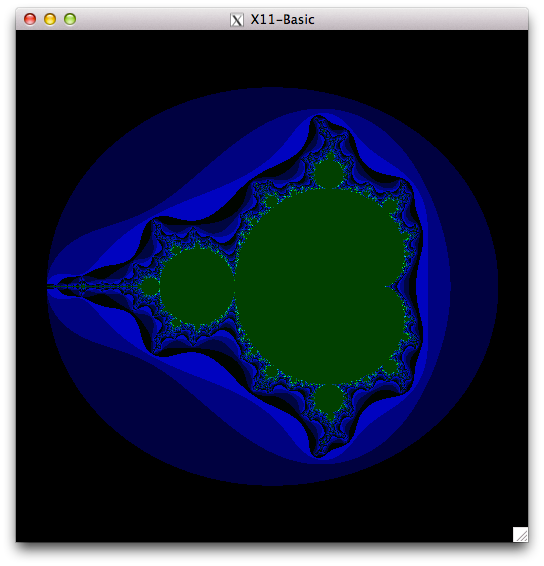
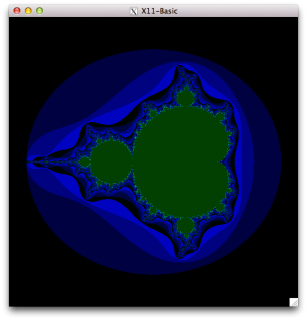
    Screen Shot 2013-03-11 at 22.13.31Markus Hoffmann has been very helpful with getting X11-Basic running on the Raspberry Pi. Remember how I said that the simple Mandelbrot Set test took nearly 1¼ hours to run using the interpreter? How about 2′ 6″ when compiled? That’s a speedup of 35 times! What you need to do is:

    xbc -virtualm -o mandel-simple mandel-simple.bas

    The “-virtualm” bit is the secret key to speed. Without it, the compiled code is a bit faster than interpreted.

    If you’re running from the source code posted to SourceForge yesterday, you might want to replace xb2csol.h with this new xb2csol.h. It’s supposed to help with the compiled code. Just make clean; make; sudo make install to replace the code.

  • A scoosh case.

    A scoosh case.

    Instagram filter used: Lo-fi

    Photo taken at: Budweiser Gardens

    View in Instagram ⇒

  • Londonontario.

    Londonontario.

    Instagram filter used: X-Pro II

    Photo taken at: Museum London

    View in Instagram ⇒

  • Running X11-Basic (almost perfectly) on Raspberry Pi

    Update: Markus Hoffmann uploaded a new version of X11Basic-1.20.tar.gz to SourceForge that addresses most of these problems. I’ve edited the article to remove the obsolete bits.


    More than 20 years ago, I really liked GFA-Basic. It ran blindingly fast on the Atari ST, and when it didn’t crash on the Amiga, it ran blindingly fast there too. I even wrote a review of it for comp.sys.amiga.programmer, which you can read to this day in all its textual glory. One of the e-mail addresses in that article still works, too.

    I still sometimes think in BASIC, and there is much wringing of hands (not by me, really) that there isn’t a good interpreter for Raspbian on the Raspberry Pi. So when I found X11-Basic — a cross-platform GFA-Basic-like system — I had to take a look.

    While I have managed to get X11-Basic demos to run, I have to say it’s not running super well. I’ll show you how to install X11-Basic 1.20 and get it (mostly) running, but it’s a bit rough on the ARM. Incidentally, these instructions also work on Ubuntu 12.mumble LTS on x86.

    First, you need to install some (okay, a lot of) packages:

    sudo apt-get install libreadline-dev tcsh libncurses5-dev xutils-dev libc6-dev libsdl1.2-dev libtool

    Now download and extract the package:

    tar xvzf X11Basic-1.20.tar.gz
    cd X11Basic-1.20

    For X11Basic-1.20, you have to issue an extra command before the standard ‘./configure ; make ; make install‘ sequence:

    sudo mkdir -p /usr/local/share/man/man1
    ./configure
    make
    sudo make install

    This is enough to make a working xbasic interpreter. I made some screenshots of some of the graphics demos —
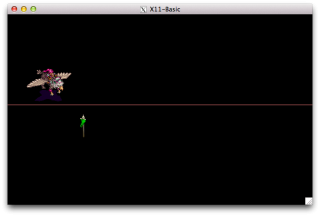
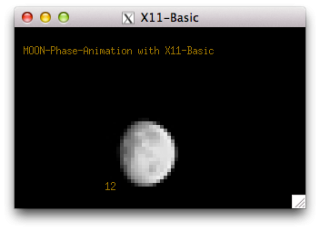
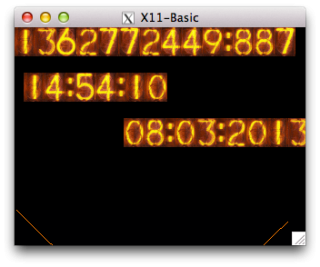
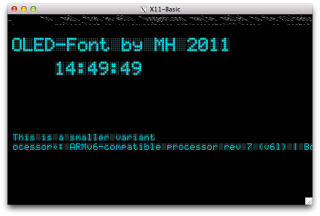
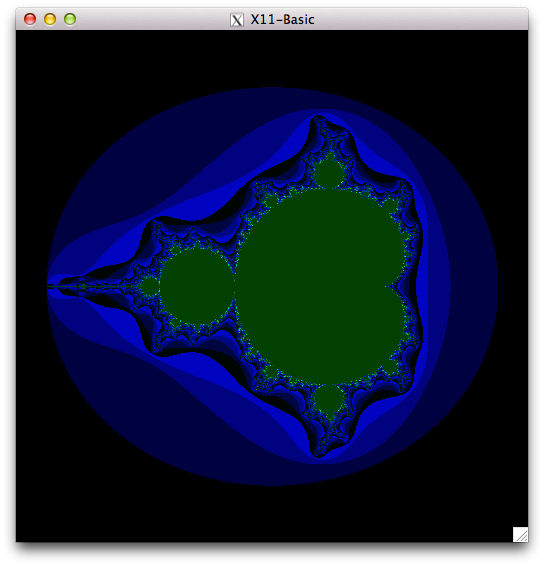
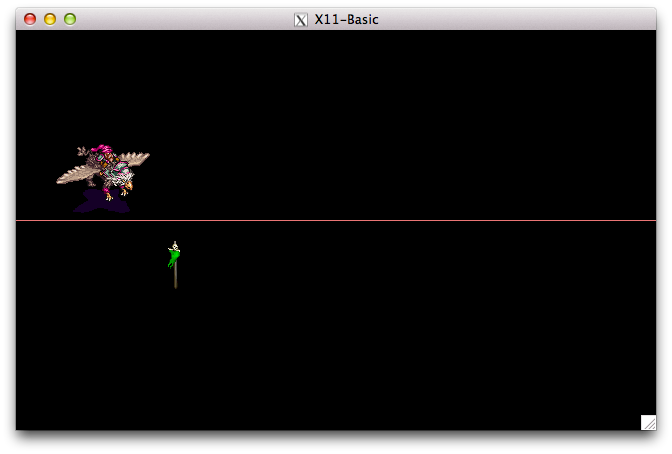
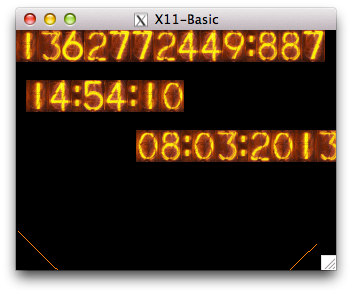
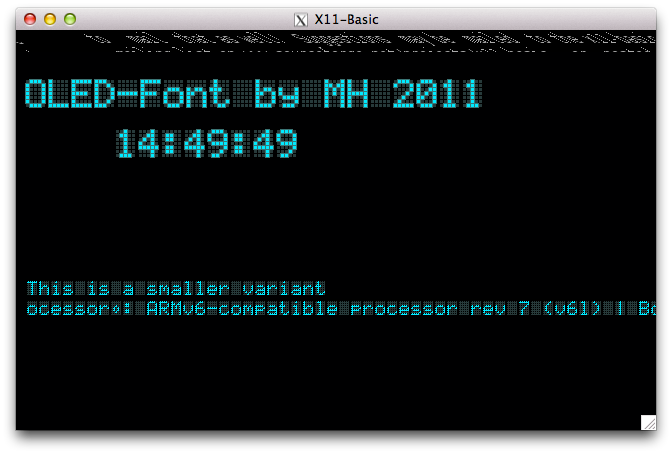
    Screen Shot 2013-03-08 at 16.34.51 Screen Shot 2013-03-08 at 14.59.37 Screen Shot 2013-03-08 at 14.57.21 Screen Shot 2013-03-08 at 14.54.08 Screen Shot 2013-03-08 at 14.49.48As you can see, there’s some screen corruption, but most demos just worked. Incidentally, the Mandelbrot one took almost 1¼ hours to run. Took me right back, that did (or it would have, if I hadn’t been outside bombing about in the slush on my bicycle while it churned away).

    In order to see just how fast the interpreter is, I ran the formerly fearsome Personal Computer World Benchmark #8 under X11-Basic. PCW#8 used to bring 8-bit home computers to their knees, typically taking more than a minute to run. Here’s the code, indented a bit and with a timing wrapper added:

    	LET start=TIMER
    	LET K=0
    L30:
    	LET K=K+1
    	LET A=K^2
    	LET B=LN(K)
    	LET C=SIN(K)
    	IF K<1000
    		GOTO L30
    	ENDIF
    	PRINT TIMER-start
    	QUIT
    

    (yeah, GFA-style BASIC isn’t too pretty …)

    It takes about ¼s to run. The old BBC B was supposed to take about 50s. By comparison, X11-Basic on a manky old dual-core Atom took 0.04s.

    The native compiler xbc seems to work. To make a standalone binary of the above code, you do:

    xbc -o PCWBenchmark PCWBenchmark.xbas

    The compiled binary runs roughly twice as fast as the interpreted code. Not blazing fast, but a useful increase.

    Unfortunately, the bytecode compiler xbbc doesn’t actually do anything on the Raspberry Pi yet. So here I leave it up to you to play with X11-Basic, and see what it can and can’t do.

  • Snow boulders bring the drama.

    Snow boulders bring the drama.

    Instagram filter used: Lo-fi

    Photo taken at: Kennedy Station – South Parking Lot

    View in Instagram ⇒