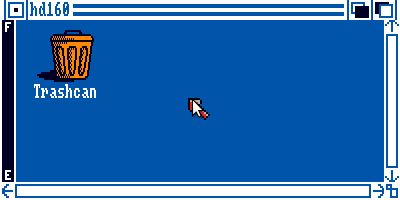
 Dammit, E-UAE is fiddly to set up. I finally got hard disk images working, by doing something like this:
- For an 160MB image, create the blank file:
dd if=/dev/zero of=blank160.hdf bs=1M count=160 - Add the file specification to your
.uaerc, something like:hardfile2=rw,DH2:$(FILE_PATH)/Amiga/blank160.hdf,32,1,2,512,-12,(Yeah, linux e-uae doesn’t allow you to add in HDF images. Annoying.)
- I found I had to put the amiga system executable
FastFileSystemin with my ROM path. Your path may vary – look at the UAE log output for something like ‘RDB: fakefilesys, trying to load ...‘, and see where you want it to go. - Pop into UAE, start a CLI or Shell, and issue this command:
format DRIVE DH2: NAME hd160 FFS QUICK
I’ve updated the drive images from yesterday, so you probably won’t need to format them.